Within the past couple of years, we have seen some surprising innovations in photo editing. While many digital artists are using AI to actually generate art, and we could write many articles about the “generative” tools, today isn’t about that. As photographers, today we are focusing on taking “real pictures” and editing them.
So far over the past year or so, we have seen impressive new features added to Zoner Studio. Using AI to do things like detect human faces in an image allows for incredibly time-saving functionality. For example, burning & dodging got way easier! It’s already saved us innumerable hours of tedious toolwork in portrait retouching…
Let’s dive a little deeper, though: why do we love these AI photo editing tools so much? Because they’re not taking much credit for the artist’s actual creativity, they’re simply reducing the busywork involved.
In the latest update to Zoner Studio in the fall of 2025, this is the theme: impressive AI enhancements to tools you already use for your photo editing. Now, the key difference is, you’ll save more and more time on the technical aspects, and have more time to just focus on creativity!
Specifically, in this article we are going to explore the improvements to culling, editing, and resizing (upscaling) your photos. Let’s dive right in…
Accelerate Your Photo Selection Process
Zoner Studio has already begun using AI in one of the most simple yet effective and useful ways possible: identifying what’s in the photo so you can zoom in on it and choose the best one out of a series of images.
This is thanks to their expanded “AI Close-Up” feature which, now, identifies not just human faces and bodies, but also animals, birds, vehicles, and airplanes.

In the Zoner Studio Catalog interface where you would normally start by culling your “keepers” from your “reject” photos, it’s even more incredibly easy to compare the important details in a set of photos, choose which one is your preference, and move on to the creative process.
As wedding, event, and portrait photographers, we have all spent countless hours culling innumerable photos, both professionally and in our personal lives. This tool alone, quite simply, is worth the price of admission for me personally.
For those who shoot action, wildlife, or even travel photography, you will all quickly notice the rapid time-saving benefit of such a tool. Instead of manually zooming into dozens of images to compare subtle focus differences or facial expressions, AI Close-ups does it for you, virtually eliminating this technical task and likely saving many hours every week or even every day!
By the way, this AI tool does operate locally; no internet connection is needed, as with some other AI tools.
For professional wedding and portrait photographers, this means faster turnaround times and fewer missed details when culling hundreds or thousands of images for paying clients. For wildlife photographers, it’s especially useful for comparing sharpness in challenging motion sequences such as birds in flight, or subtle differences in animal poses.
Streamline Your Editing Workflow
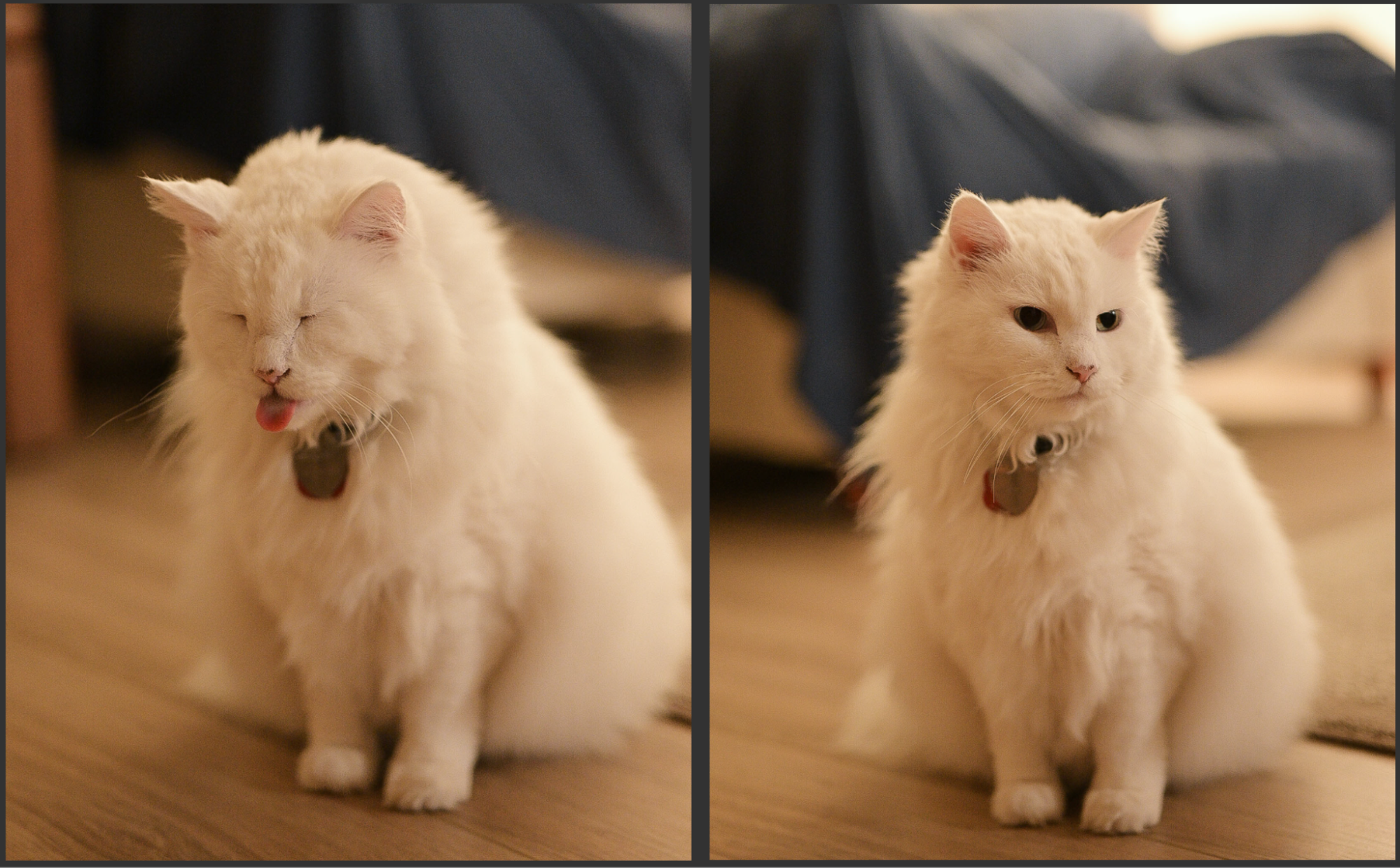
Once the culling is done, of course, you still have to color-correct and add any personal stylistic effects to your final images. Once again, in the fall 2025 update to Zoner Studio, editing feels smoother than ever thanks to multiple under-the-hood changes. The visual interface itself has been refined for speed and efficiency; tools load faster, sliders respond more immediately, and the export process runs faster. It’s subtle, but these small refinements add up, especially for users who spend hours a day editing.
You’ll also notice improvements in how adjustments are previewed in real time, especially when working with large raw files or complex masking. Whether you’re color-correcting portraits or blending bracketed exposures, the new Develop module feels snappier and more fluid overall.
Compare Edits with Before/After Split View
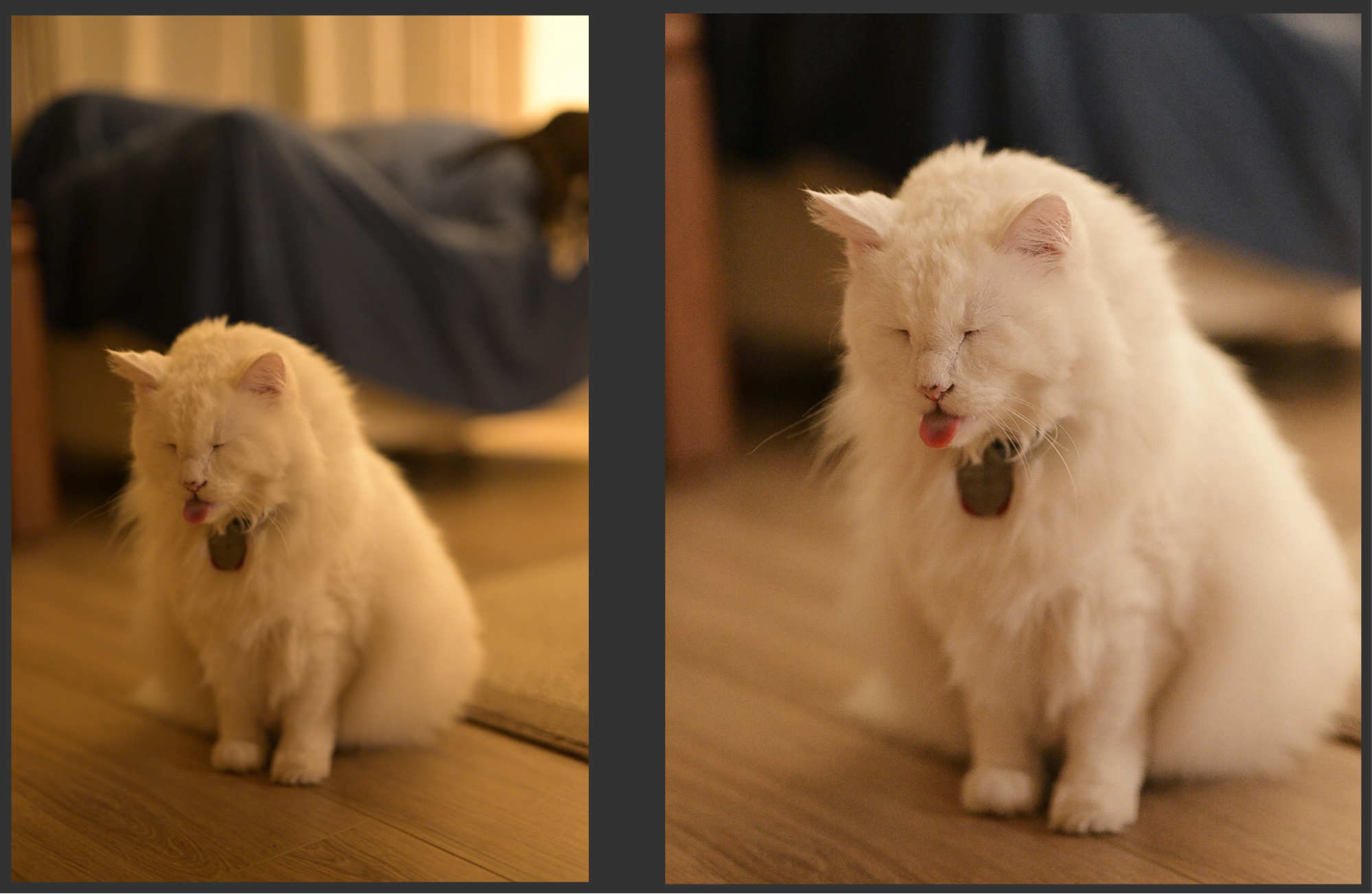
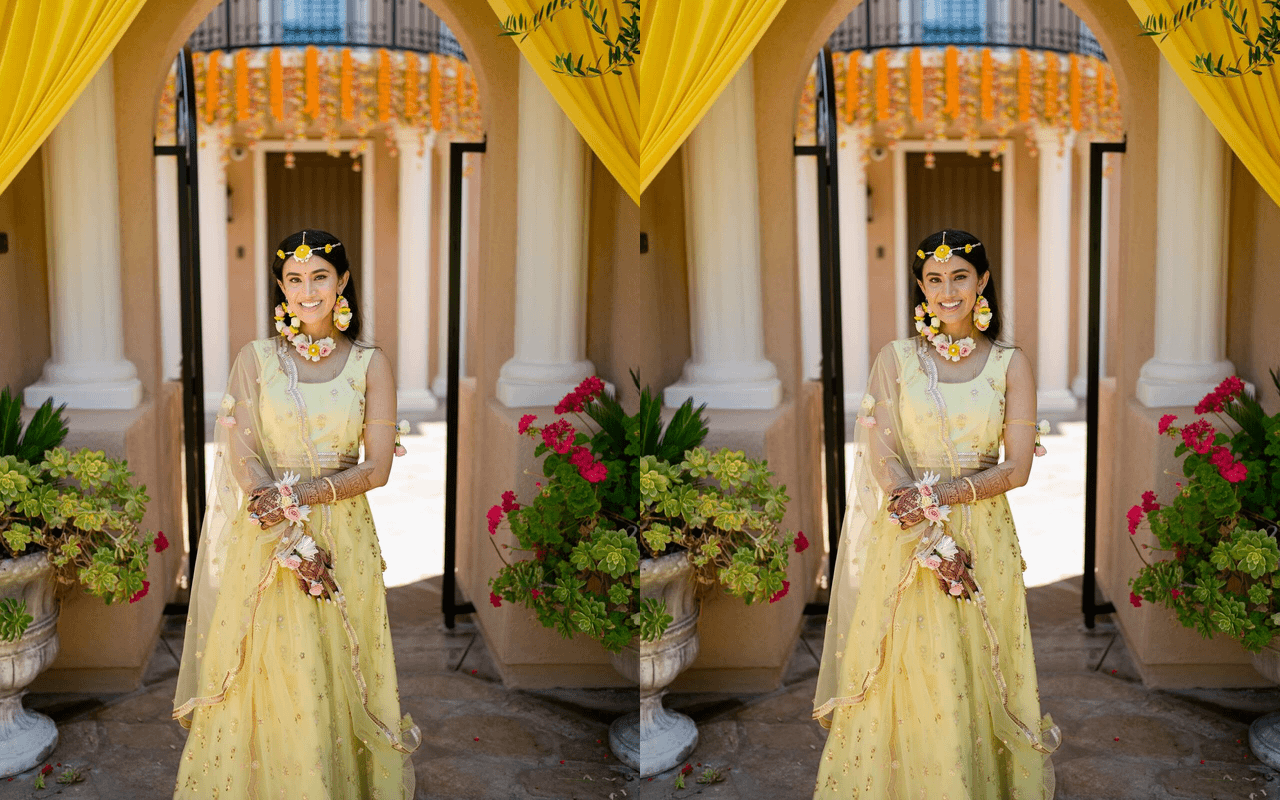
Similar to how useful it is to compare close-up details of subjects when culling, we’ve also appreciated having a way to quickly compare our final edits versus the original file. With this Fall 2025 Zoner Studio update, that’s now possible through the upgraded “Before/After Split View” feature.
You can use a slider to instantly compare your adjustments side-by-side with the original photo, adjusting how much of each version you see in real time. It’s a simple yet powerful interface that ensures your editing style stays consistently yours, even across a large series of images.
For those working on color-critical projects, this is especially useful for fine-tuning contrast, tone, and saturation, so that your very last edit has the same subtle hues and tones as your very first edit! It’s also great for quickly demonstrating your before/after editing process to clients or other content creators.
Zoner Studio Now Includes AI Photo Upscaling
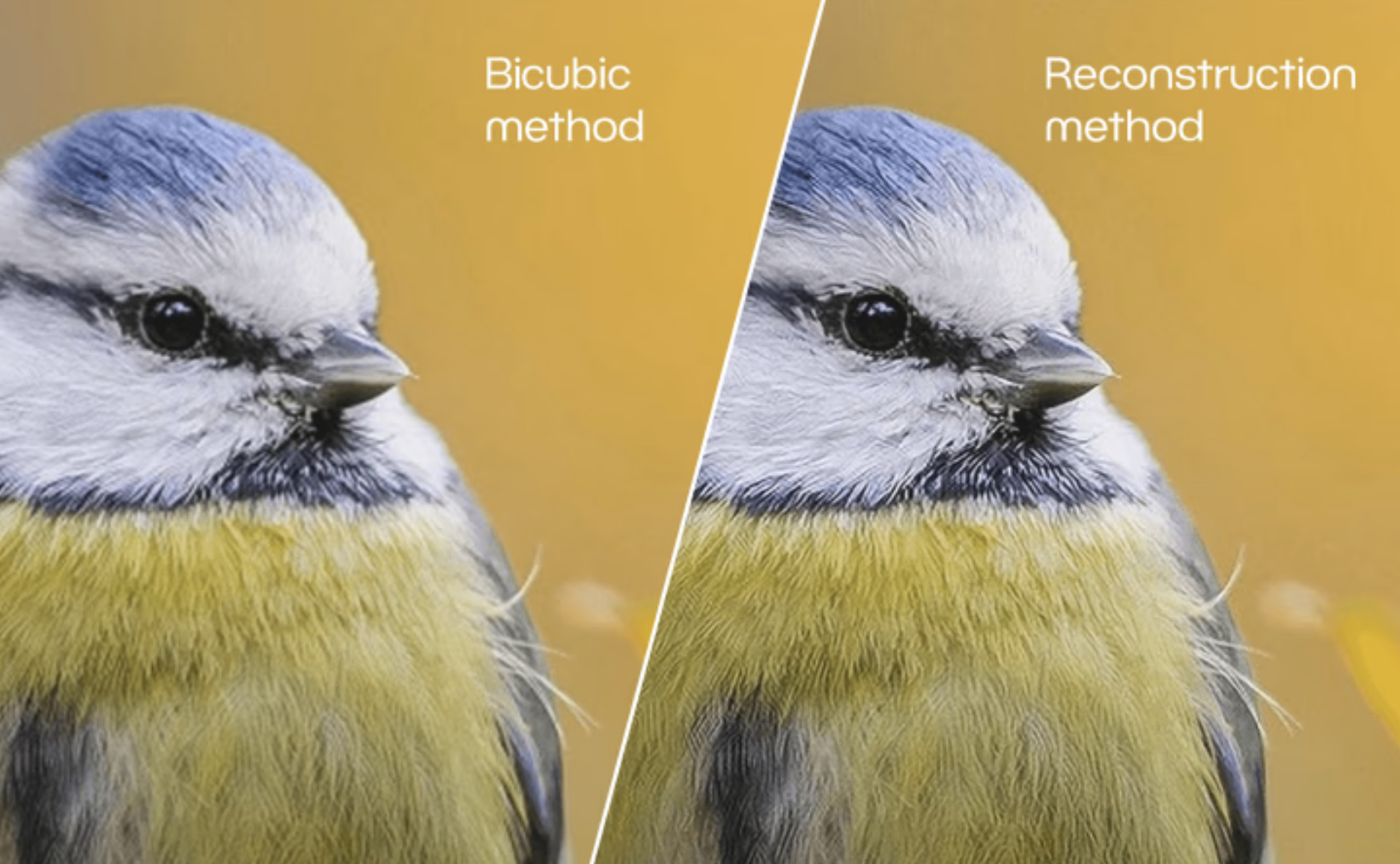
Some of us “traditional photographers” are still interested in making enormous physical prints with our imagery, while others of us are just using cropping and enlarging to make fresh social media content.
Reconstructive Interpolation is great for quickly enlarging images by about 2X the original resolution. This is perfect for “cleaning up” and sharpening existing detail in a low-resolution image. Most folks who plan to mainly keep their imagery on a digital display will find this tool to be all they ever need!
Generative AI Resize, on the other hand, is the best tool for when you need to drastically enlarge an image, because it uses AI to fill in missing details, allowing you to “go big” with your final results.
This new AI Resize tool intelligently preserves edges and fine detail, while reconstructing textures in a way that looks natural, not artificial. This is the AI-powered step forward that we’ve come to appreciate for tasks that we’d rather not have to invest too much energy into.
Whether you’re preparing a large-format print, creating a high-resolution marketing graphic, or just fixing an older image from a lower megapixel camera, AI Resize gives you new freedom to work with your favorite images, without compromising on your own personal creativity.
Simplify The Export Process
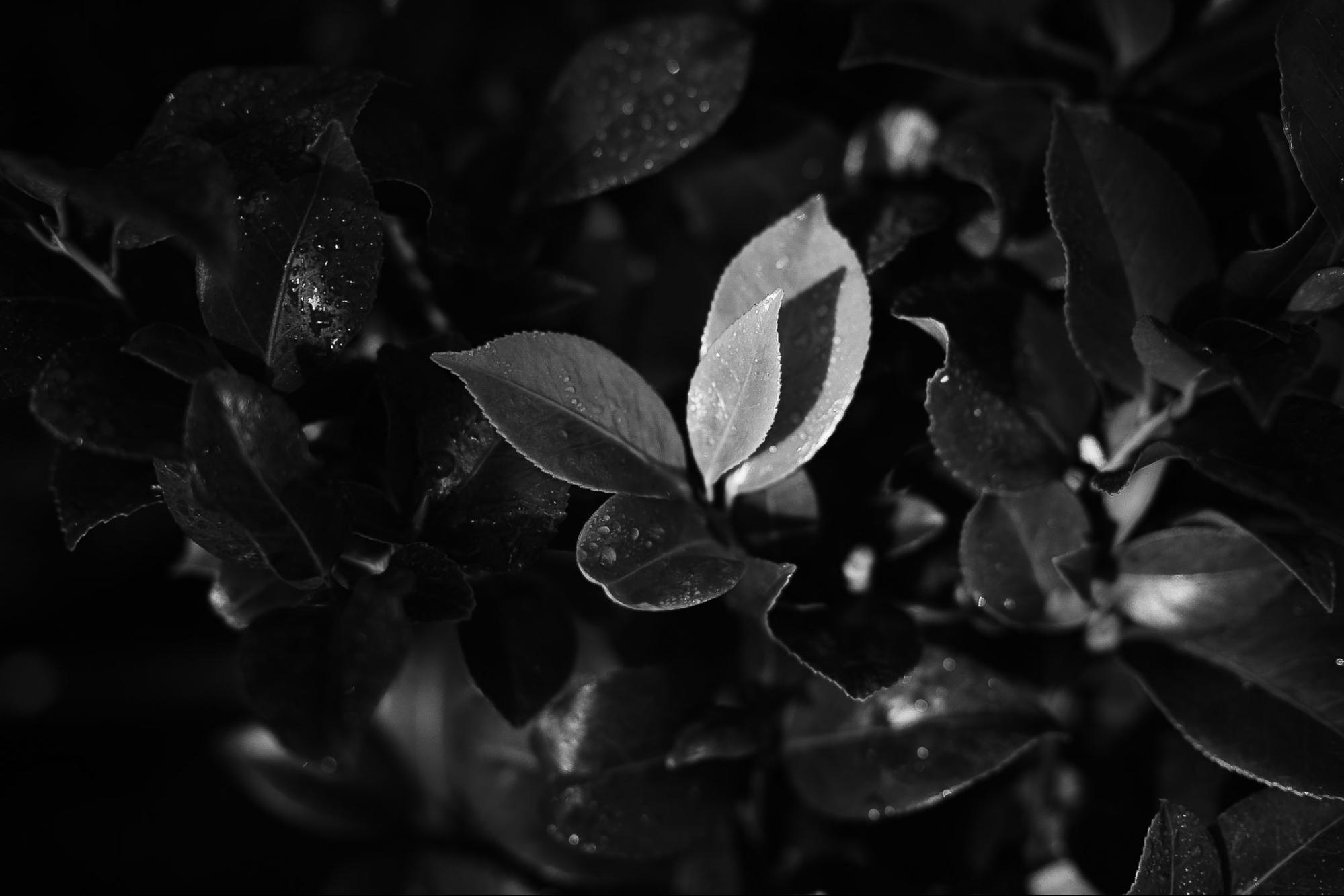
Exporting your finished images is faster and more intuitive now, too. The Zoner Studio fall 2025 update refines export presets, file handling, and metadata options so that creating social media imagery, print-ready deliverables, or just email/text etc type exports can be accomplished with just a few clicks.
You can now preview export parameters before committing, and Zoner Studio does a better job of remembering your last-used settings. This results in a smoother overall experience, saving valuable time especially when your workload grows and you’re frequently batch exporting entire galleries.
Also, for photographers who manage both photos and short-form video, this streamlined export workflow helps maintain consistency across all media, without juggling multiple apps.
Conclusion | Zoner Studio In 2025
In my opinion, the theme of this big update is, how quickly we are seeing so many mundane tasks get sped-up or eliminated by AI. As an artist, this is exactly what I want to use AI for: the technical details. Also, this is exactly what I always want from my editing workflow software in general: smoother, more streamlined overall processes.
With the power of features like subject recognition, photographers get to focus on being artists, without an AI actually “taking credit” for that creativity. Like I said, the AI is just a tool; treat it that way so you can embrace your human personality, whatever inspires you!
Having said that, we highly recommend checking out Zoner Studio, whether you are just beginning to get into photography or you are a professional who is looking for an affordable alternative…
The folks at Zoner are continually delivering real, tangible improvements, not just gimmicks. So, this software continues to earn our recommendation.
If you haven’t yet tried Zoner Studio, visit Zoner’s site and grab the free 7-day trial to see how these latest tools can simplify your editing workflow — and help you spend more time doing what you love: creating.