lightroom classic

best product photography backdrops

The Best Product Photography Backdrops and How to Use Them

Like window displays from the days of brick & mortar, the photos that companies use to sell their products have been purposefully designed to make a positive first impression. Afterall, within the realm of marketing, appearance definitely matters. In fact, a study from a few years back found that “93% of consumers consider visual appearance ... Read more
wide angle zoom lens optical magnification

Optical Zoom VS Digital Zoom – What’s The Difference?

These days, almost every camera with a built-in lens has some sort of a “zoom” label on it. However, not all types of zoom are created equal, especially if you include cell phone cameras. There are two major different technologies that are used: digital zoom, and optical zoom. What’s The Difference Between Digital And Optical ... Read more
fix blurry photos

8 Reasons Why Your Photos Are Blurry and How To Fix Them

In this video, Tony and Chelsea Northrup give 8 common reasons why your photos are blurry and also gives ways to fix each.

Linogy Rechargeable Battery System – A Smarter Way to Stay Powered | Review

For photographers and videographers juggling flash units, wireless triggers, audio gear, and other battery-hungry tools, managing AA and AAA batteries can be a quiet nuisance. Linogy’s all-in-one rechargeable battery system aims to solve that, not just with faster charging, but smarter management, safer operation, and an environmental angle worth noting. As we head into the ... Read more

How To Become A Wedding Videographer – A Step by Step Guide

Getting started as a wedding videographer can be very overwhelming, especially when you don't have a clue where to start. Thankfully we've got you covered with a quick start guide to help you figure out the steps you need to follow to get your videography career moving in the right direction.

5 Reasons to Try Impossible Things AI Culling Inside Lightroom Classic

If you’ve ever spent hours (or days) culling thousands of wedding, portrait, or event images, you know the pain. And while plenty of tools promise faster culling, most miss the mark, sacrificing emotion for efficiency or forcing you to switch apps and break your workflow. Impossible Things is aiming to change that with a culling ... Read more
car photoshoot ideas

Photography Challenge: Portraits in a Car

Scrolling through Instagram you’ll come across some creative and unique shoot concepts and locations, but if there is anything 2020 taught us… we’ve got to work with what we’ve got. Instead of heading out to a fancy location to film our YouTube video this week, we opted for something more convenient. This week, we’re going ... Read more

Imagen Video Brings AI-Powered Color Grading to Premiere Pro with New LUT-Driven Workflow

Imagen has launched Imagen Video, a new AI-powered color-grading tool designed for high-volume wedding and event videographers. It is now available in Beta and completely free to use. Videographers can start a new project immediately, with no credit card or subscription required. Via this platform, Imagen Video aims to remove one of the most time-consuming ... Read more

Filmora V15’s AI Extend: A New Tool for Smoothing Clips and Stretching Moments

What happens when a moment ends too soon on camera? For editors, that often means jumping through hoops—reshooting, looping footage, or faking slow motion—to create a smoother transition or preserve the emotional beat. Wondershare introduced AI Extend inside Filmora V15, using AI frame generation to extend clips by up to eight seconds without traditional interpolation ... Read more
winter photography tips ideas examples

7 Winter Photography Tips, Ideas, and Examples

If you think wintertime is an excuse to put your camera away and stay warm indoors, think again. Winter photography can be one of the most rewarding challenges you’ll face as a photographer, whether you’re interested in landscapes, cityscapes, seascapes, wildlife, or even portraits. In this article, we’ll cover a variety of tips, ideas, and ... Read more

10 Tips on How to Speed Up Lightroom

Pye

Is Lightroom running slow for you? Here are some tips to speed up your Lightroom workflow.

Best PC Workstation For Adobe Lightroom (2023)

Matthew Saville

What is the fastest computer for Adobe Lightroom? We'll explain what Lightroom needs in order to run as fast as possible, and which PC components you should pick to achieve the best possible speed for your photo editing workflow.

adobe lightroom vs lightroom classic

Lightroom Fundamentals: Adobe Lightroom vs Lightroom Classic

Pye

We’ve teamed up with Adobe to bring you a series of tutorials. In this video, we’ll be focusing on the ...

Workflow Tips for Lightroom Elena Jasic SLR Lounge

How to Organize, Import, & Backup Your Images Using Adobe Lightroom Classic

Elena Jasic

This is one of the most important videos I will ever make. In this video I will cover the foundation you need to be a successful photographer. It starts with organization & backing up

De Glossing Digital Images SLR Lounge

De-Glossing Digital – Creating ‘Analog’ Looks With Modern Cameras

Oli Sanson

In the last few years, we’ve enjoyed the fruits of key roadmap points for several camera manufacturers. For anyone using ...

Adobe CC June Updates Give Powerful Improvements to LR PS SLR Lounge 2000x1125

Photoshop & Lightroom Launch Its Largest Set of Features Since Adobe MAX In The June Update To Creative Cloud

David Crewe

There’s no doubt about it, if you’re a creative, you use or have used a product from the Adobe library. ...
Lightroom Ecosystem Updates 2020 SLR Lounge 2000x1333

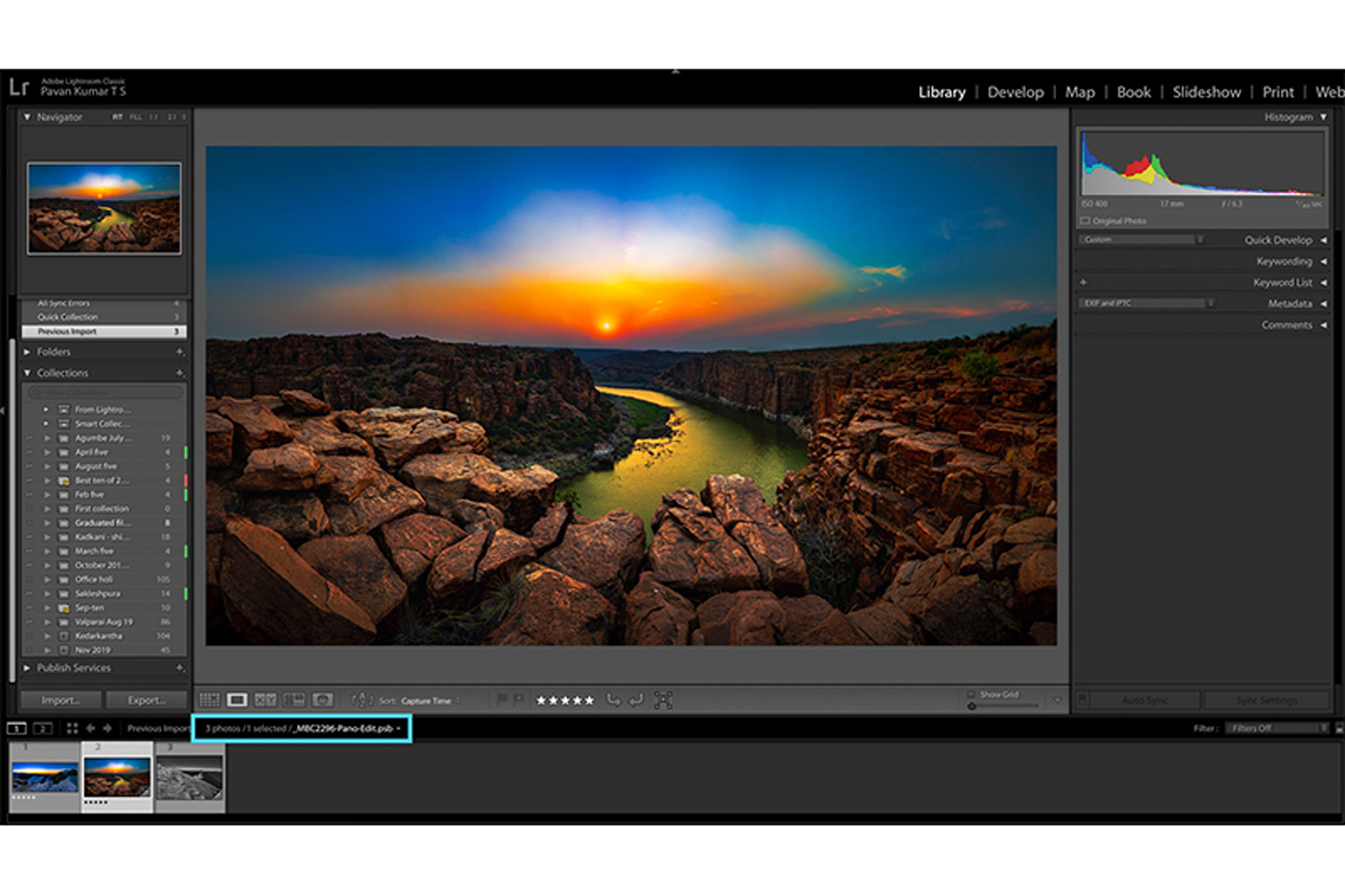
Adobe Releases New Enhancements to the Lightroom Ecosystem Including Lightroom Classic, Lightroom, and Lightroom Mobile

David Crewe

Download the latest developments and improvements to Adobe Camera Raw, Lightroom Classic, and Lightroom for Mac, Windows, iOS, iPadOS, Android, and ChromeOS today.

What Is Adobe Lightroom And Who Is It For?

Pye

With a name like "Adobe Photoshop Lightroom Creative Cloud Classic", I feel we must explain exactly what it is that we're using to process our photos.


