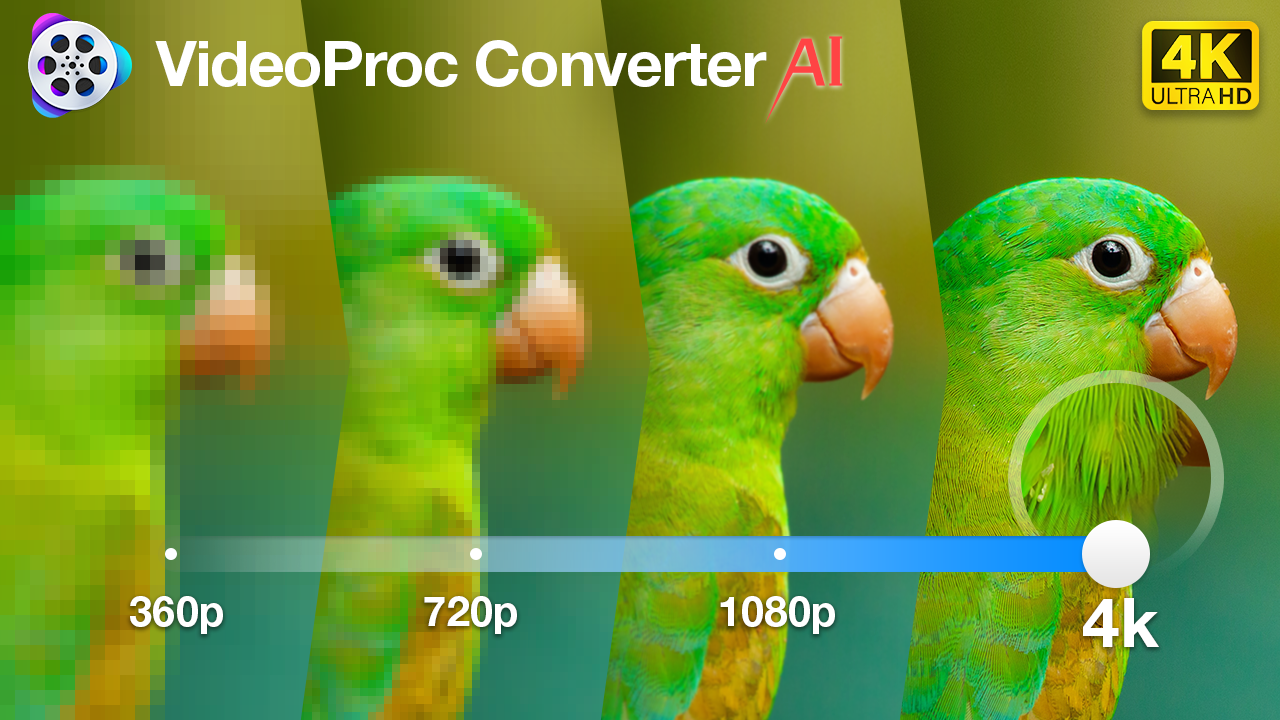
Digiarty Software has officially kicked off its Black Friday Deal for VideoProc Converter AI, celebrating the software’s latest AI upgrades with a limited-time Buy 1 Get 4 Free offer (No subscriptions. No recurring fees. Just a one-time payment at $34.95). Running for a limited time, this promotion gives users lifetime access to VideoProc Converter AI, plus four bonus tools, making it one of the best all-in-one restoration and conversion deals available. With AI-driven enhancements like 4K upscaling, frame interpolation, color restoration, and face enhancement, VideoProc Converter AI continues to push the boundaries of what’s possible with legacy video and image files, no tech expertise required.
Whether you’re a content creator digging through old hard drives or you’re just looking to digitize family memories, chances are you’ve run across your share of blurry clips and grainy footage. While it’s great to have those moments captured in some capacity, the videos really don’t hold up today. They’re low-res, noisy, and often stuck in outdated formats. Fortunately, advancements in beginner-friendly desktop apps like VideoProc Converter AI have made it possible to quickly and easily upscale, stabilize, colorize, and breathe new life into old footage. The best part is that you don’t need to be a professional video editor or techie to make it work.
Featured AI-Powered Video Converter and Enhancer: VideoProc Converter AI
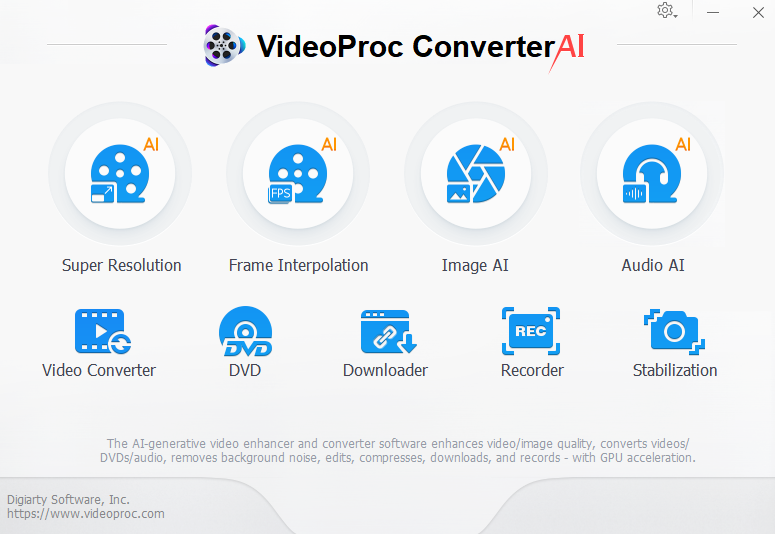
A One-Click AI Toolkit for Legacy Footage
What makes VideoProc Converter AI stand out is its focus on AI video / image enhancement, not just DVD video conversion. While most apps specialize in format changes or basic edits, VideoProc goes several steps further with a full suite of AI-powered tools.
Here’s a quick look at some of the software’s key features (newly added):
- Updated Models for AI Super Resolution: Gen Detail V3 and Real Smooth V3, upscale low-res, old, or grainy videos/DVDs by 400% to HD/4K.
- AI Frame Interpolation: Smooth out low frame rate footage for more cinematic playback.
- AI Stabilization: Fix shaky clips from handheld cameras or old family camcorders.
- Image AI: Restore and enhance blurry low quality images to 4K/8K/10K. Bring faded footage back to life with color and clarity.
- Audio AI: Remove wanted vocals, instrumentals, or background noise from audio or video files.
- Video Converter: Convert and compress any video to MP4. Support 370+ input codecs, 420+ output formats.
- More codec options (AV1, HEVC, H264) to the Compress feature in Toolbox, allowing for more flexible compression ratios.
- Downloader: Support batch downloading. Free download HD/4K videos, movies, TV shows, music, online courses, subtitles, streams, playlists, and channels from YouTube and other 1000+ sites

If we break down these features, we can see that instead of simply converting old footage, you can actually use VideoProc Converter AI to enhance it to 4K, repair shakiness from handheld camcorders, fill in missing frames, boost resolution for modern screens, and even bring faded or black-and-white clips back to life with accurate colorization.
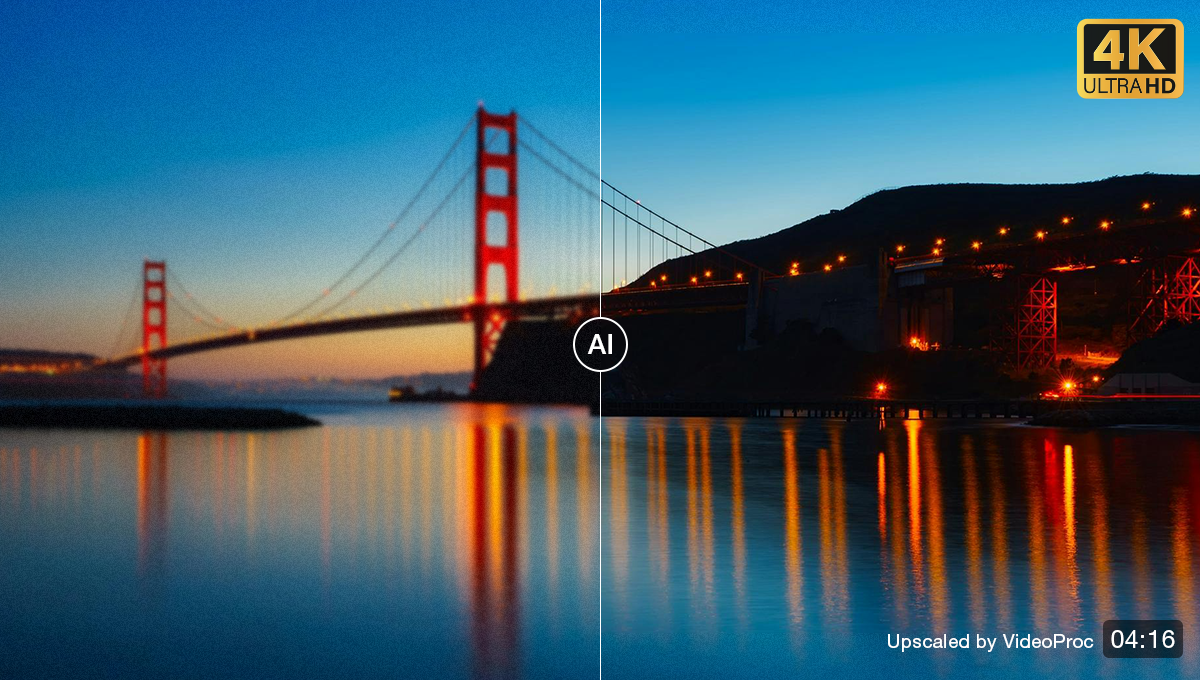
And it’s not just for video. You can enhance old images, colorize scanned photos, upscale old family portraits, digitize DVDs, or batch convert videos from your DSLR or action cam. For creators dealing with archives, or even just organizing personal memories, this is a genuinely useful set of tools to have on hand.
While these features would normally be locked behind complex software or plugins, VideoProc bundles them into a single, beginner-friendly platform with GPU acceleration, real-time previewing, and a drag-and-drop interface.
Who It’s For
If you’re looking to breathe new life into your archive, this is an easy recommendation.
- Photographers and filmmakers who want to restore old home videos or digitized tapes.
- Content creators working with archival footage or converting legacy formats.
- Family historians who want to preserve memories with modern quality.
- Anyone tired of navigating bloated pro apps just to fix a 30-second clip.
And if you’re someone who avoids AI tools because they’re “too complex” or require cloud uploading, this runs locally, fast, and is built with simplicity in mind.
Black Friday Special Deal: Lifetime License + 4 Bonus Gifts
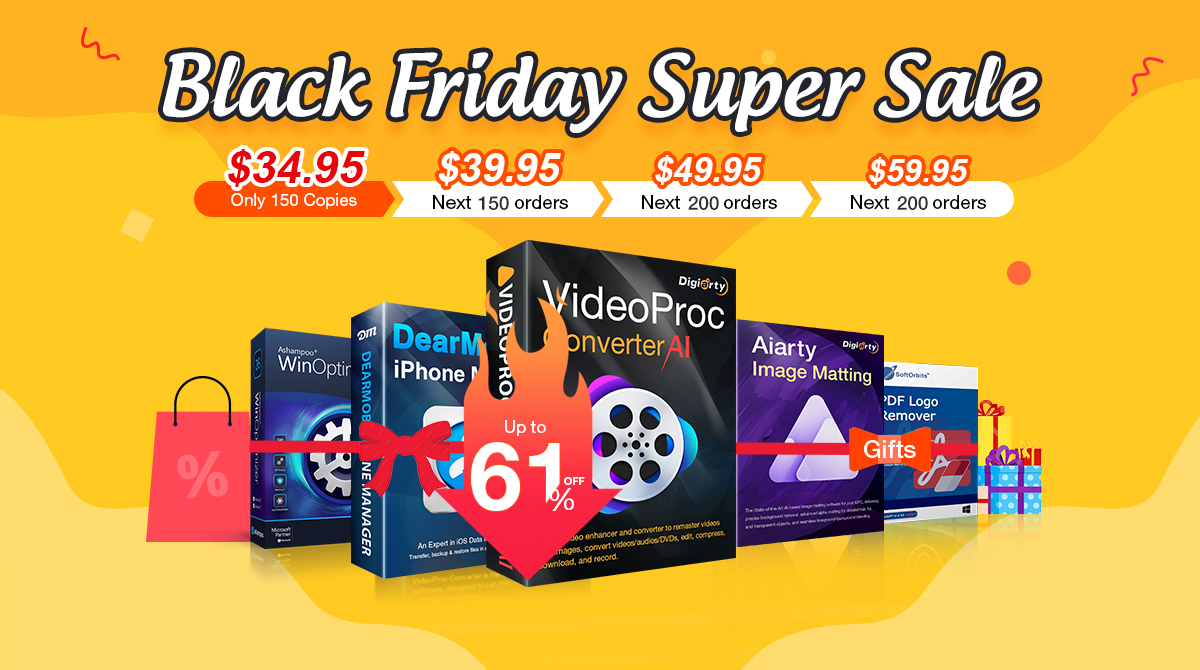
To celebrate the Black Friday holiday, VideoProc is offering a Buy 1, Get 4 Free deal on their Lifetime License. For the first 150 copies, only $34.95, you can get the lifetime license and enjoy a lifetime free upgrade. The bonus tools differ slightly for Mac and Windows users, but both include incredibly useful utilities.
You can check out the current Black Friday “Buy 1 Get 4” offer here.
Final Thoughts
For a sub-$40 one-time payment, VideoProc Converter AI feels like one of those tools that earns its keep after a single use, especially if you’ve ever had to rescue a corrupted .mov file or upscale a 480p wedding video for a client. It’s fast, it’s local, and it works.
Grab your copy here and start restoring.