Zoner Studio has released its 2026 Summer Update (Build 696), adding a suite of photo stacking tools, a redesigned search system, and faster organization workflows to its Windows-based photo editing platform. The update is available now as part of the Zoner Studio subscription, priced at $5.99 per month or $59 per year, with a 7-day free trial.
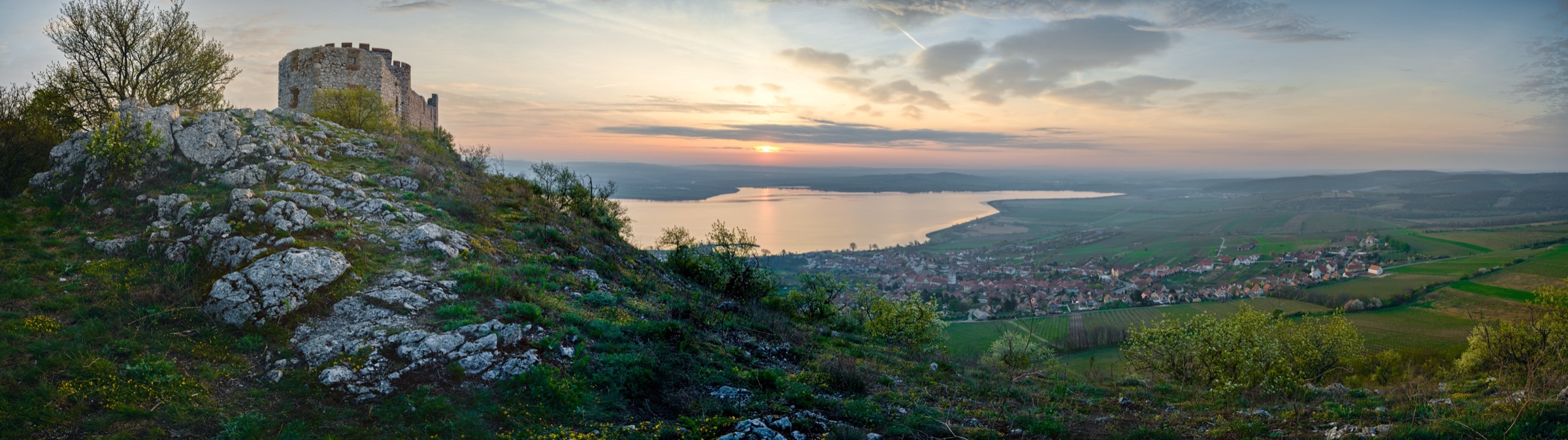
Photo Stacking Tools Come Natively to Zoner Studio
The headline addition is a fully redesigned set of Photo Stacking Tools that now live directly inside Zoner Studio rather than requiring a round-trip to specialized software or plugins. The suite covers Focus Stacking, Exposure Bracketing, Panorama, Long Exposure, Animation, and Remove Moving Objects.
For most photographers, Focus Stacking will be the standout. The tool combines multiple frames shot at different focus points into a single image with sharpness across the entire scene, something macro and product photographers have long had to handle in Helicon Focus, Photoshop, or dedicated stacking applications. That workflow now stays inside Zoner Studio.
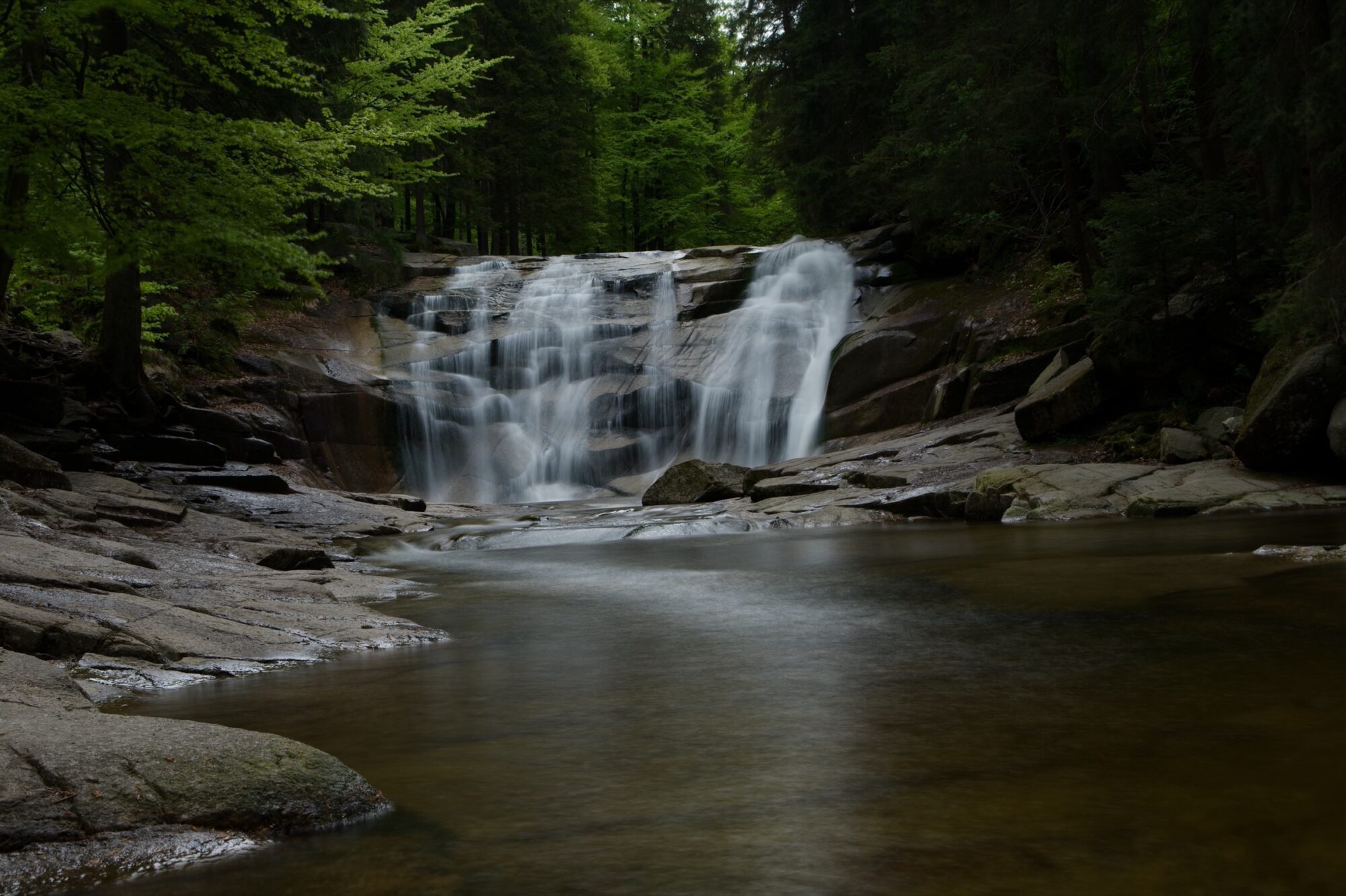
Panorama and Exposure Bracketing are not new to the software, but Zoner Studio says both received major processing upgrades, including more advanced stitching algorithms and what the company describes as “more natural-looking results.” Long Exposure stacking lets photographers simulate long exposures by blending multiple shorter frames, which means silky water and light trails without committing to a physically long shutter speed or carrying ND filters.
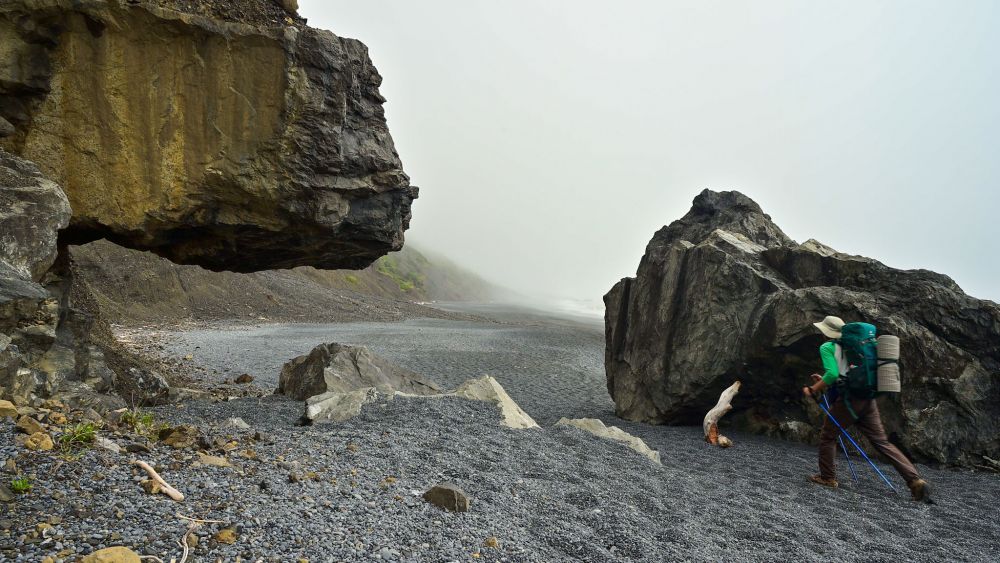
Remove Moving Objects is the other tool worth highlighting for location photographers. By stacking several frames of the same scene, the tool can identify and eliminate elements that appear in only some frames, such as pedestrians, cars, or other transient subjects. The result is a clean shot of an otherwise busy location.

Autostack and Detect Stack Reduce Manual Setup
What ties the stacking suite together is a pair of new automated workflows: Autostack and Detect Stack. After import, Zoner Studio can now automatically recognize related image series and group them, which means less manual sorting before you get to the actual stacking work.
One practical note from Zoner Studio on getting the best stacking results: lock white balance and exposure while shooting, keep the series as consistent as possible, and capture larger sequences when the subject allows. Stacked outputs are generated as TIFF files rather than JPEGs, which keeps editing flexibility intact for post-processing.
Redesigned Search for Large RAW Libraries
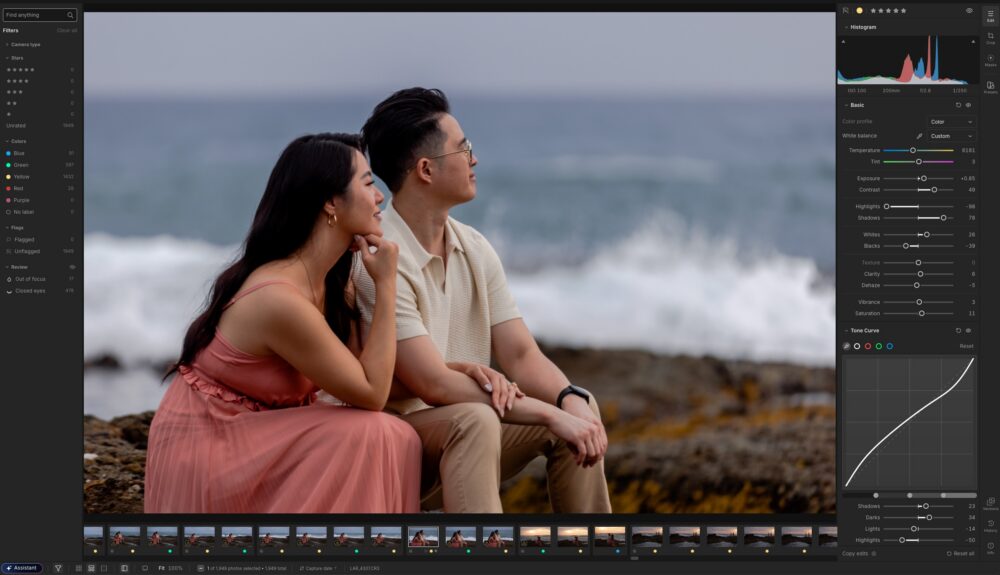
The second major piece of the update is a completely rebuilt search panel. The new system works across all metadata, offers better filtering, and is designed for photographers managing large RAW libraries where finding a specific file by location, date, camera, or keyword has historically been slow and imprecise.
Combined with the Autostack grouping, the practical benefit is faster culling and less time navigating folder structures. For photographers who shoot series consistently, bracket for HDR, or regularly build panoramas, the combination of smarter grouping and metadata search should noticeably reduce administrative overhead.
Clever Retouching and Other Improvements
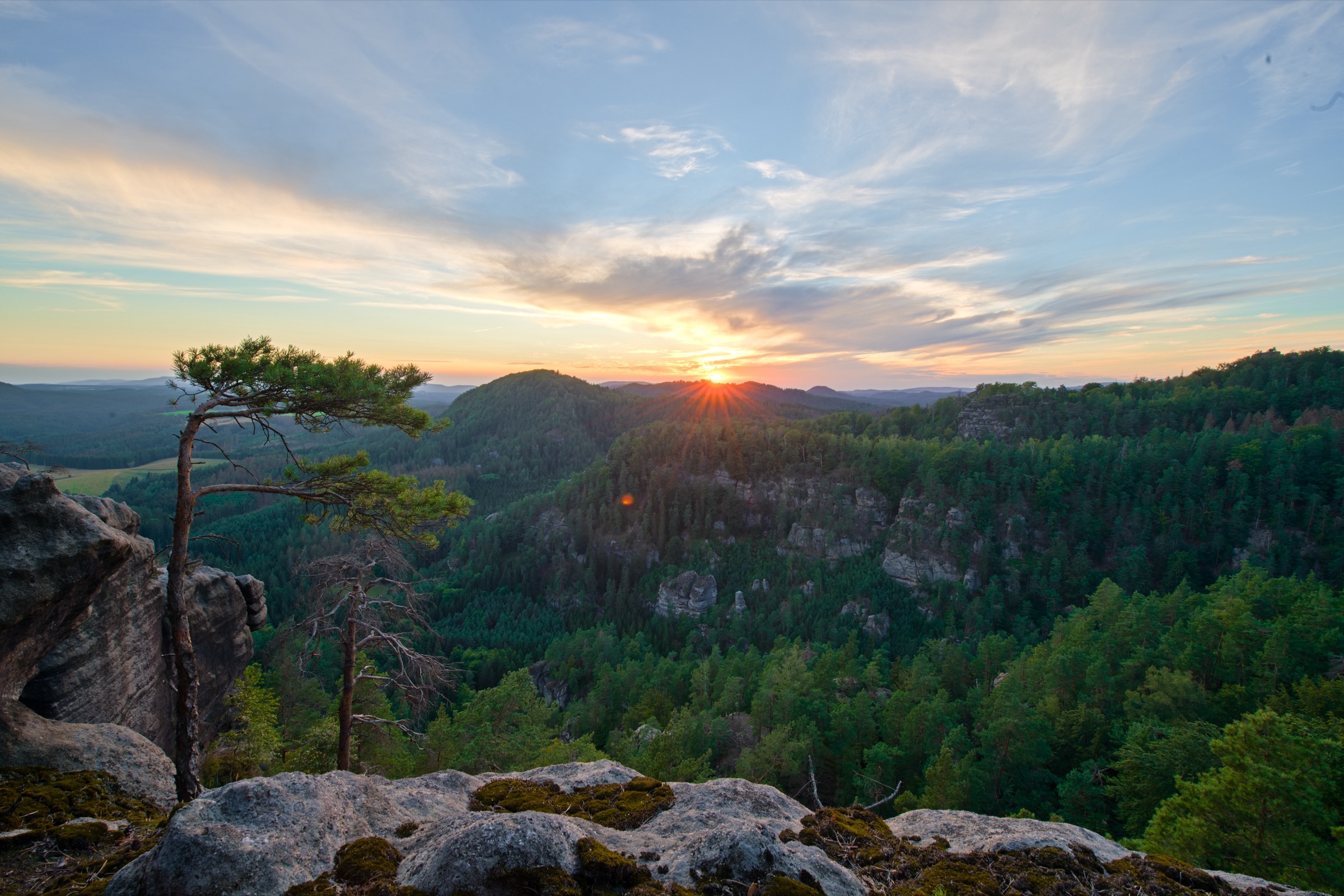
The update also introduces Clever Retouching, a paint-based cleanup tool that simplifies common removal tasks. Instead of manually defining source areas as with traditional clone stamp workflows, photographers paint over unwanted elements and the tool handles the rest. Zoner Studio positions this for skin cleanup, sensor spot removal, and product photography tidying rather than complex scene reconstruction.
Elsewhere, an AI Assistant is now accessible directly inside Zoner Studio, the Music Library for video projects has been expanded, and color processing has been updated for improved consistency across editing workflows.

How It Compares
Zoner Studio’s all-in-one stacking approach is a meaningful differentiator in its price tier. Among the major alternatives, Lightroom has no native focus stacking or panorama tools without a Photoshop subscription. Capture One added HDR and panorama merging in recent versions but still lacks native focus stacking. DxO PhotoLab offers none of the four capabilities natively. Luminar Neo covers all of them, but several require paid extensions on top of the base subscription.
The closest comparison is ON1 Photo RAW, which includes focus stacking, HDR, panorama, and object removal natively and at a similar price point. Both are now competing for the same photographer: someone who wants stacking workflows without managing multiple subscriptions or plugins.
One significant caveat is platform. Zoner Studio runs on Windows 10 and Windows 11 only. Mac users would need to run it through Parallels or Boot Camp, which adds friction the software itself is designed to eliminate. That limitation narrows the relevant audience considerably.
Zoner Studio also holds an EISA Best Photo Software 2025-2026 award, judged by 56 imaging experts across 30 countries, which gives the platform credibility beyond its price point.

Pricing and Availability
- Price: $5.99/month or $59/year
- Family plan: $9.98/month or $98/year (covers multiple household users)
- Free trial: 7 days
- Platform: Windows 10 and Windows 11 only
- Available now: zoner.to/slrzs
For Windows-based photographers who do any amount of focus stacking, bracketing, or panorama work, this update makes a compelling case. At $59 a year, getting those tools natively without plugin purchases or additional subscriptions is hard to argue with. Mac photographers, unfortunately, will need to look elsewhere.