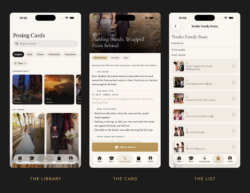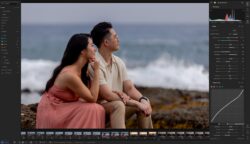
Here is a thing almost nobody admits out loud. You can study posing for years, save hundreds of reference images, sit through every workshop we have ever made, and still go completely blank when two real people are standing in front of you, the light is dying, and a coordinator is asking how much longer you need. That is not a knowledge problem. It is a retrieval problem. And it is the reason we built Cue & Capture.
The problem with pose libraries
The instinct, when posing feels hard, is to collect more poses. More Pinterest boards. More saved folders. A bigger library.
It does not work, and the reason is simple. A library gives you a picture of a finished result. It does not tell you how to get two nervous people from where they are standing now to that result, and it certainly does not tell you what to say while you do it.
Pye’s answer to this has always been the opposite of a library. He does not teach you two hundred poses. He teaches five structural positions and one method for moving between them.
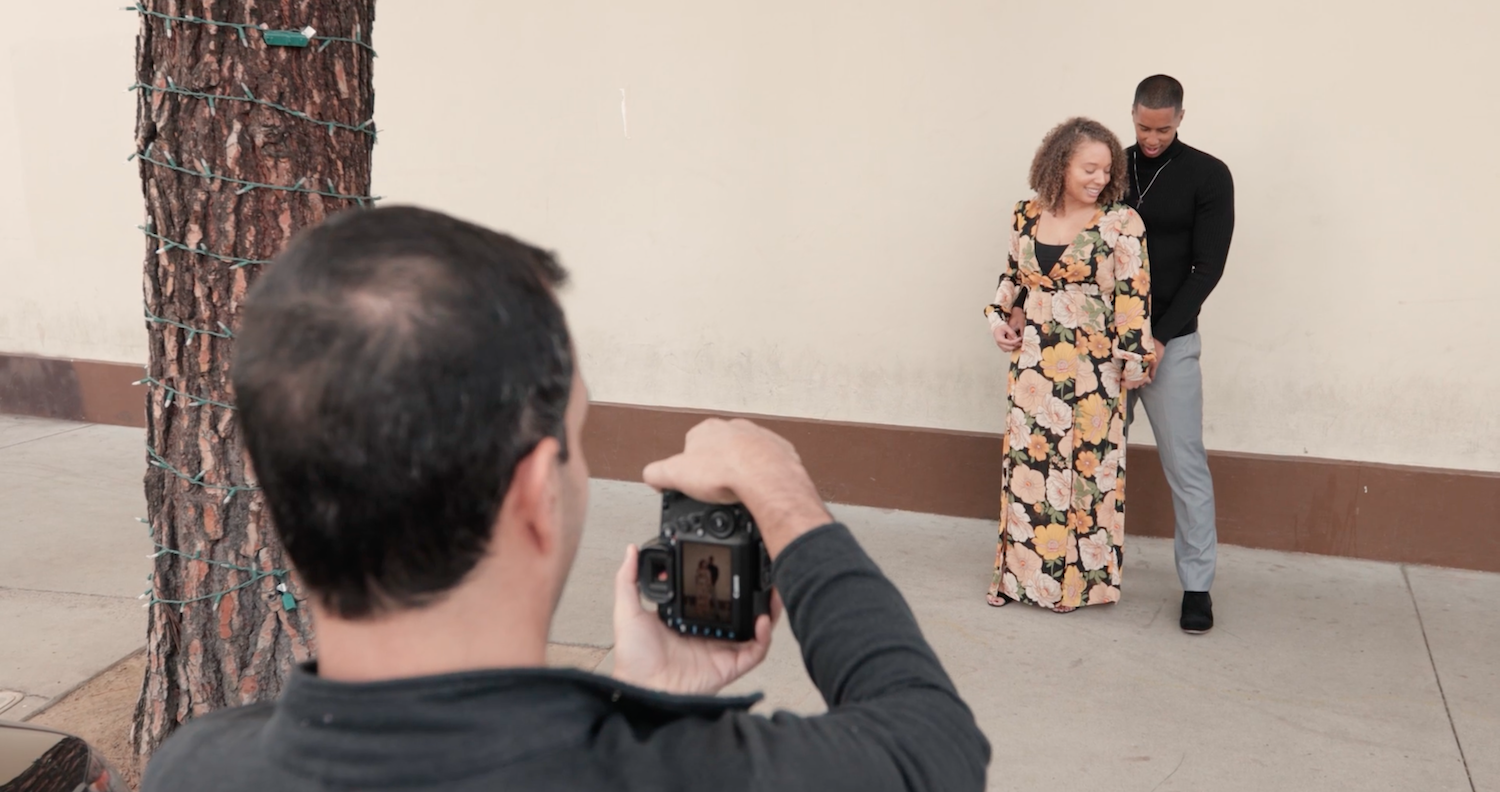
That screen is the centre of the whole thing. You bring the couple close and say: “Touch your shoulders together, right here. Think of this spot as a hinge on a door.” Then you give one command. Open. Close. Stack. Reverse. From any foundation, a single word moves them to the next one.
The line that stuck with me is in Pye’s tip at the bottom of that lesson: the command replaces the explanation. You never have to walk over, grab someone’s arm, and describe a complicated pose while they stand there feeling awkward. You say one word and they move.
Once you have seen it work, the appeal of a bigger library goes away.
Learn: the whole system, in order
The first thing in the app is the workshop itself, written out chapter by chapter, in the order Pye actually teaches it.
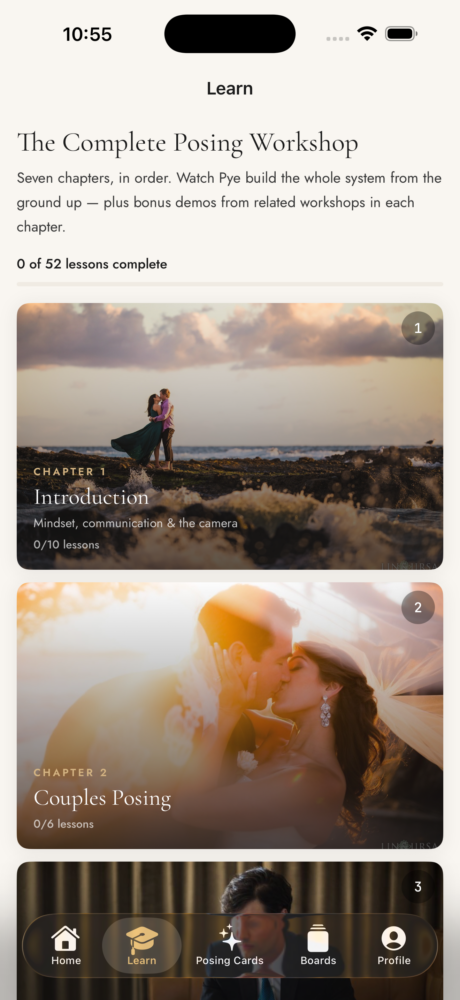
Each chapter is text first, with Pye’s demos embedded where watching him do it beats reading about it. We built it that way deliberately. Video is wonderful for showing you what something looks like and terrible for finding one specific idea again six months later when you need it. The writing is there so you can scan it, search it, and come back to the one paragraph you half remember.
You can work through it in order, and the app keeps your place so you can pick up where you left off.
Posing Cards: what to do and what to say
This is the part I use most.
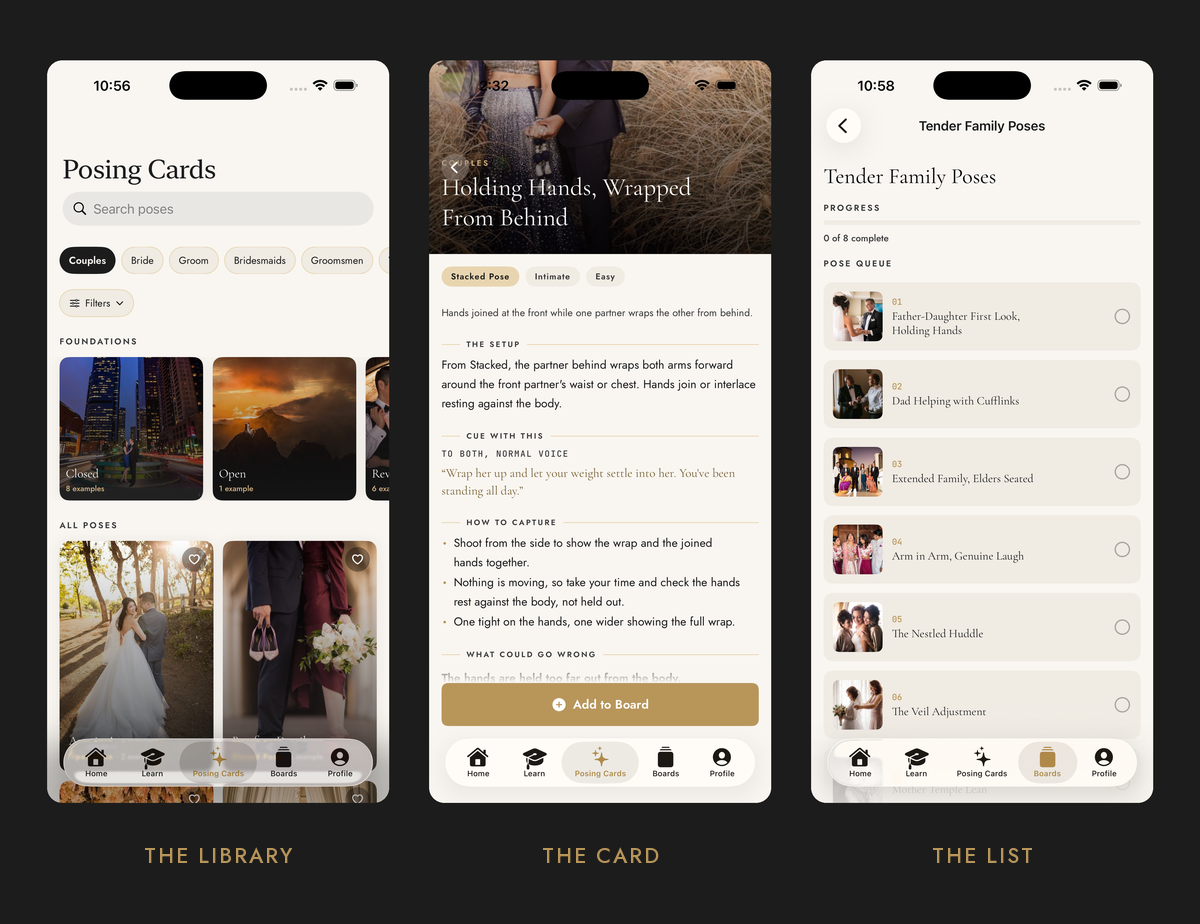
Every pose in the system has a card. Not a photo with a caption, a card.
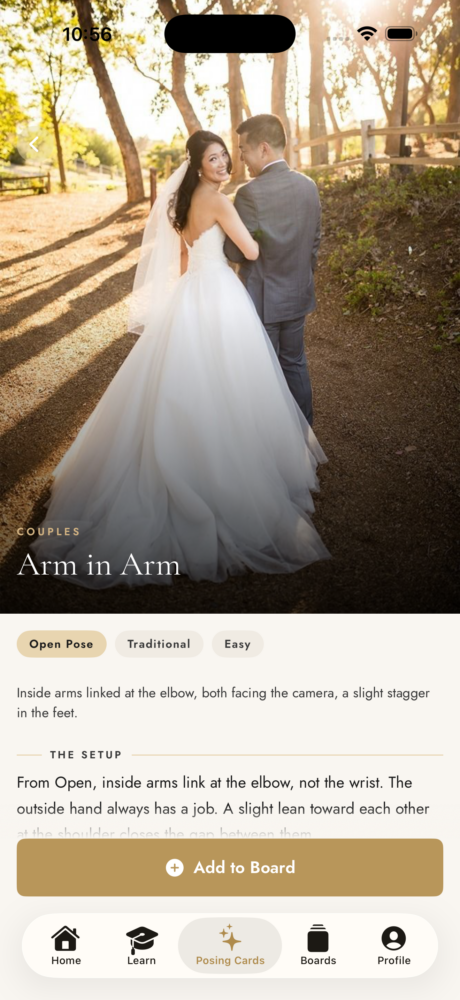
Each one gives you the setup, written as physical instructions. Then the cue: the exact words to say out loud, along with who you are speaking to and in what tone. Then how to capture it, which is the part almost nobody teaches. Camera height, how many frames to take, what to shoot tight and what to shoot wide.
And then what could go wrong, because most poses fail in one or two predictable ways and it helps enormously to know what they are before you are standing there.
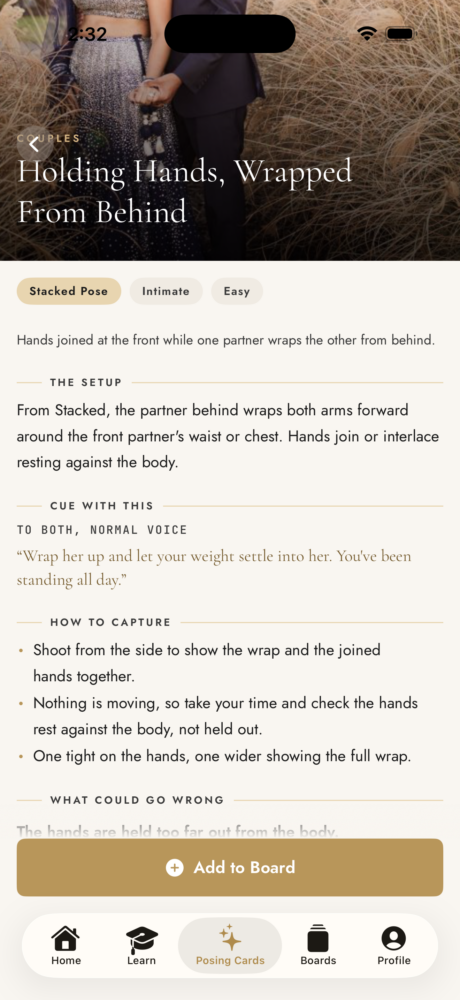
Every card carries real photographs of that exact pose from our own shoots. Not illustrations, not diagrams, not stock. Real frames from real client work, so you can see what you are aiming at rather than imagining it.
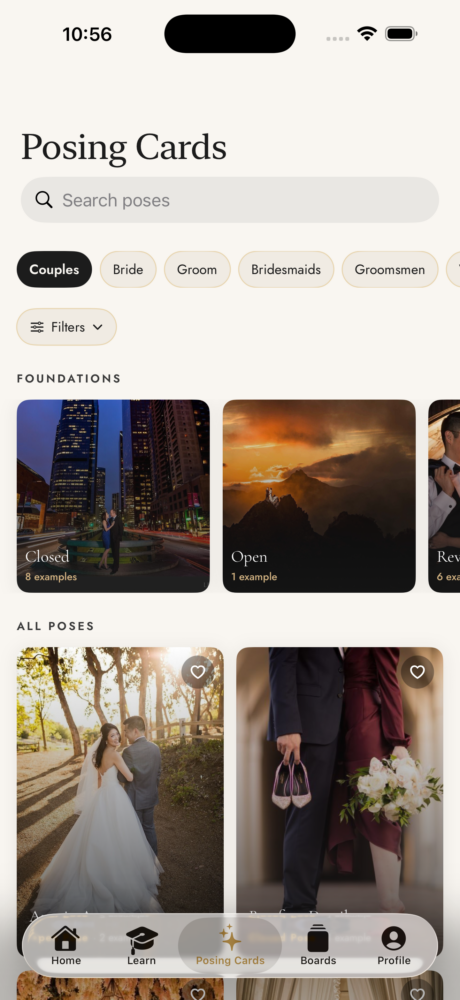
You can filter by subject, couples, bride, groom, bridesmaids, groomsmen, wedding party and family, and by which foundation a pose belongs to. Because the cards are organised by the system rather than by vibe, the filtering actually means something.
Boards: your shot list for the day
Before a wedding, I pull the poses I want into a board. Family groupings. The two or three things the couple specifically asked for. The one idea I want to try if the light cooperates.
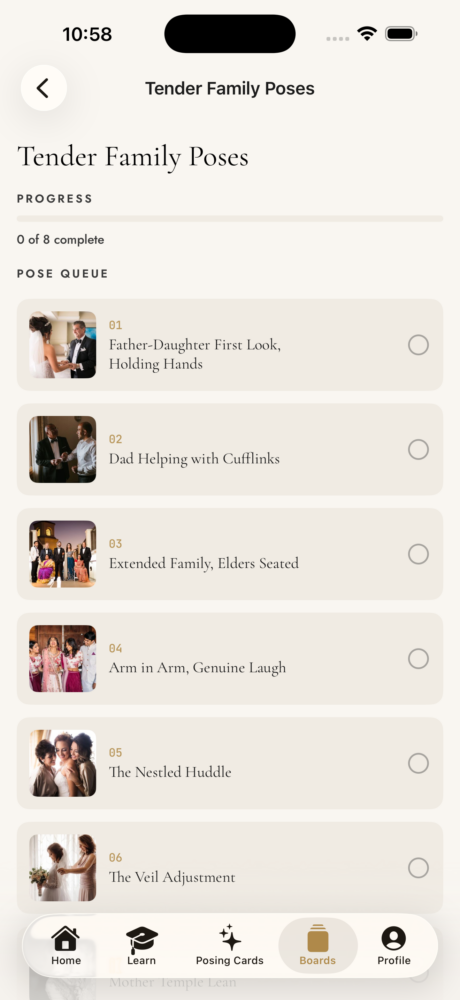
On the day, that board becomes a checklist. You work down it and tick things off.
This sounds like a small feature. It is the one that changed my wedding days the most. The thing that quietly costs you time on a wedding is not posing, it is standing there deciding what to do next while everyone watches you decide. When the list is already made, you are executing rather than choosing, and you shoot faster and calmer because of it.
Light Tracker: stop guessing at golden hour
The last piece is the one people are surprised by.

Put in the venue and the date and you get the day’s actual shooting windows. Morning blue hour, morning golden hour, evening golden hour, evening blue hour, each with real start and end times and a note on what that light is good for.
We use it for planning the portrait window against the timeline, rather than promising a couple something at 6pm and finding out on the day that the sun went behind a building at 5:40.
What it is not
A few honest notes, because we would rather you know now.
It is iPhone only, iOS 17 or later. Android is planned but it is not here yet, and we would rather ship one good app than two rushed ones.
It is not a CRM. It does not do contracts, invoices or client galleries. There are good tools for that and this is not trying to be one.
And it is not an inspiration feed. If what you want is an endless scroll of beautiful images, Pinterest is free and better at that than we will ever be. This is the system, broken down pose by pose, with the words to say.
Try it
Cue & Capture is $99.99 a year, and it comes with a seven day free trial so you can put it through a real shoot before you decide anything.
That is genuinely the test I would apply. Download it, build one board for your next session, and see whether you work differently with it in your hand. If you do not, cancel inside the week and you have lost nothing.
Download Cue & Capture on the App Store
More at cueandcapture.com.