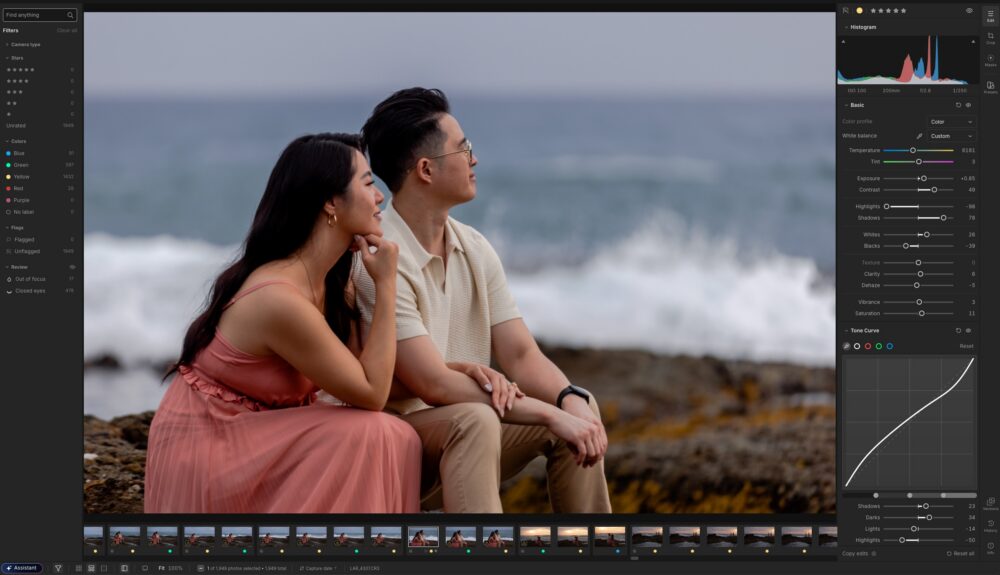
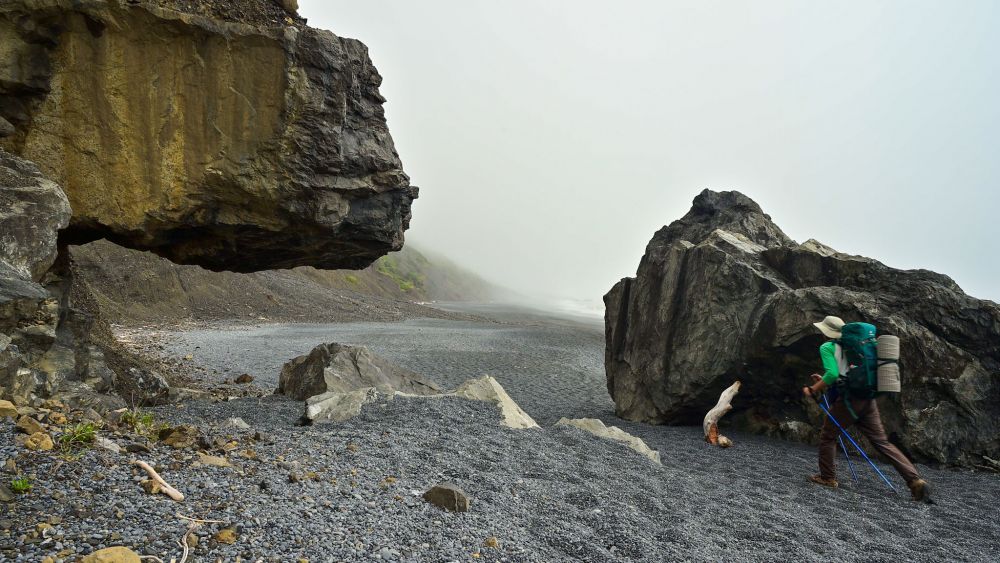
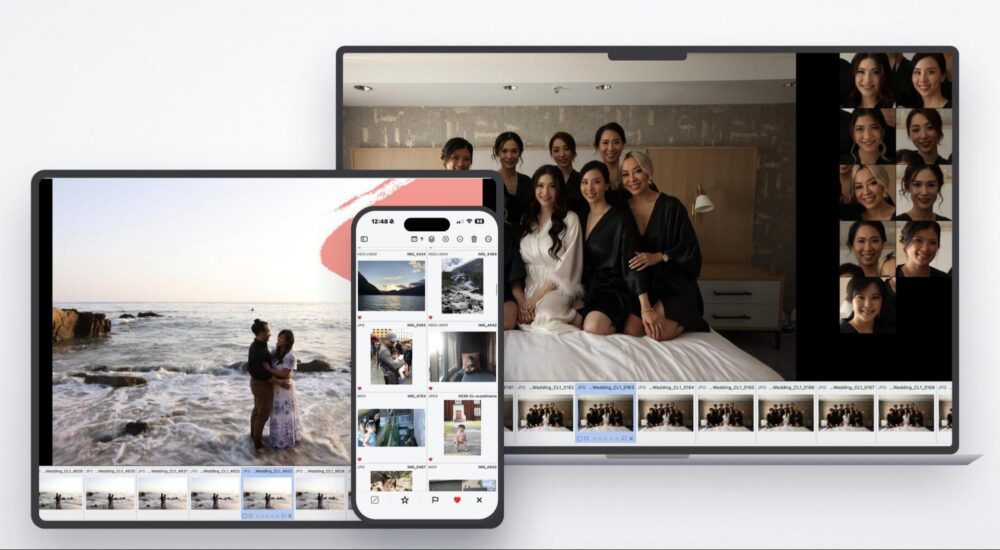
If you’ve ever taken a photo with any kind of distortion present, you’ll understand the frustrations I am about to describe… Sometimes it is merely the classic “vanishing point” distortion present in photos with lines that ought to be parallel, but end up “leaning in” ominously… Other times, it is another, more subtle and inexplicable distortion that causes a group portrait to have noticeably larger heads & bodies at the edge of your frame compared to the center.
In any case, we photographers have spent our lives trying to figure out how to “fix” such problems. Some types of distortion are relatively easy to correct, but only if you are willing to substantially crop your images. Other forms of distortion have been nigh impossible to fully correct. Until now, that is. Today we are reviewing DxO ViewPoint 6, and we’re excited because it offers a brilliant, cutting-edge solution to the various distortion problems which have frustrated photographers since the beginning of photography itself.
What Is DxO ViewPoint 6, and how can it possibly deliver results as unprecedented as it claims? We’ll dive in-depth into that throughout this review, but suffice it to say, DxO is harnessing the power of AI to recognize the elements of a photo, identify various distortion issues, and correct them in ways that were previously impossible.

Here’s what you should know at a glance: With DxO ViewPoint 6, you can accomplish results such as correcting perspective distortion with minimal or no cropping required at the edges of your frame. You can even correct such distortion “flaws” individually within an image while not affecting the rest of the overall composition. Also, and this is one of my favorite new tools as a portrait & wedding photographer for two decades, …you can correct the distortion that virtually all wide-angle lenses have on human subjects at the edges of your frame. (So now, uncle Phillip won’t look 10 ft tall with a face twice the size of the whole torso of the bride at the center of your photo!)
The other thing you should know is that right now you can get a 15% discount using the code: SLRLounge! (US pricing is set at $129.99 for new users and $84.99 for upgrades.)
What Is DxO ViewPoint 6?
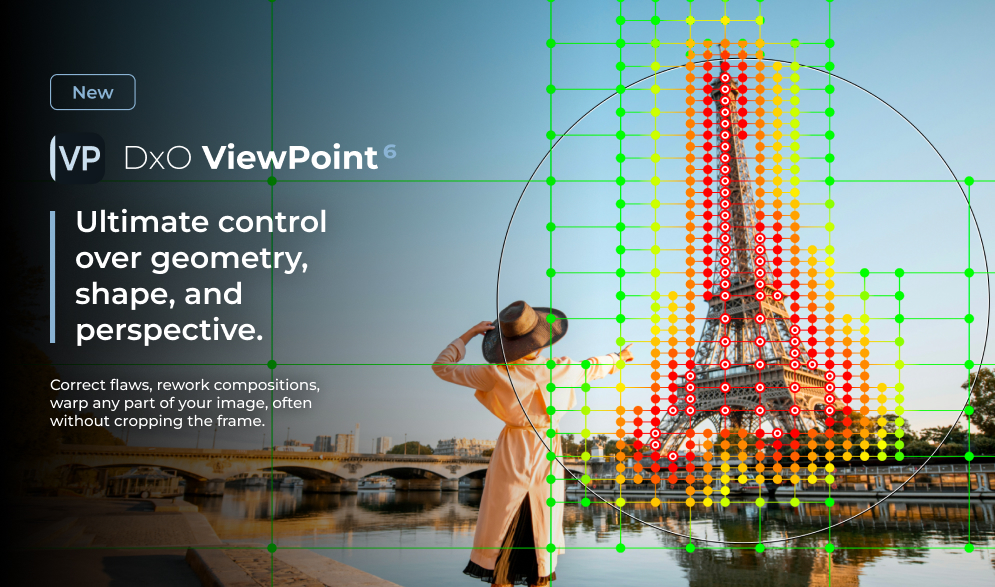
DxO ViewPoint 6 is a specialized app for correcting different types of distortion in your images. It’s capable of running by itself, (stand-alone) and it also integrates seamlessly with your main workflow application such as DxO PhotoLab or Adobe Lightroom.
Within its simple and intuitive interface, you can browse your photos wherever they are on your computer and perform whatever correction adjustments you need. You can open JPG, TIF, and even RAW files!
After our testing, we generally recommend doing most of your color-correction workflow to your raw files in your main editing app, and then bringing that file into DxO ViewPoint 6 as a TIF in the case of Lightroom, or you can stay in the raw format if you’re coming from DxO PhotoLab 9/10.
All in all, ViewPoint 6 is relatively simple and straightforward, yet powerfully advanced. It does what it promises, runs very smoothly without any crashes or lag, and the results, well, speak for themselves…
DxO ViewPoint 6 Review | Who Is It For?

First and foremost, if you do any sort of photography with subjects that include straight lines, then you need at least a few basic distortion correction tools. Truth be told, maybe your existing workflow tool is adequate, if all you ever do is level a horizon or perform minor perspective distortions.
(The built-in DxO PhotoLab lens profiles are incredibly powerful! DxO in general has pioneered the best optical corrections for lens distortion as well as vignetting.)
However, for those of us who are frequently working with photos of more complex scenes, tight composition framing, etc, and especially wide-angle lenses, (whether the subject is a building or a human!) …then you need advanced correction tools.
That is where ViewPoint 6 comes in. DxO has gone beyond basic distortion corrections, and created an advanced tool. We’ve taken this latest version of DxO ViewPoint for a test spin, and spent a lot of time mastering its newest features; ReShape Fusion with AI masking, which allows us to correct distortion locally in specific parts of an image, without affecting the rest of our composition. (We’ll dive deeper into this next!) Also, ViewPoint 6 now integrates RAW file support, instead of just TIF/JPG.
Additional tools round out the feature set and make DxO Viewpoint 6 worth checking out: perspective correction can be done automatically! Traditional lens distortion can be individually corrected for just horizontal or vertical or diagonal.
DxO ViewPoint 6 Review | What’s New?

There are a few key things to point out which are new in DxO ViewPoint 6. As ever in 2026, AI plays a role. In this case, what we’re seeing is a straightforward yet powerful addition: AI masking is now helping out with the ReShape Fusion tool, so you can effortlessly select objects in an image for localized correction.
If you’re looking to correct one element in an image without affecting the rest of the overall framing and scale in that photo, then this tool alone is worth the investment or upgrade.
volume deformation correction (faces/bodies stretched at frame edges in wide-angle shots
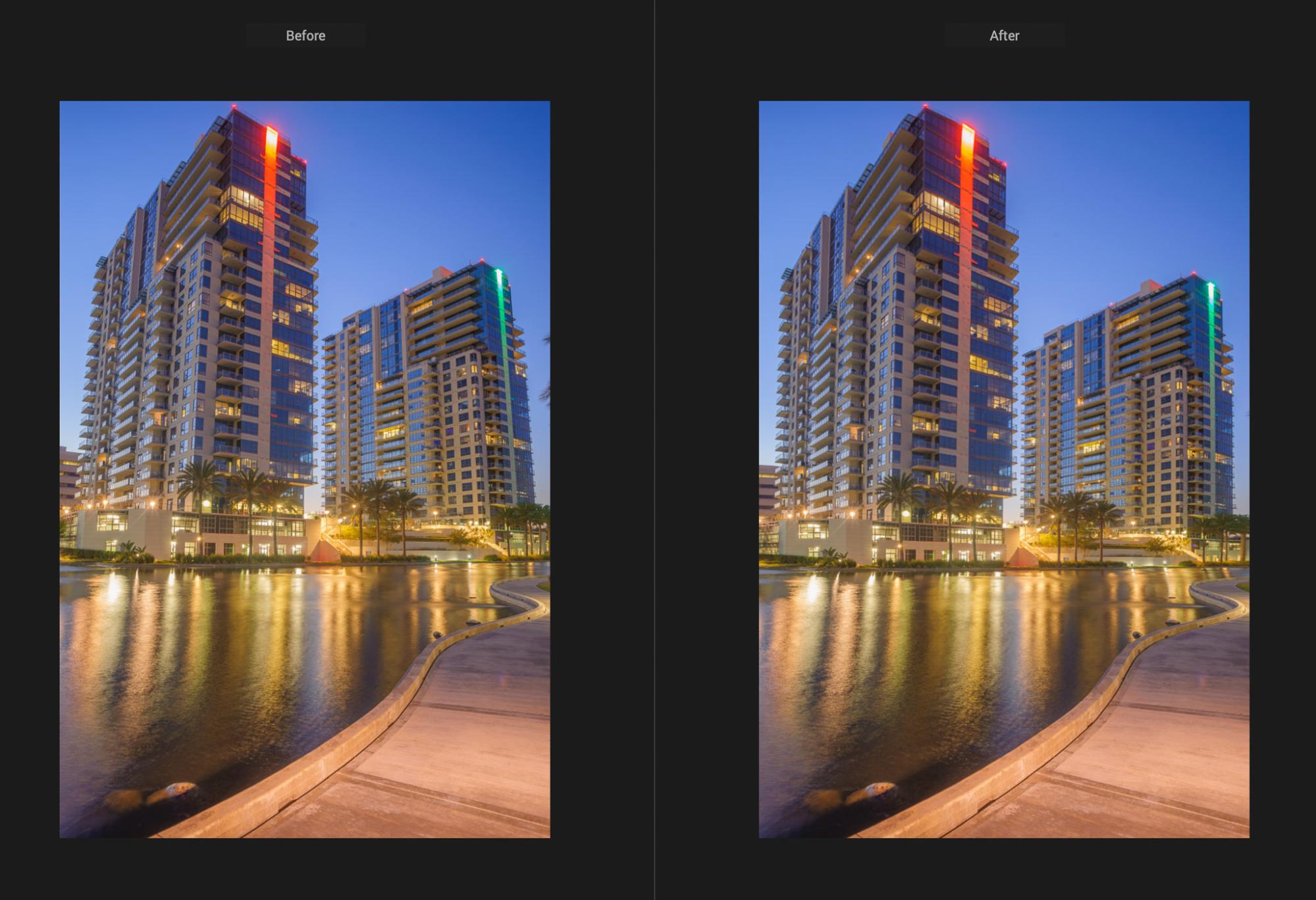
As you can see, the ability to target an object with extreme precision is a huge lifesaver in compositions where you don’t want to compromise any of the edges of your frame! The above example of correction would have been impossible for us with almost any other tool. The top of the building might have gotten cut off, or the foreground would be severely distorted.
With DxO ViewPoint 6, we were able to precisely correct the perspective, while leaving the edges and the entire lower half of the composition alone!
Another major advantage of ViewPoint 6 is that basic corrections can be automated. If you have a handful of photos with a prominent horizon and some minor vertical line corrections to do, the automatic perspective correction is a solid time-saver. Whether we are doing portrait & wedding photography at architectural type venues, or we’re doing real estate photography, having ViewPoint 6 in our workflow toolkit is a must.

Last but not least, one cool feature that we love for purely creative reasons is the tilt-shift “miniature” or “diorama” effect. Although it’s a “once in a while” type of artistic look, the impact is eye-catching. When done right, it’s one of our favorite creative tools!
The DxO ViewPoint 6 tool for “Miniature Effect” is incredibly realistic, with accurate simulation of various types of bokeh. In other words, it actually looks like we used a tilt-shift lens!
DxO ViewPoint 6 Review | Pros & Cons

This is a rather technical tool, so the advantages and disadvantages are going to be a little bit nerdy. The bottom line, however, is this: ViewPoint 6 is very capable and powerful, offering tools that no other integrated workflow tool can provide at present.
Another huge advantage which is worth mentioning these days is, you won’t need to invest in an expensive RAM or CPU upgrade for your computer! We even tested DxO ViewPoint 6 on an older Intel-based Mac, and found that the software ran perfectly smoothly. Even the AI-based selection masking and the automatic previews showed barely any lag whatsoever. Kudos to DxO for this!
The only noticeable downside is the rather steep learning curve that applies when you want to fully utilize the most complex types of corrections, and that’s an understandable hurdle to overcome.
Pros
- Advanced, powerful toolset
- Selective control of different corrections
- Smooth, fast operation (even on older computers!)
- Seamless integration with your main workflow app
- Raw file support (enhances lens-based corrections)
Cons
- Steep learning curve to master the most advanced tools
- Could use additional controls for “fixed points” in “Forced Parallel” tools
That last “Con” deserves a bit more info, since it’s definitely a complex nuance for advanced users. Here is what I would like to see, simply put: When performing targeted corrections (Reshape Fusion) using the “Force Parallel” tool, the results can adversely affect one or two edges of the image. This is because all four points of the parallel tool are going to move when the correction is applied, and there is not (yet) a way to “lock” one or two of those points. This would be a highly useful feature to see in a future update! For now, various work-arounds can handle de-stretching undesirable results.
DxO ViewPoint 6 Review | Conclusion & Pricing

Whether you’re looking for the ultimate Lightroom Plugin to take distortion corrections to their highest capability, or you’re expanding your DxO PhotoLab workflow space, either way we strongly recommend checking out ViewPoint 6.
In our real-world testing, the tools provided totally new opportunities, and we can see major benefits both as portrait & wedding photographers, and certainly as architectural, real estate, etc. photographers.
As with any technical workflow need, the learning curve is a little intimidating at first, but that is normal for such a powerful toolset. We found that the balance of simple interface and various helpful tutorials to make the mastery process relatively swift.
All in all, combined with the fact that this software conforms to DxO’s attractive offer of a perpetual license, (buy it once, own it forever!) …we once again highly recommend DxO ViewPoint 6.
To learn more about ViewPoint 6 and take it for a 30-day test run, you can download it here. If you’re a new customer, you can use the code: SLRLounge …to get 15% off! (New users; the normal price is $129.99, upgrade buyers will pay $84.99.)