
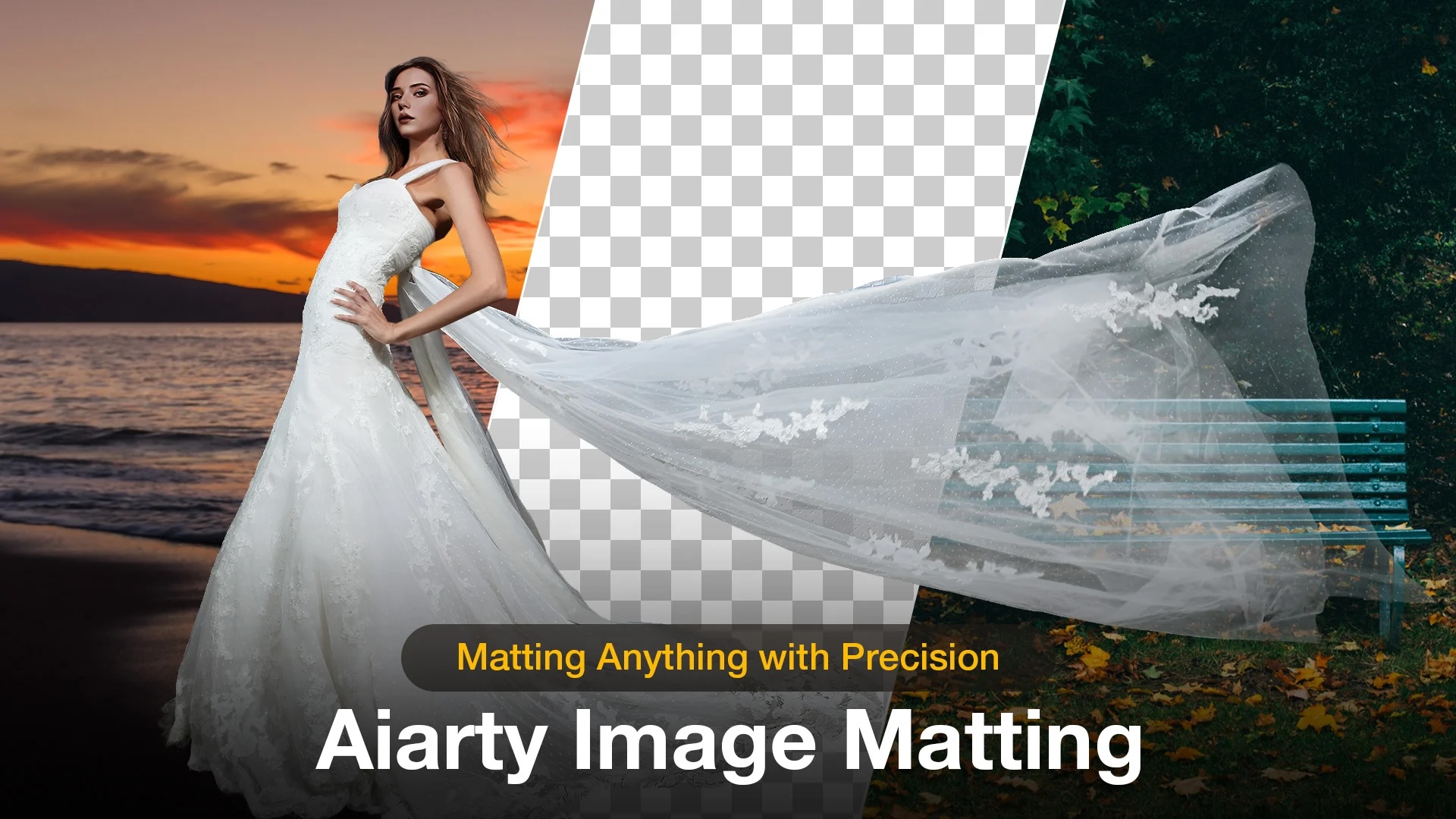
Removing a background from an image shouldn’t take hours or require advanced Photoshop skills. Yet for many photographers and content creators, that’s still the reality. Whether it’s isolating a subject for a clean portrait, prepping product images for e-commerce, or creating graphics for social media, background removal can quickly become one of the most time-consuming parts of post-production.
AI-powered tools are starting to change that workflow in a meaningful way. One of the more interesting options to emerge recently is Aiarty Image Matting, a dedicated desktop solution designed to handle everything from simple cutouts to complex edge refinement. It does all of this without relying on cloud processing.
Right now, Aiarty is also offering a limited-time lifetime license discount (up to 40% off), which includes full feature access, free updates, and no subscription fees. You can check out the offer here.
A Practical AI Background Remover for Real Workflows
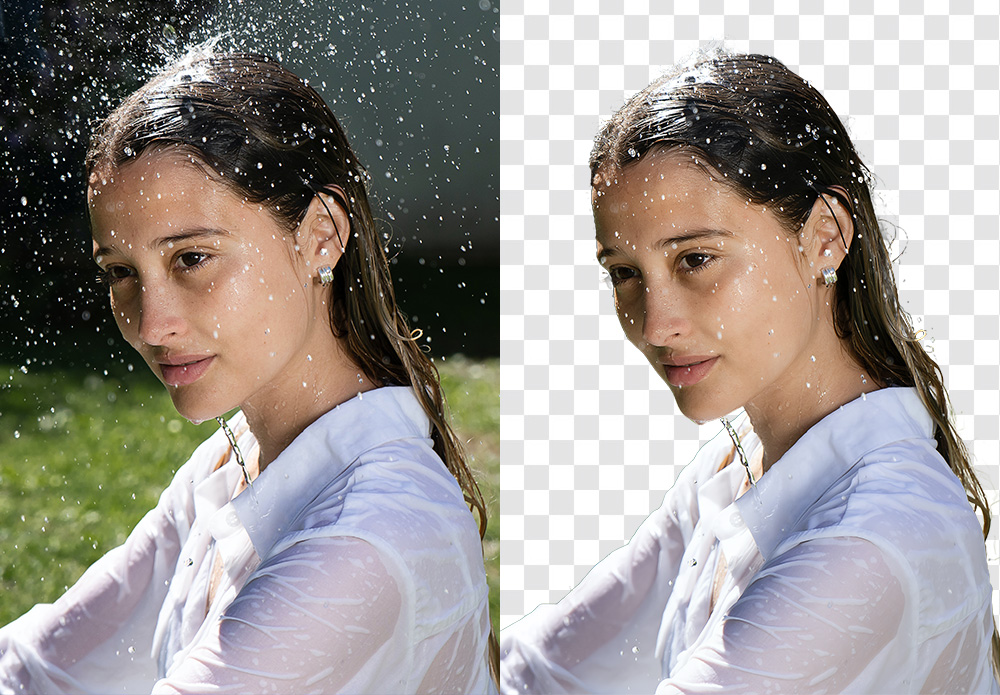
At its core, Aiarty Image Matting is built to simplify one of the more tedious editing tasks: separating a subject from its background while preserving natural detail.
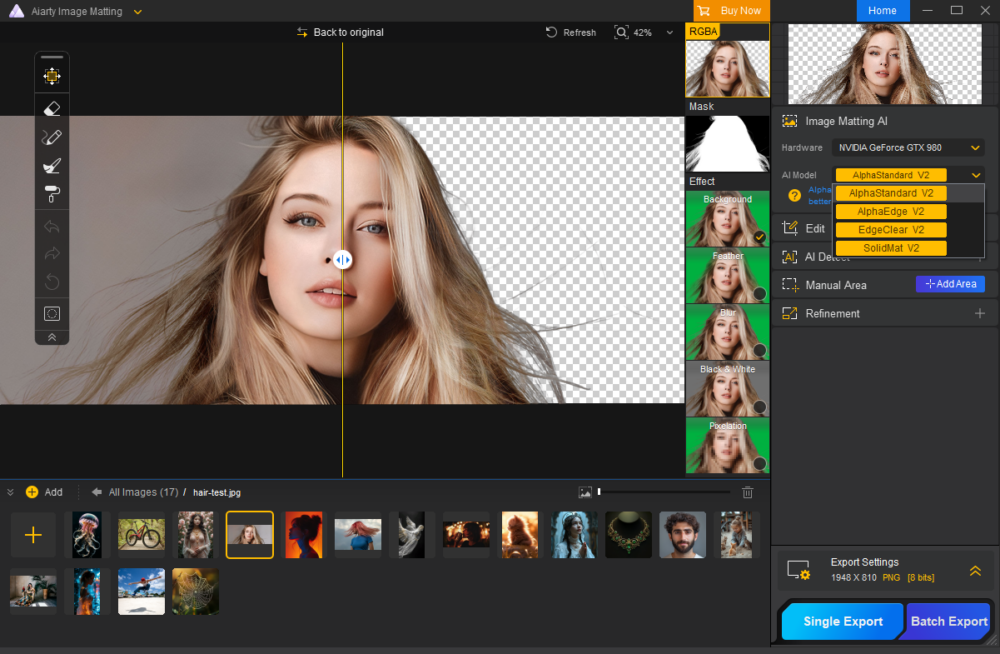
Unlike traditional selection tools that require careful masking and manual refinement, Aiarty uses AI to automatically detect the subject and generate a clean cutout. On the one hand, the goal is speed, sure, but it’s also about accuracy, particularly in areas where most tools struggle, like hair, fur, or semi-transparent elements.
What Sets It Apart
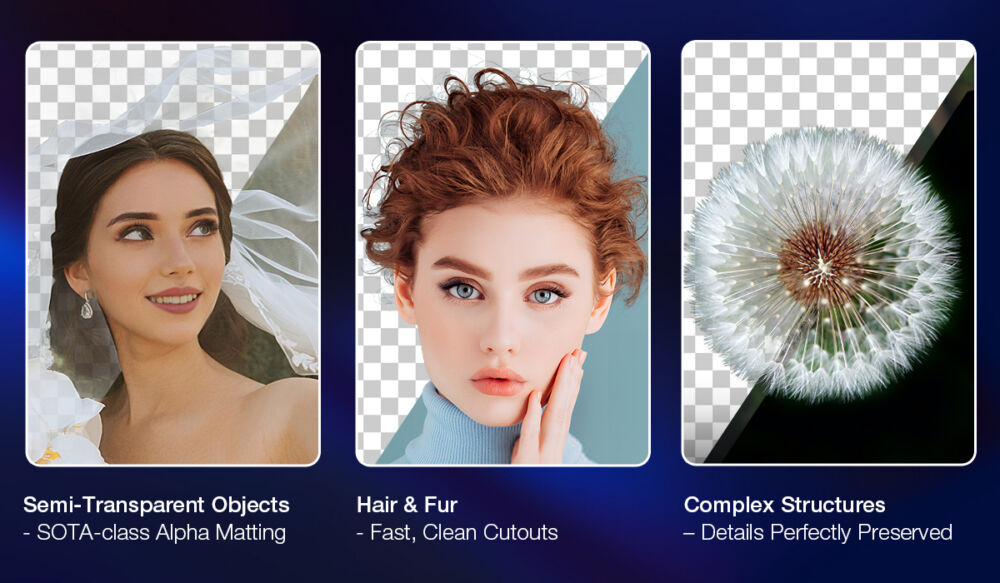
Where Aiarty Image Matting stands out is in how it handles complex images. Instead of treating all images the same, it’s designed to deal with the kinds of edge cases photographers actually encounter.
Here’s a quick list of this software’s key capabilities:
- Automatic background removal with one-click subject detection
- Advanced handling of hair, fur, and fine edge detail
- Support for semi-transparent elements like glass, smoke, or veils
- Flexible background replacement, including solid colors, custom images, or transparent PNG output
- Manual refinement tools for precise adjustments when needed
- Batch processing for handling multiple images at once
- High-resolution exports up to 4K
- Fully local processing (no uploads required), which improves both speed and privacy
For those working across large shoots or client deliverables, the ability to process multiple images locally without waiting on cloud rendering is a notable advantage.
How It Works: A Simple AI Workflow
One of the strengths of Aiarty Image Matting is how straightforward the process is. Even for users new to AI editing tools, the workflow is easy to follow. While the video above dives more in-depth into Aiarty Image Matting’s capabilities for background removal and image blending, we’ve outlined a basic workflow for using this tool here::
- Upload your image using drag-and-drop or file selection
- Let the AI automatically detect and isolate the subject
- Preview the result and refine edges if needed
- Remove the background or replace it with a new one
- Export the final image in high resolution (also works for batch exports)
The process is quick enough to fit into fast-paced workflows, and the results are generally clean enough to reduce the need for additional retouching.
If you want to see more examples or try it yourself, you can learn more about Aiarty’s background removal here.
Real-World Use Cases
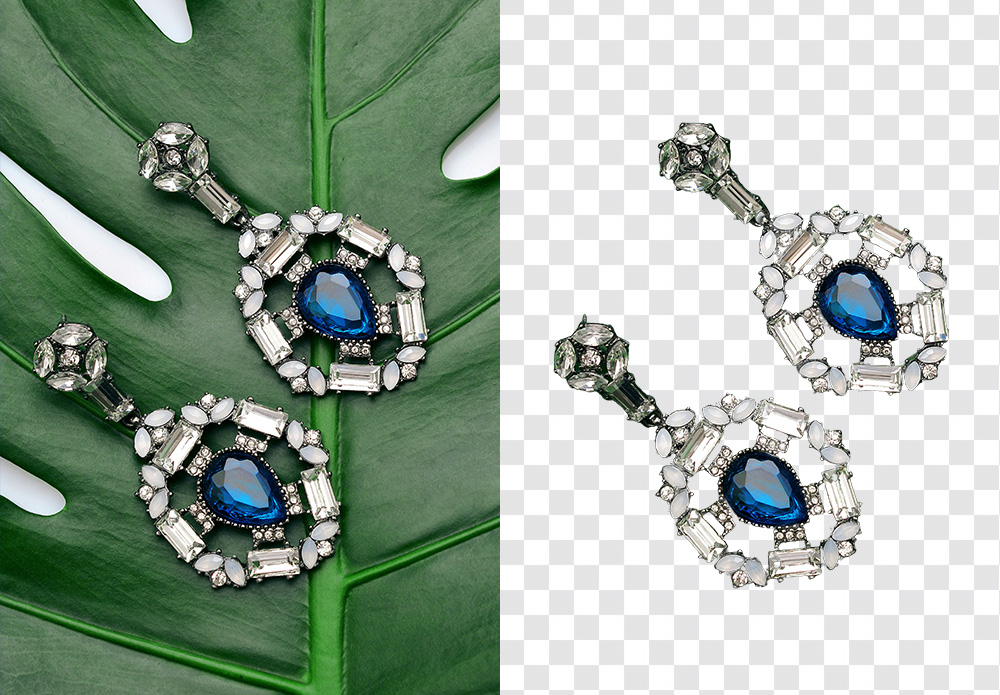
Tools like this tend to be most valuable when they solve everyday problems. Aiarty Image Matting fits into a variety of workflows:
- Photographers can isolate subjects for cleaner portraits or composite work
- E-commerce creators can produce consistent product images with minimal effort
- Content creators can quickly generate thumbnails, social graphics, and marketing visuals
- Designers can prep assets without spending time on manual masking
For many users, the biggest benefit is not only the result, but also the time saved. You’ve probably noticed this recurring theme throughout our coverage of this software.
Common Questions About AI Background Removal

As AI tools become more common, a few questions tend to come up. Here are a few frequently asked questions that should help you better understand what this software, in particular, can do:
Can AI handle complex backgrounds like hair or glass?
That’s exactly where tools like Aiarty are designed to perform. Fine edge detection is one of its main strengths.
Is it safe to use AI background remover tools?
Since Aiarty runs entirely locally on your device, images are not uploaded to external servers.
Can you replace the background after removing it?
Yes, background replacement is built into the workflow, whether you want a solid color, custom image, or transparency.
Do you still need Photoshop?
For many basic and mid-level use cases, tools like this can significantly reduce or even eliminate the need for manual masking.
Final Thoughts
AI-powered editing tools are becoming more practical. It is no longer a novelty to use AI as part of your workflow. Aiarty Image Matting is a good example of that shift, focusing on a single task and doing it efficiently. For photographers and creators who regularly need to remove image backgrounds, clean up edges, or prepare assets quickly, it offers a straightforward and capable solution.
With the current promotion offering up to 40% off a lifetime license (no subscription required), it’s also positioned as a relatively accessible option for those looking to streamline their editing process. You can take advantage of their special offer here.









