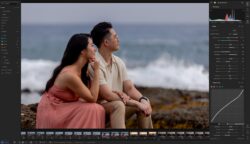
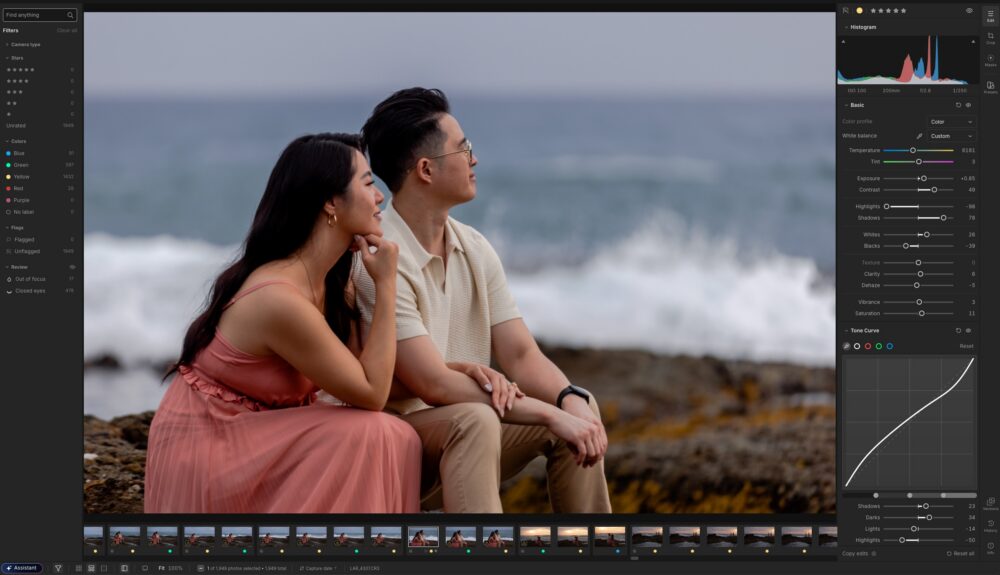
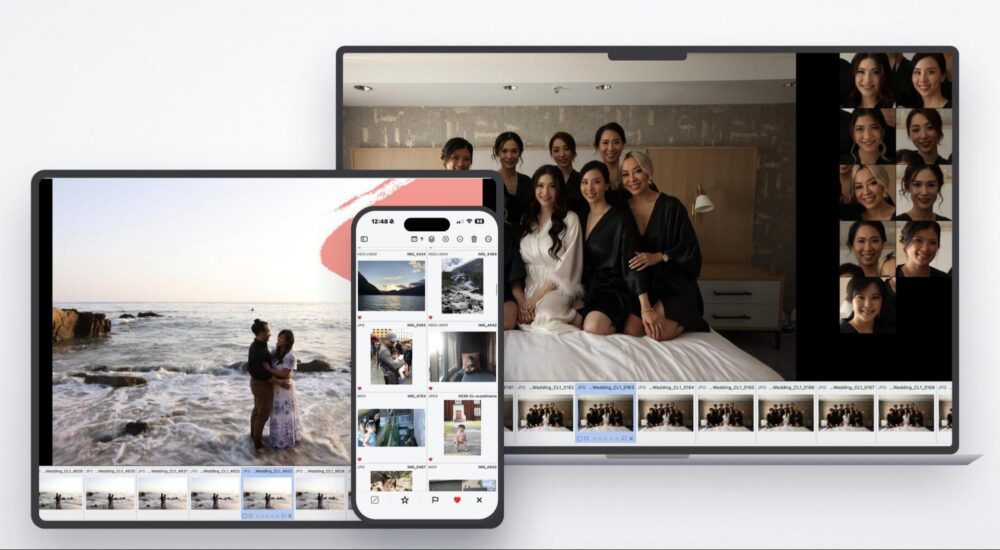
In a world where creativity itself is being outsourced to what I will politely call robots, I personally want to return to the artistic craft itself. However, I also want to embrace new tools, and that is the subject of today’s DxO Nik Collection 9 review… How can we use modern tools to enhance our creativity, yet stay true to our creative passion?
Whatever your favorite photography subject is, you’ll probably agree: editing is a major part of the artistic process! From basic color correction to advanced layer masking and stylistic edits, the creative possibilities are endless. As artists, we want tools that unleash our vision. Thankfully, in recent years we have seen a lot of impossible things become possible, and we’ve seen a lot of other things get way easier.
Today, we’re going to dive into a handful of new tools that have caught our attention: the DxO Nik Collection 9. You’ve probably already heard about the powerful tools in this suite, such as Nik Viveza, Nik Color Efex, Nik Silver Efex, and more. In this article, we’re going to see what’s new in the Nik Collection 9, and which types of photographers and artists should check it out. We’ill discuss the pros & cons of investing in a software suite like this, which currently can be purchased for $179.99 if you’re a new user, or $99.99 as an upgrade for existing users. (You can get 15% off using the discount code SLRLounge if you’re a new user; this works for everything in the DxO ecosystem!)
What Is DxO Nik Collection?
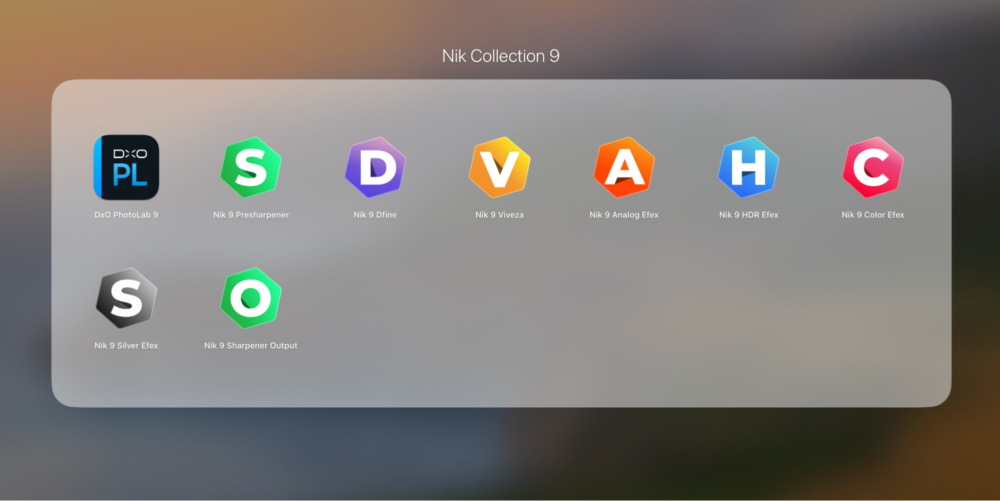
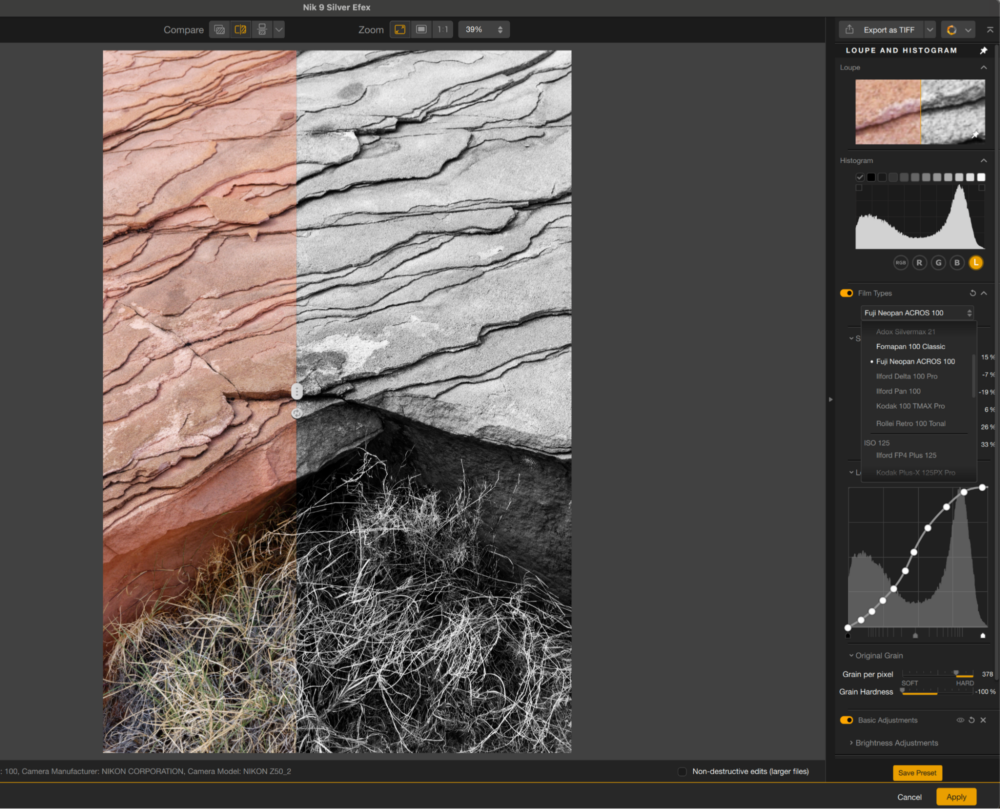
Nik Collection is actually eight different software applications, hence the word “collection” in the name. They are stand-alone apps, but they also integrate with most popular photo editing softwares like Lightroom, Photoshop and Affinity. This is key, because each app in the suite/collection is highly specialized. That means they’re not intended to completely replace your entire workflow; they’re designed to enhance it.
The Nik Collection’s tools are aimed at both creative refinements and technical quality. Some of them are suited for the middle of the creative process, while others are better described as pre-production or a “polishing touch”. There are four technical tools, (Presharpener, Sharpener Output, HDR Efex, and Nik Dfine) and four creative tools. (Color Efex, Silver Efex, Viveza, and Analog Efex) Together, these eight tools in Nik Collection 9 have something to offer everyone.
Here’s the bottom line: even if you’re already pretty happy doing most of your work in different applications, these tools are going to do a better job at their respective specialty. Just as importantly, they are all just one or two clicks away from your existing process…
DxO Nik Collection 9 Review | What Is New & Improved?

Being version 9, it’s apparent that the Nik Collection has been around for a long time, and it has survived in the competitive market of photo editing software for good reason: These tools are highly capable! So, what in particular is going on with version 9?
There are quite a few major developments in this new (spring 2026) version, and they definitely bring a “cutting edge” feel to this tried-and-true software suite. Namely, you guessed it, some of the key feature additions involve using AI, so, let’s do a brief overview of what you really want to know:
- The AI-powered tools are built into the software(s), meaning the features work offline; you’re NOT using a data center every time you edit your photos, and you maintain total privacy with your images.
- The AI involved mainly seems to be designed to assist your existing creative editing process, performing tasks such as selection, masking, and the management of fine details / noise. In other words, it’s not prompt-based or “generative”. (That’s a good thing for us!)
With that being said, there are a handful of specific tools that we’re focusing on today. There’s the depth mask and subject selection/masks, which utilize AI. There’s also a color grading color wheel that is incredibly powerful, and keep in mind of course that such tools work hand-in-hand with the AI masking, of course. Lastly, we see a few new very specialized, creative effects such as Halation, Chromatic Shift, Glass Effects, plus a fully host of layer blending modes for even more creative refinements. Oh, and as we will almost always demand of a software update, there are workflow improvements to increase the speed and seamlessness of your editing process.
AI Masking | Depth Masks
Simply put, this is one of the most powerful and impressive tools that we as “traditional photographers” have been impressed by. Being able to selectively edit various elements of our images is a game changer! It takes the traditional tool of burning & dodging to a whole new level, plus of course it’s so much more than just tonal control; you can control colors, add special effects, etc. to the background, foreground, or main subject(s) in your images.
We want to highlight this particular feature (as well as the next) because it perfectly encapsulates exactly what we’d like to use AI for: taking our traditional tools, and making new things not just possible but almost effortless. For those of us who got our start in photography in a film dark room, the time-honored process of burning & dodging is a magical one, but it’s also incredibly time-consuming. To carefully adjust the tones of your background, without bleeding that effect over into other areas of the image, used to take countless hours of trial-and-error. Now, with Nik Collection 9, this classic creative tool offers a perfect balance of time-saving automation and unprecedented control.
AI Masking | Subject Selection

Since there is a built-in AI that analyzes your images, of course it can do more than just recognize depth. Switching to the subject/object selection tool allows you to create a mask of any specific part of the image. Simply hover your mouse over the image, and the mask preview will help you select exactly what you want.
For both of these AI masking tools, the bottom line for us is this: The tools just work, beautifully, and they are more than just a time-saver. Indeed, having this level of control over the individual elements in your image is going to unleash a level of creativity that you simply would not have been able to achieve before. (At least not without innumerable hours of tedious selecting/masking. Which, let’s be honest, isn’t going to happen more than once or twice a year!)
Color Grading | Color Wheel

One of my favorite tools to play with for any type of photo I’m editing is, color grading. Whether you’re a landscape & nature photographer or a portrait & wedding photographer, or literally anything in between, this is one of the tools everyone should try out.
In Nik Collection 9, there’s a powerful new color wheel interface for color grading, and it makes the process highly intuitive. In its simple yet capable visual interface, you can manipulate your images’ highlights, mid-tones, and shadows. This includes controlling the color (hue), saturation, and luminance separately.
By the way, here’s something to note: these new features combine all together beautifully. For example, if you create an AI mask for depth or a particular subject in your image, you can easily copy and paste that mask across various other effects!
Nik Analog Efex | Nik Color Efex | Chromatic Shift, Glass Effect, Halation

For the photographer who is looking to push their creativity to the highest levels, we have a few of what I’ll call “special effects” to check out. These aren’t all for everyone, but there’s always something for someone, I like to say. This time, in DxO Nik Collection 9, we have a few really cool new effects: Chromatic Shift, Halation, and Glass Effects.
These effects nicely complement the existing powerful array of overlay type effects found mainly in Nik Analog Efex and Nik Color Efex. Already known for its industry-leading film emulation tools, such as what’s found in DxO Film Pack 8, the wide variety of paper textures and film-like creative tools is unmatched.
Blending Modes
Another time-honored tool that I am delighted to see added to the Nik Collection is layer blending modes. This is a subtle, technical refinement aspect of the creative process, but it’s a powerful one. Honestly, the more advanced you get with your image editing, the more you are likely to demand to have layer blending modes at your disposal whenever possible.
We could spend entire articles diving into any one of these effects/tools, so, before we move on, we’ll leave it at this: just download a free trial of Nik Collection 9 and play around with it for yourself!
DxO Nik Collection 9 Review | Performance, Reliability, & Workflow Integration
This is a key aspect of the ultimate value of any software, and your decision to purchase it. Simply put, if the software is buggy, slow, and/or it simply isn’t easy for you to add it to your existing workflow, then you’re far less likely to actually use it, no matter how amazing the results are. It’s like buying that massive, heavy $3000 lens you always dreamed of owning. After one or two outings with it, you might realize that it is obnoxiously heavy. Eventually, it almost always gets left at home, no matter how sharp etc. that lens may be.
I am happy to report, therefore, that these plugins all run very smoothly, they’re responsive and fast, and almost always just one right-click away from my existing workflow steps. This last part is one of the most important, because as artists we are looking for ways to decrease friction between our creative minds and the final result.
One thing I wanted to point out about Nik Collection 9, is this important aspect of workflow: Not only is each of these apps just a click or two away from your existing workflow, but also, once you’re in a Nik Collection app, it’s also effortless to jump between them! Just see the drop-down menu in the top-right of the app. (See below…)

Once again, the main theme of all my software reviews is this: I don’t want to just give my creativity to a robot. (generative AI, etc…) Instead, I want my digital tools to assist my own creative freedom. Of course, this is just my own creative journey; everyone is different and I’m not here to hold back or forbid other artists from doing what they want.
Either way, whatever YOUR creative passion is, it’s important to have tools that are reliable, fast, and easy to use. In that regard, DxO Nik Collection 9 delivers impressive results across the board.
DxO Nik Collection 9 Review | Pricing & Value
What else is there to say, except, if you want what these applications/plugins have to offer, then there isn’t a better deal to be had. You are getting eight different tools at once, for a price that is comparable to a single piece of software.
Here’s a quick breakdown of the pricing:
- New license: $179.99 (Use discount code SLRLOUNGE for 15% off your purchase; valid for new customers only)
- Upgrade: $99.99
True, your individual needs might not require you to regularly open all eight applications/plugins, of course. This is a good time to mention that you cannot purchase just one or two individual plugins from the Nik Collection; it is sold (and installed) as one whole suite.
The bottom line for us is this:
DxO Nik Collection 9 VS The Competition
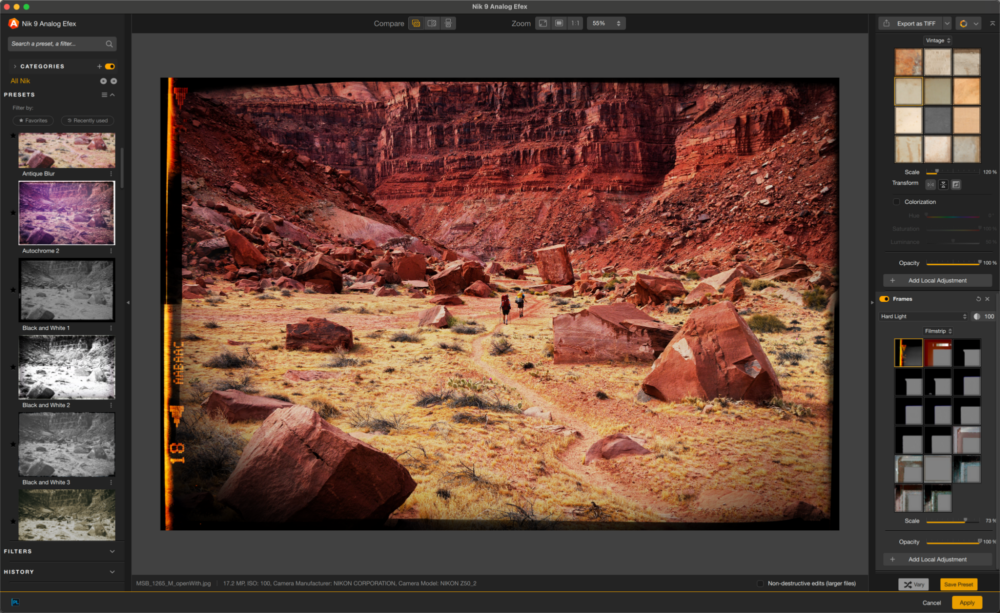
Maybe you already have your entire workflow laid out, and you’re very happy with it. Your basic color correction goes smoothly in Lightroom, Capture One, or DxO PhotoLab 9, and you have no complaints about that step of the process. Still, there might be a final step (or a middle step?) in the process where you wish for a more powerful toolkit. This is where the Nik Collection steps up to the plate all across the board.
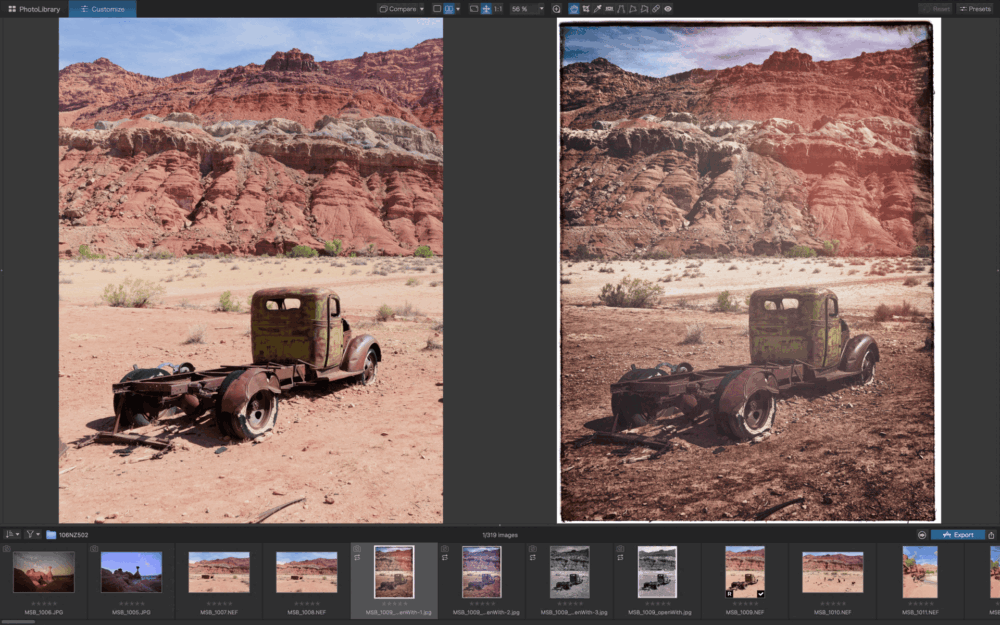
As just one example: all different types of photographers can be passionate about black & white conversions, or the subtle craft of fine-tuning the color palette of your color photos. Some artists may be looking to go even farther down the road of “digital art”, with special effects that distort color or texture beyond what the camera saw.
Either way, the DxO Nik Collection is where you should look for your unique, specialized tools. The full suite of Nik plugins integrates seamlessly into Lightroom, Photoshop, and Affinity, meaning you never have to leave your editing environment to access the creative tools you love. In other words, you shouldn’t compare any one of these tools against an entire photo editing alternative; that’s apples VS oranges. The Nik Collection is its own whole asset, and it’s designed to complement your existing workflow.
There are just a few other “plugin” type tools on the market that you could consider, and in that regard, our advice is simple and two-fold: beware of fly-by-night newcomers to the market, and simply try things out for yourself to see what works and what doesn’t. To expand further on that advice, quite honestly, a word of caution: with so many new AI-based image editing apps popping up all the time, we should all be protective of our personal data, and our usage of cloud-based computing that relies on massive data centers. The bottom line is this: If you are shopping around, stick to only the tried-and-true options, preferably the ones that work fully offline, such as Nik Collection 9.
DxO Nik Collection 9 Review | Final Pros & Cons
All in all, I think it is plain to see the main advantages (and potential disadvantages) when considering DxO Nik Collection. These apps do what they promise, and you must ask yourself which ones are of interest to you.
Pros
- Seamless workflow integration, including jumping between collection apps
- Compatible with Lightroom, Photoshop, and Affinity.
- Unparalleled diversity of creative possibilities
- High-quality technical results, including sharpening/details
- Improvements & additions (from previous versions) well-worth upgrading
Cons
- Brief learning curve for each of the 8 different apps
- Still requires an overall workflow/catalog solution to manage your images and perform basic
- color-correction
- On-demand AI-generated work (such as for depth masking previews) can be a bit slow for older computers
Most tools depart from raw file “non-destructive” workflow; requiring the creation of TIF or JPG files.*
As I said, the drawbacks are par for the course when it comes to such special effects and “final touches” type tools. If you’re used to an entirely raw workflow, where you can go straight from the original raw file to a printed image (or a ready-to-print JPG/TIF for clients in one single step, then it might seem complex or intimidating at first.
* NOTE: The Nik Collection 9 tools do offer a “Non-Destructive” workflow option, in which the edits you’re actively applying within an app aren’t “compounding on top of each other”. However, you’re still going to have to depart from your raw file and work on a TIF either way.
DxO Nik Collection 9 Review | Conclusion
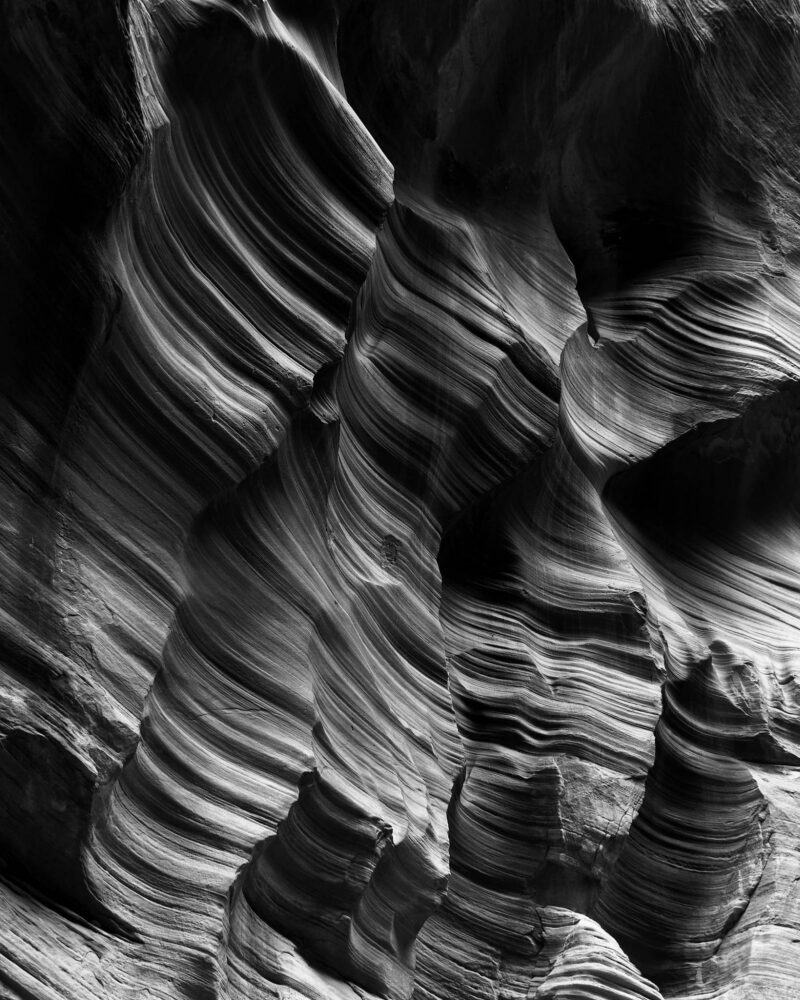
We strongly encourage everyone whose eyes were caught by any of the imagery in this review; check out the tools that interest you! They’re worth the modest investment and the rapid learning curve.
Personally, I love black & white photography of any type, whether landscapes or portraits. I would purchase this entire suite just for Nik Silver Efex alone! I suspect that many other artists may feel similarly about at least one, or maybe two or three of the apps in the Nik collection.
It is also likely that, whatever initially attracts you, taking the other apps for a test drive might open up a whole new world of creative possibilities that you never thought of before! This is exactly why photography can be a lifelong passion with endless potential. With that in mind, we strongly recommend checking out the Nik Collection 9.
You can get 15% off DxO Nik Collection 9 or any other DxO software using discount code “SLRLounge” (valid for new customers).