Whether you’re working with old family portraits or low-res web images, poor image quality can still derail a creative project. In such instances, it’s not uncommon to run into problems like blurry edges, funky artifacts, or just not enough resolution; this is true for photographers, designers, and digital artists alike. Aiarty Image Enhancer has built a reputation as a go-to AI-powered solution for fixing those issues, and with the launch of version 3.9, it’s taking another big step forward. Aiarty is also currently running a limited-time promotion tied to this release, which we’ll cover later in the article.
If you aren’t already familiar, Aiarty is a desktop app (Windows/macOS) that restores, denoises, sharpens, and can upscale image quality up to 32K resolution. It’s especially useful for handling tasks like improving underexposed or noisy photos, making compressed files usable again, and helping to restore old photos that might otherwise be discarded. Aiarty uses deep learning models to analyze each image and intelligently apply enhancements. The AI adapts its processing based on image type, allowing users to get sharp, clean results with minimal manual input. With version 3.9, Aiarty adds several key upgrades that improve both visual results and creative control.
Let’s take a closer look.
What’s New in Version 3.9
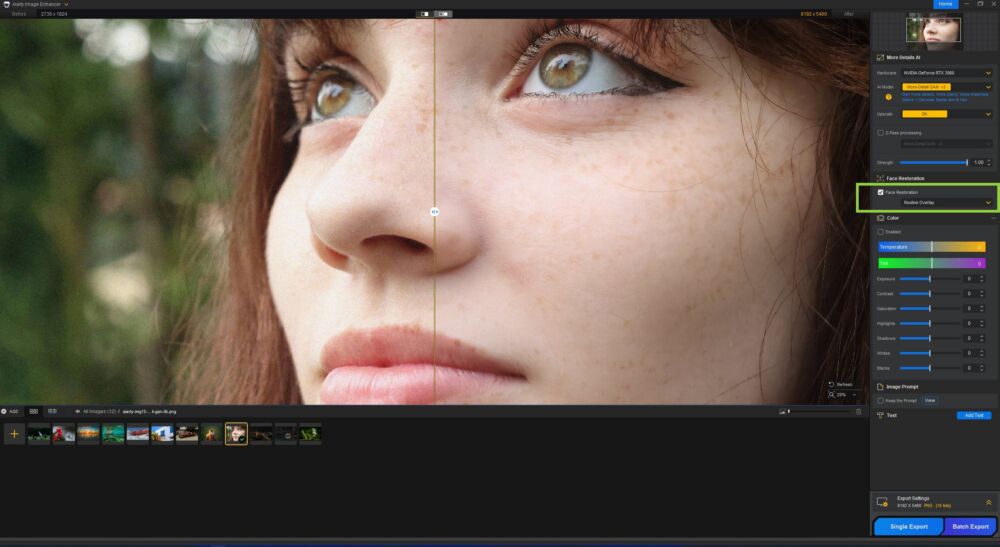
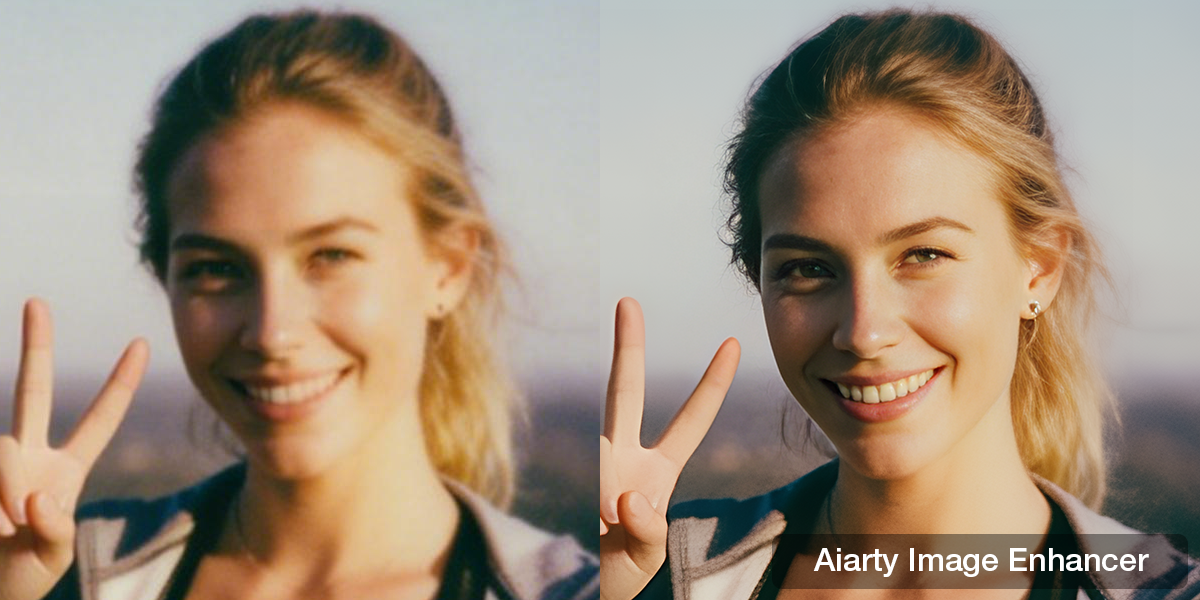
One of the headline updates is an overhauled face restoration AI model. Optimized specifically for low-resolution and legacy portraits, the new model does a better job of preserving skin texture and facial structure without oversmoothing. It’s particularly effective on scanned prints or compressed mobile and social media images where detail is often degraded.
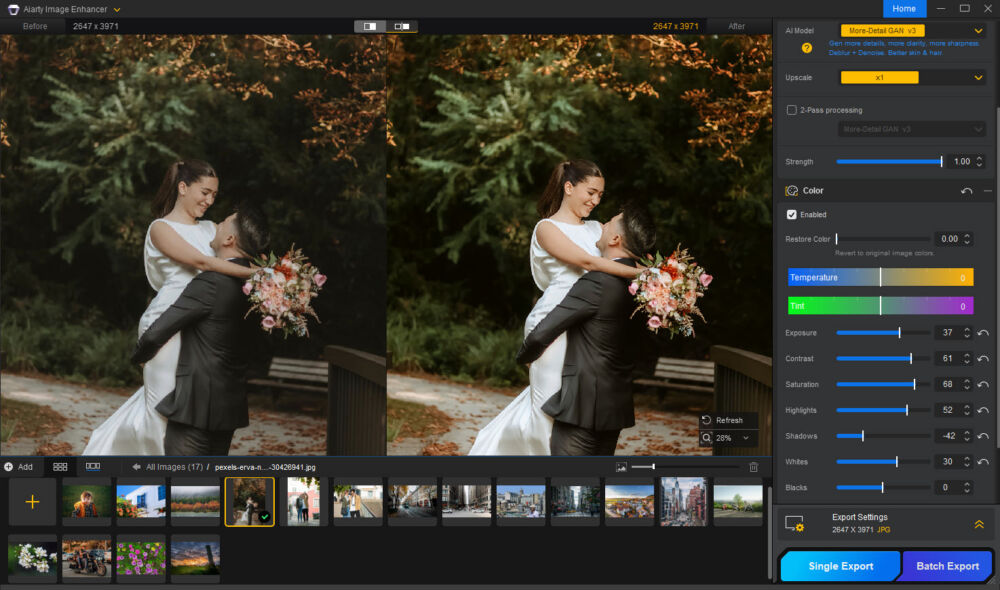
Another standout addition is SDR to HDR conversion. Users can now intelligently upscale standard 8-bit images into vibrant 10-bit HDR output. When paired with Aiarty’s built-in color correction tools like exposure, temperature, and contrast adjustments, it opens up more tonal depth and control for final edits.
For those in a professional post-production workflow, version 3.9 introduces support for TIFF and DNG exports, enabling high bit-depth output for compatibility with programs like Lightroom, Capture One, or Photoshop.
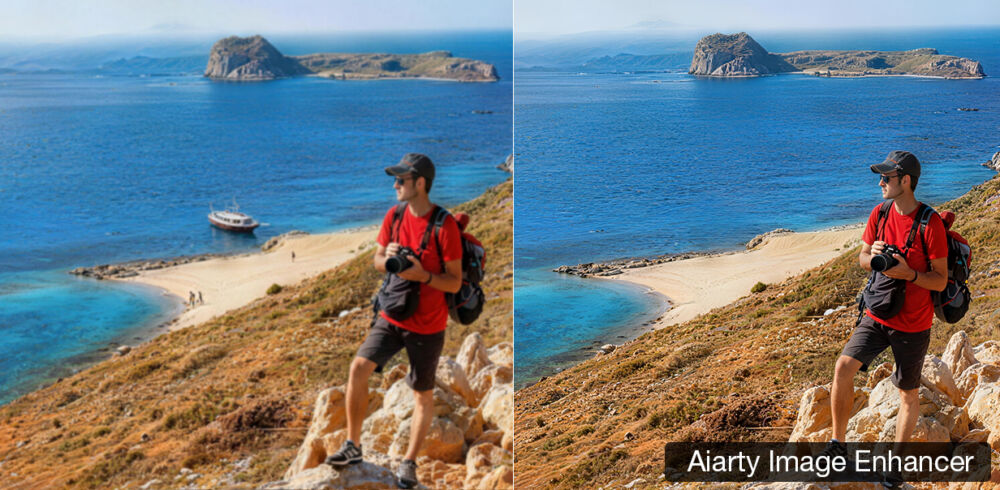
Finally, Aiarty adds a new AI eraser (in beta), which can automatically remove distractions like people, signs, text, or clutter. This tool is ideal for quick cleanups in travel images, portraits, or social media visuals without needing a full retouching workflow.
Key Capabilities at a Glance
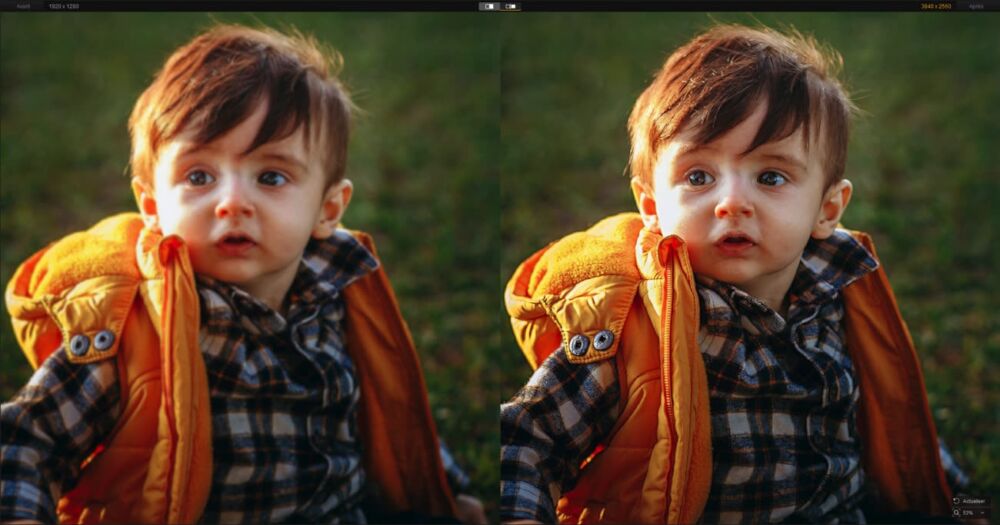
Aiarty continues to evolve as a well-rounded image enhancement tool, offering the following features:
- One-click enhancement of blurry, pixelated, or compressed images
- Tools to denoise low light or high-ISO photos
- Enhanced face restoration with natural-looking skin and structure
- The ability to restore old photos with more detail and clarity
- Built-in color correction to adjust tone, contrast, saturation, and temperature
- Support to upscale image files up to 32K, including 2x, 4x, and 8x scaling
- Fully local AI processing with no uploads, no cloud dependency
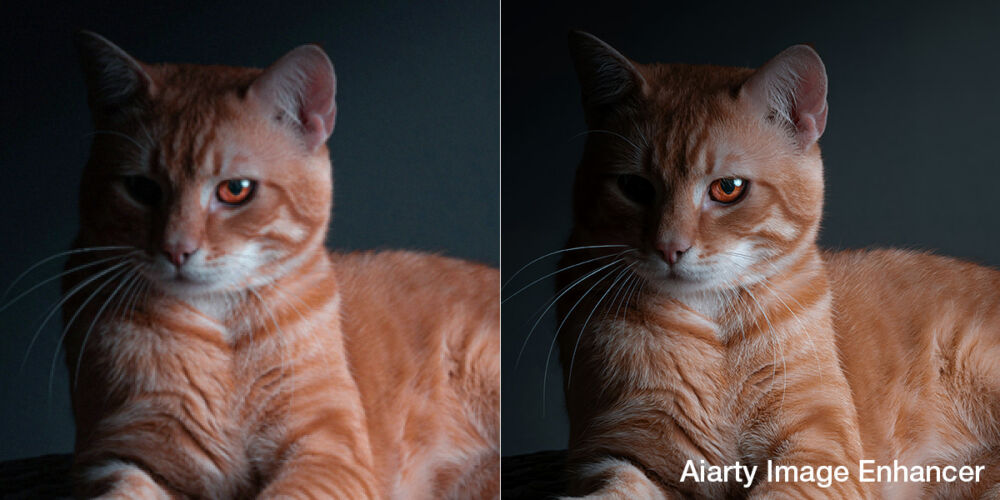
Now, for tasks like touching up old scans or cleaning up soft focus from a handheld shot, Aiarty gives you a straightforward way to improve image quality without having to jump between tools. For those working with a full shoot or folder of assets, batch processing also makes it easy to apply enhancements across multiple files in one go.
Even if you only spend a few seconds here and there switching between tools to perform different tasks, or if you’re editing images one at a time vs batch processing, it all adds up. This is why it’s important to consider details like these when evaluating your workflow, which we recommend doing frequently, especially when new advancements like this update are made available.
How It Works: Simple, Fast, and Intuitive
If you’re new to using AI photo tools, getting started with the Aiarty Image Enhancer is quick and user-friendly. We’ve definitely tested and used plenty of other AI tools that include a steeper learning curve. The interface here is clean and streamlined, guiding you from import to export in just a few clicks:
- Import your image: Just drag and drop or select from your file system. Aiarty supports common formats like JPG, PNG, and RAW.
- Choose an Hardware & AI model: Select from different hardware options (CPU, GPU), and then choose from the list of enhancement modes such as Face Restoration, More Detail, or Smooth Diff depending on your image type.
- Adjust enhancement settings: Fine-tune using sliders for strength, denoising, or sharpening. You can also apply color correction tools to refine tone, contrast, and exposure.
- Preview before-and-after: Instantly view changes to ensure the enhancement looks natural and sharp.
- Export the result: Save your final image in formats like JPG, PNG, TIFF, or DNG, with full control over resolution, bit depth, and DPI.
The entire process is done locally on your computer, with batch support for handling multiple images at once. Whether you’re working with a single portrait or an entire folder of images, the workflow is designed with efficiency in mind.
Limited-Time Offer: Buy 1, Get 2 Tools Free
To celebrate their new update, Aiarty is kindly offering a special promotion.
You can now get the Lifetime License for $99 (normally $155) and receive two bonus tools free:
- All-in-One Video Toolkit for video conversion, compression, editing, and recording
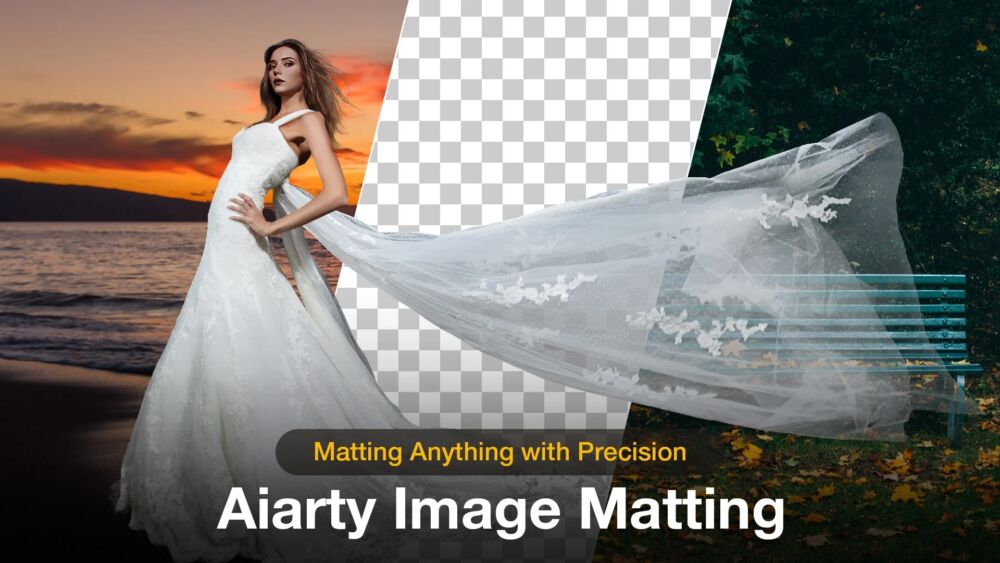
- AI Image Matting for background removal and fine-tuning
Each license covers up to 3 devices and includes all features, future updates, and a 30-day money-back guarantee.
You can grab the deal here.
Final Thoughts
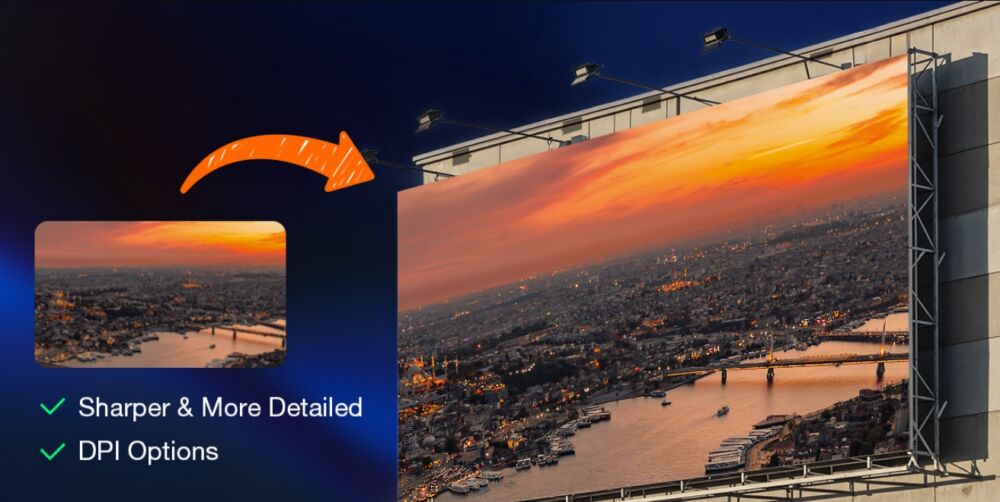
Aiarty Image Enhancer 3.9 continues to push forward as a capable, creator-friendly enhancement tool. With improvements to face restoration, new export and HDR options, and features like the AI eraser, it’s a practical upgrade that fits into real-world workflows without overcomplicating the process.
It’s a solid option for photographers, designers, or content creators looking to improve image quality quickly and locally. Aiarty remains one of the best values on the market, especially with the current Lifetime License offer.