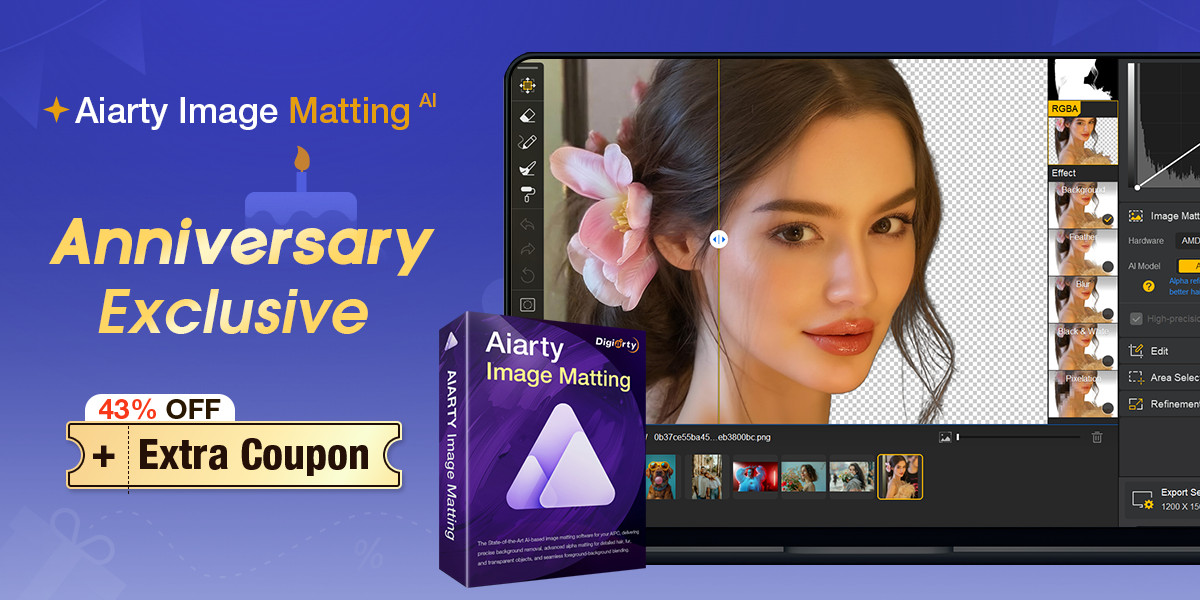
Aiarty Image Matting is a desktop background removal and image matting tool designed for photographers who need precise cutouts without spending hours in Photoshop. Through June 21, the software is 43% off its lifetime license as part of an Anniversary Sale, dropping the one-time purchase price to $60 for use on up to three computers, with lifetime free updates and no subscription.
Apply the coupon code ANNIVERSARY at checkout for an extra $5 off the single-product purchase, or $10 off bundle purchases. The anniversary deal ends June 24.
This article was produced in partnership with Aiarty. SLR Lounge maintains full editorial control over all content.
Why Background Removal Is Still a Real Problem
Most photographers have encountered the limitation of one-click background removal tools. They work fine on clean studio shots with hard edges. Feed them a portrait with flyaway hair, a pet photo with soft fur, a product shot of a glass object, or a wedding veil against a bright window, and the results fall apart fast.
Photoshop’s Select Subject has improved significantly, but getting a clean mask on complex subjects still requires manual refinement with the Refine Edge brush. Web-based tools like remove.bg are fast but offer limited control and no batch processing. For photographers turning around large volumes, either approach becomes a bottleneck.
Aiarty Image Matting is built specifically around this problem: getting accurate edges on difficult subjects while keeping the process fast enough to actually fit into a professional workflow.
Multiple AI Models for Different Subjects
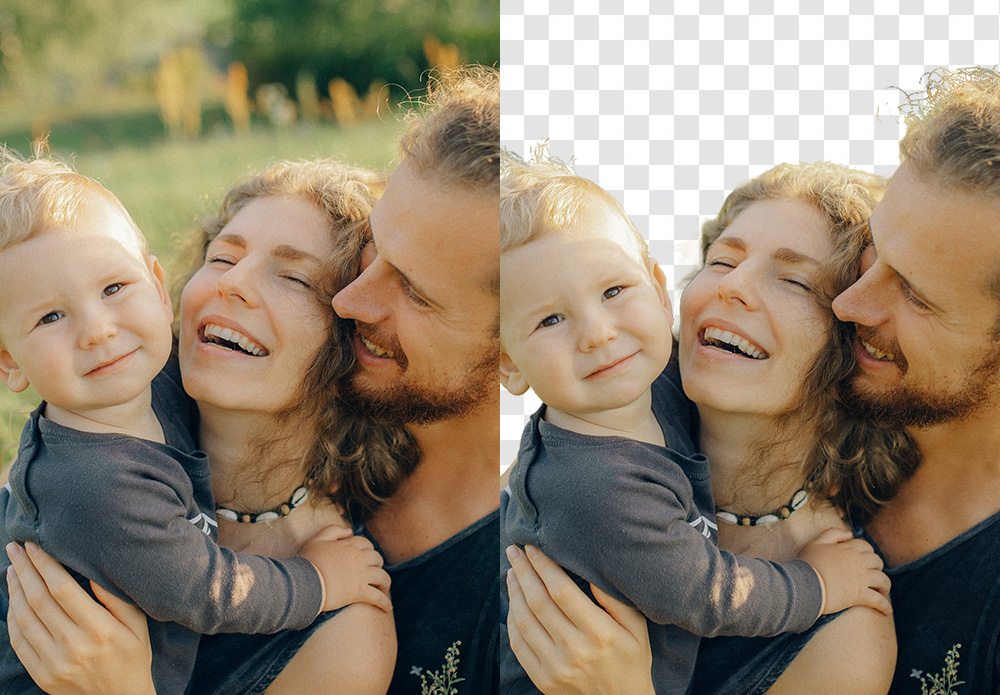
The core differentiator is how Aiarty handles subject detection. Rather than applying a single AI model to every image, the software offers multiple models optimized for different scenarios. The AlphaStandard V2 model, for instance, is described as a SOTA (state-of-the-art) option specifically tuned for alpha refinement, semi-transparent subjects, better hair, and blending quality.
In practice, this means switching models based on what you’re cutting out, rather than fighting with a one-size-fits-all approach. For portrait work with complex hair, one model handles the edge transitions. For product photography with glass or reflections, a different model preserves the transparency. For pet photography with soft fur edges, another handles the irregular boundaries without leaving a visible halo.

Where It Handles Things Competitors Miss
A few scenarios highlight where dedicated matting software earns its place:
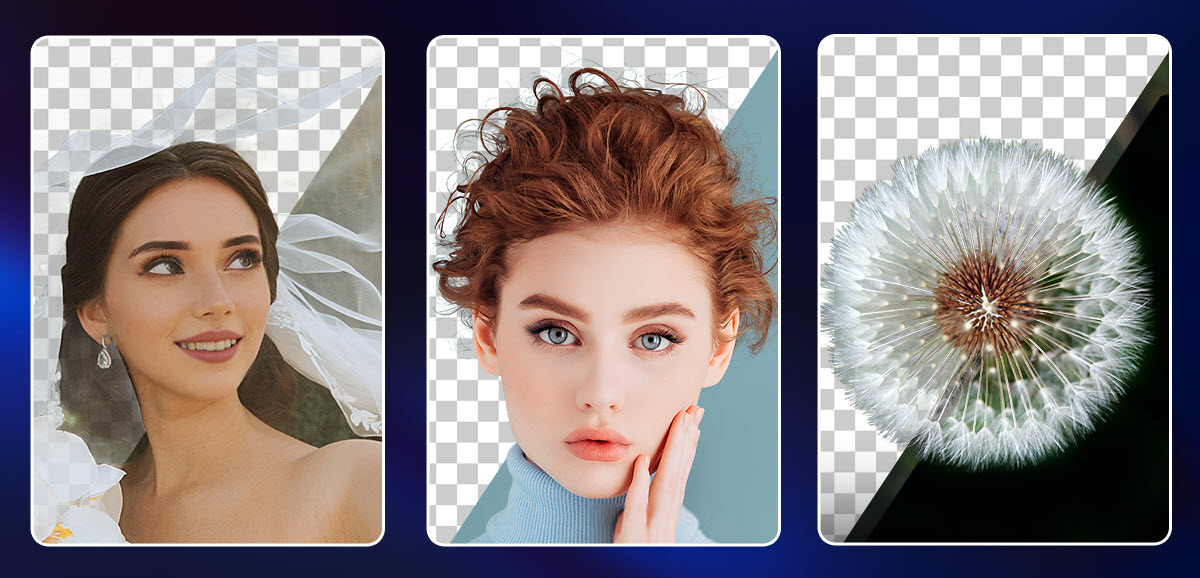
Wedding and fashion photography. Veils, lace, and flowing fabric with semi-transparency are notoriously difficult to mask. The software preserves the gradual opacity of these materials rather than treating them as fully opaque or fully transparent.

Pet and wildlife photography. Fur edges on dogs, cats, or birds against outdoor backgrounds involve thousands of micro-transitions that a hard mask clips. Aiarty retains the natural softness of those edges.
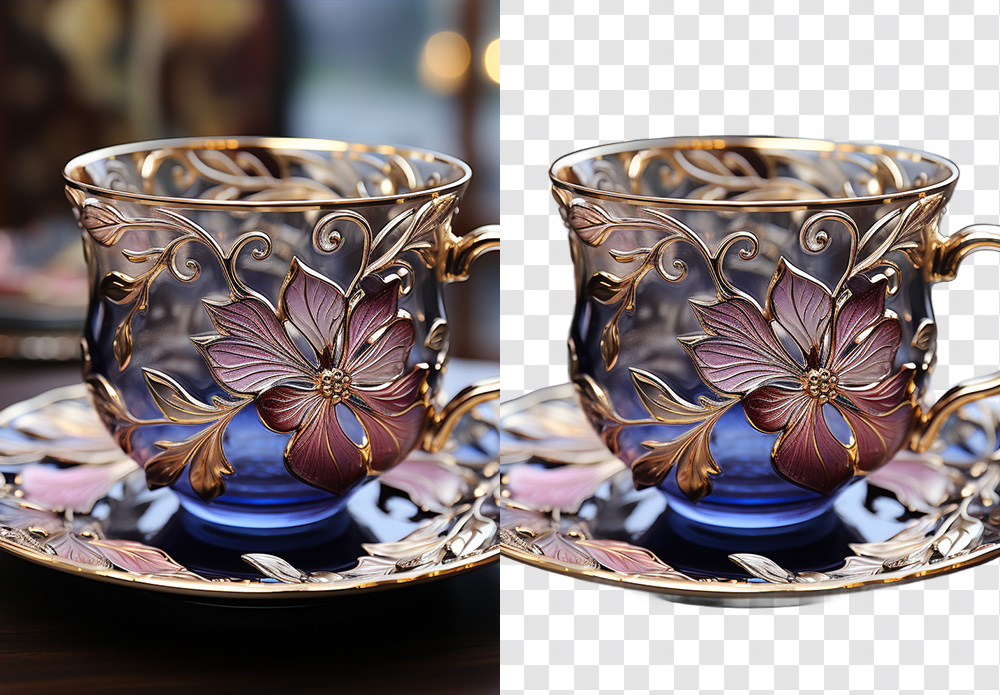
Product photography with glass or reflections. A transparent tea cup, a bottle of wine, a glass vase — these require the background to show through the object correctly. The software’s AI can isolate the object while preserving the transparency information rather than filling it in with a solid edge.
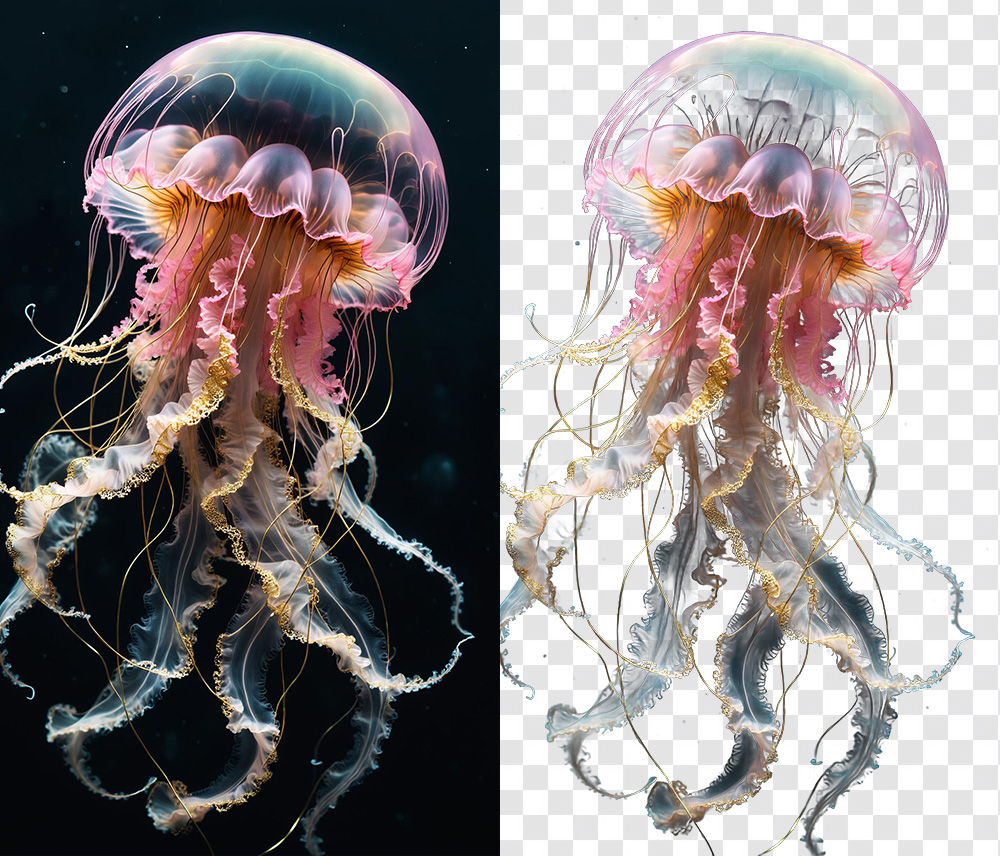
Subjects with inherently complex edges. Objects like jellyfish, smoke, or translucent materials have edges that don’t conform to standard masking logic. The kind of wispy, semi-transparent boundaries that would take significant manual work in Photoshop are handled automatically here.
Key Features
Aiarty Image Matting focuses on matting and background work rather than trying to be a full photo editor. Its main capabilities include:
- AI-powered background removal and automatic subject detection
- Alpha matting for hair, fur, feathers, lace, glass, water, and other complex edges
- Four AI models optimized for different subject types
- Edge refinement tools for smoothing, outline emphasis, brightness balancing, and alpha mask adjustment
- Brush, eraser, dodge, and burn-style tools for manual correction
- Background replacement with transparency, solid colors, blur effects, or custom images
- Batch processing for high-volume workflows — Aiarty says it can handle up to 3,000 product photos
- Local desktop processing on Windows and macOS, no cloud upload required
Supported input formats include JPG, PNG, TIFF, WebP, AVIF, HEIC, and several RAW formats. Export options cover transparent PNG and JPG.
Simple Workflow

The process runs four steps:
- Add images. Drag and drop a single image, multiple files, or an entire folder.
- Remove the background. Select the image, choose the appropriate AI model if needed, and start the matting process.
- Change or refine. Keep the background transparent, replace it with a solid color, add a custom image, or use the brush tools for manual correction.
- Export. Save the processed image, mask, or alpha-channel output for use in Photoshop, e-commerce listings, composites, or client delivery.
How It Compares on Price
The pricing context matters. Remove.bg charges around $9/month for a web-based tool with no desktop app and limited batch capabilities. Adobe’s background removal lives inside a $55/month Creative Cloud subscription. Canva Pro includes background removal at $15/month but is oriented toward design rather than professional photo output. Topaz Photo AI covers background removal among many functions at around $199 one-time.
Aiarty Image Matting at $60 after the anniversary discount is a desktop app focused exclusively on matting, available on both Windows and Mac, with no recurring cost. That’s a reasonable trade-off for photographers who need a dedicated tool rather than a general-purpose editor or a web service. The software also includes a background replacement tool and a white background generator built in, which covers most e-commerce output requirements without additional software.
Anniversary Sale Details
- Regular price: $109
- Sale price: $65 (43% off)
- With coupon code ANNIVERSARY: $60 on single-product purchase
- Bundle discount: Extra $10 off with code ANNIVERSARY
- License: Lifetime, up to 3 computers (Windows or Mac), lifetime free updates, one-time purchase
- Platforms: Windows 10 (x64) 1809 or higher; macOS 10.15 or higher (Intel); macOS 11 or higher (Apple Silicon)
- Offer ends: June 21, 2026
- Get the deal: aiarty.com/ai-image-matting
To apply the coupon, click “Buy Now” on the Anniversary Deal page, enter ANNIVERSARY in the coupon code field at checkout, and refresh the price before completing the purchase.
For photographers who regularly deal with complex masking tasks, a $60 lifetime license for a dedicated matting tool is worth a closer look before June 21. It won’t replace Photoshop, but it doesn’t need to — it just handles the part of the job Photoshop makes slow.