As you will no doubt have heard, Adobe just released a mammoth sized overhaul to their platter of Creative Cloud applications, and the updates are anything but cosmetic. Arguably, this is the largest Adobe update across the board since inception, and if there were ever a time to become well acquainted with Adobe software, it would seem this is it.
That said, Adobe software like Photoshop and Lightroom are extremely capable and complex programs and the things you can do with them when you become a ‘savant’ is astonishing. Effective and speedy operation of these applications requires using all the shortcuts made available to you, but the list of shortcuts for each program is as long as the Orient Express, making remembering them all a feat on its own. Thankfully there is a set of brilliant cheat sheets for that, and all free.

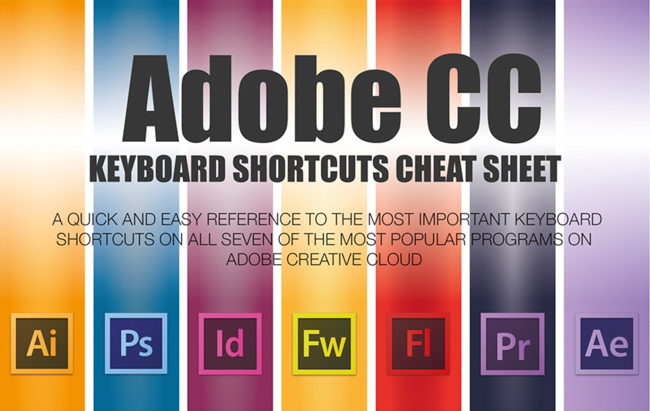
Jamie Spencer over at SetUpABlogToday.com has painstakingly created ‘cheat sheets’ for all the major Adobe applications, sharing them for free, and is encouraging us all to spread the wealth – and they are the best I’ve come across.
The cheat sheets are comprised of a 2D keyboard displaying the shortcuts, but also broken down into categories in list form for easy reference for both MAC and Windows systems – Categories such as Tools, Layer Commands, Filter Commands, Managing Photos & Catalogues, and Navigating Modules, to name a few.

Here is a glimpse of what they look like and they are available to be viewed online. Each is also available as a high-resolution PDF download that is handy to keep on your devices. I’ve already put them on my iPad and computers to always keep with me and recommend anyone do the same.


You can find the PDF download for Lightroom here, and Photoshop here.
There are also cheat sheets available for After Effects, Premiere, and much more. In fact, you can get them individually or as one massive graphic here.
Since he has shown our community such love, we should all return the favor and go check out what else Jamie has on tap over on his site SetUpABlogToday.com.
If you like this and are looking to actually get the uttermost out of a Lightroom, a program we use all the time and pay for, I would be remiss not to mention looking into the Lightroom Organization & Workflow system because there’s nothing quite like it to learn this application, and these cheat sheets are such a brilliant compliment.
Source: SetUpABlogToday.com, images are screen captures from featured site