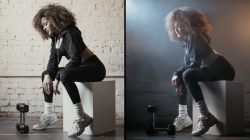
When it comes to making the leap from ordinary video creation to crafting a cinematic masterpiece, there are a few critical pieces of equipment that make a world of difference. Everybody knows that audio is important, and so is lighting. But what about the video quality itself? Well, if you’re making movies, good video quality is not just about the camera and lens. It’s about actually monitoring the video while you’re shooting on-location! So, today, we’ll be bringing you our Godox GM6S Pro review. In the realm of video monitors, the GM6S is perfect for both a first entry into the realm of movie-making, and high-end professional work.
Having a video monitor is not just about having an enlarged screen and a shaded hood so you can get a better view of the “plain image” compared to your camera’s built-in LCD. The Godox GM6S Pro, for example, offers numerous additional features. It starts with taking up to 4K 30p video from your camera’s HDMI port, and displays it in crisp detail on the 1920x1080p display. Functionality expands greatly with the monitor, offering numerous features such as focus & exposure assist, waveforms, LUTs, and much more.
We’ve already seen other sites checking out the Godox GM6S Pro; and some videos that answer the question, “is it worth buying?”
https://www.youtube.com/watch?v=9pi1GU0EG_Y
Godox GM6S Pro Specifications
- Screen Resolution: 4K Input & Loop Out
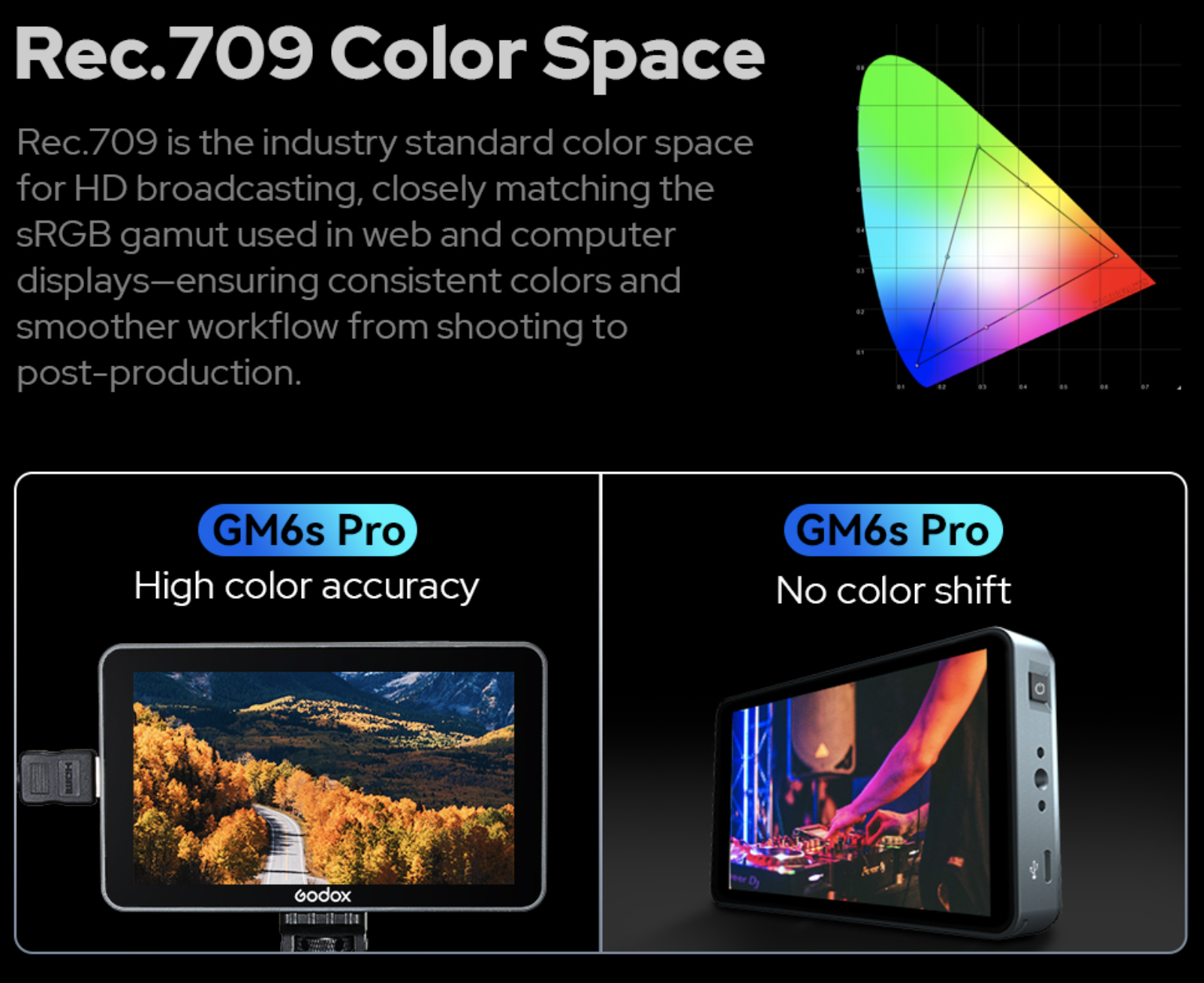
- Color Range: Rec.709 color gamut (99.9%)
- Body Construction: Aluminum (CNC)
- Camera Connection: HDMI Input/Output
- (includes full-size HDMI, Micro, & Mini cables)
- (cold shoe mount included)
- (Camera control connection not included)
- Brightness: 2000 cd/m² (2000 nits)
- Audio Monitoring: 3.5mm audio jack
- LUT Support: Yes, 3D LUT importing (SD card slot)
- Viewing Angle: 170 deg. (vertical & horizontal)
- Battery & Power: Battery not included; L-series format
- (Low power consumption, USB-C direct power possible)
- Interface Customization: F1-F5 quick shortcuts
- Size: 5.7×3.4×1.07 in (14.5×8.7×2.7 cm)
- Weight: 10.08 oz (286g)
- Price: $329
Godox GM6S Pro Review | In Use
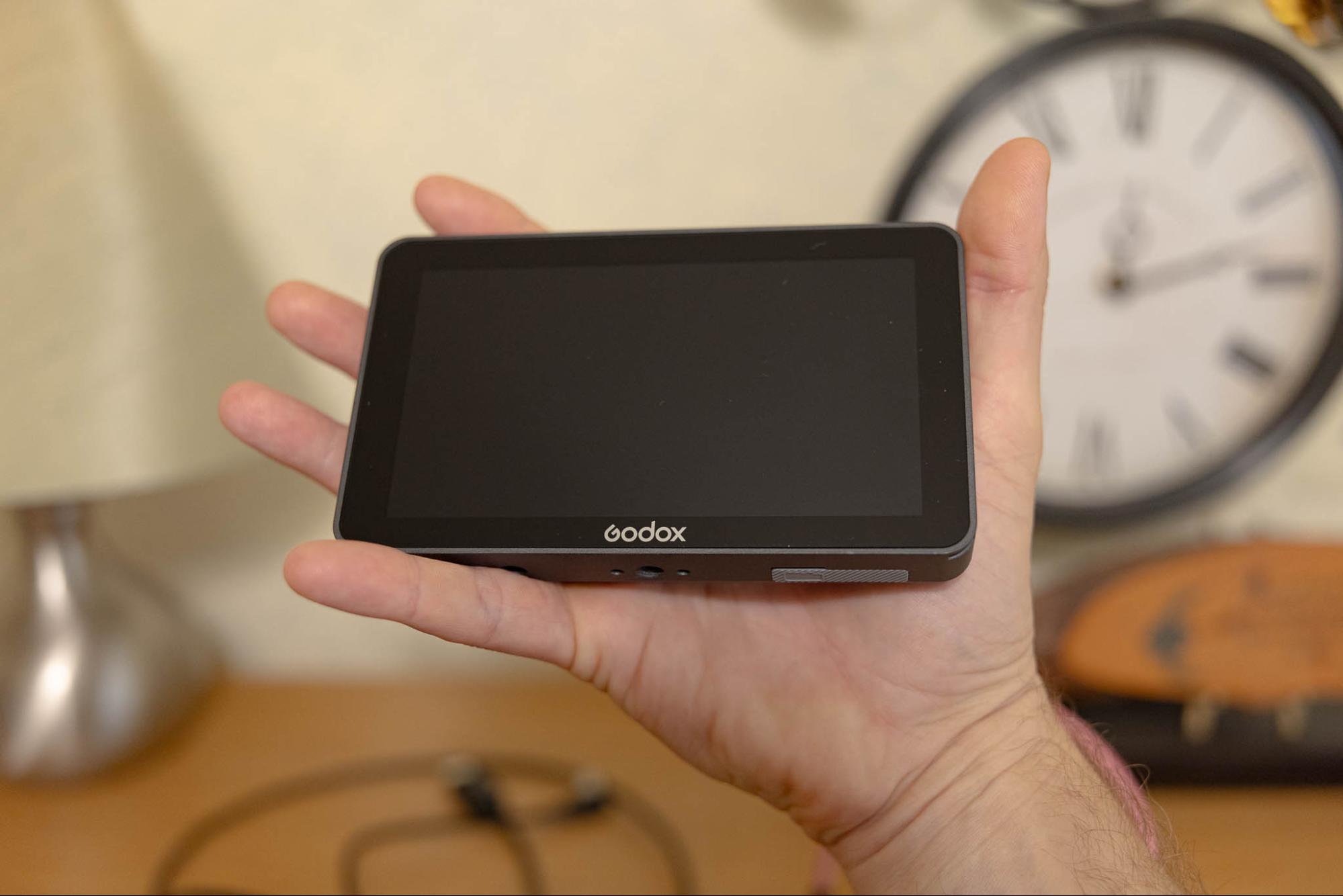
There might be a small amount of hesitation when it comes to adding a video monitor to your rig, because admittedly it can look a little complex at a glance. Honestly, though, getting set up is really quite simple, and once you get the hang of it, the learning curve vanishes and becomes a second-nature habit.
Simply plug everything in, (the HDMI In / Out ports are clearly labeled) turn it on, and you’ll be up and running in no time. The menus and customizations are another brief learning curve, and you’ll probably feel like a pro after just a few minutes of familiarizing and customizing.
You’ll have the option to view and control camera settings via the GM6S Pro as well, however, this requires a separate cable for your connection to the camera. (These can all be different for various camera makers, so they’re not included with the GM6S Pro. However, purchasing one is “dirt cheap”!)
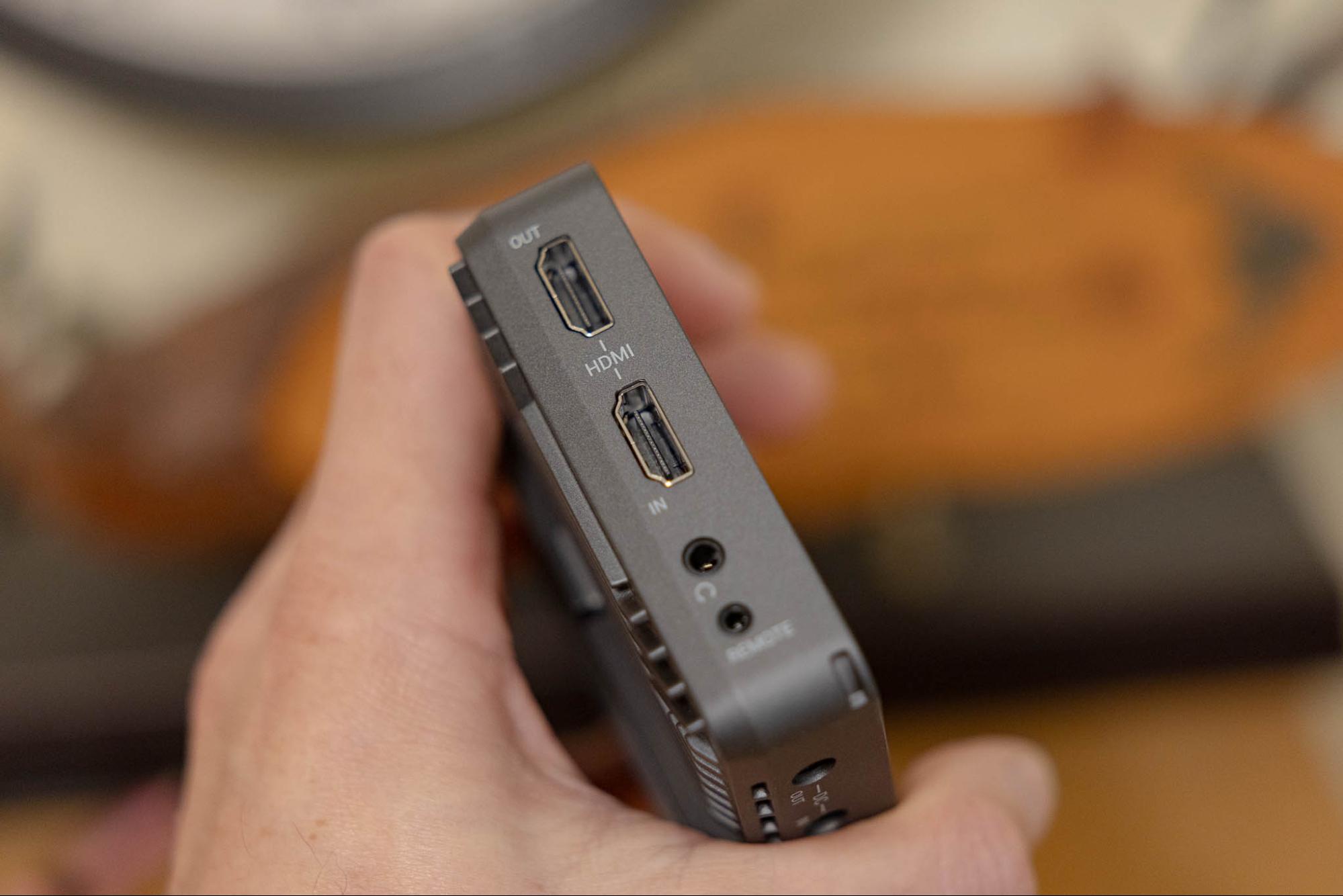
Another note is this: If you’re looking to power the GM6S Pro via USB-C, what is required is USB-PD (Power Delivery) of the 9V 2A variety. With this in mind, if you’re planning to also use external power for your cameras too, just make sure you have enough USB-PD supplies for both!
Once everything is set up, the impressive results are obvious right away: a big, bright, crisply detailed image rewards you, with any goodies you might wish for such as waveform, marching ants, and/or zebra stripes. The end result is, maximum confidence in your results turning out perfectly framed, well-exposed, and in sharp focus!
Additional Monitoring Features
- Focus Assist (Marching Ants)
- Exposure Assist (Zebra Stripes)
- Waveform (Histogram)
- LUT Management
- Aspect Ratio, Center, Grid, Safety Markers
- Image Flip
- Audio Meter
- False Colors
- Monochrome
- Pixel-to-Pixel
- Zoom
Godox GM6S Pro Review | Who Should Buy It
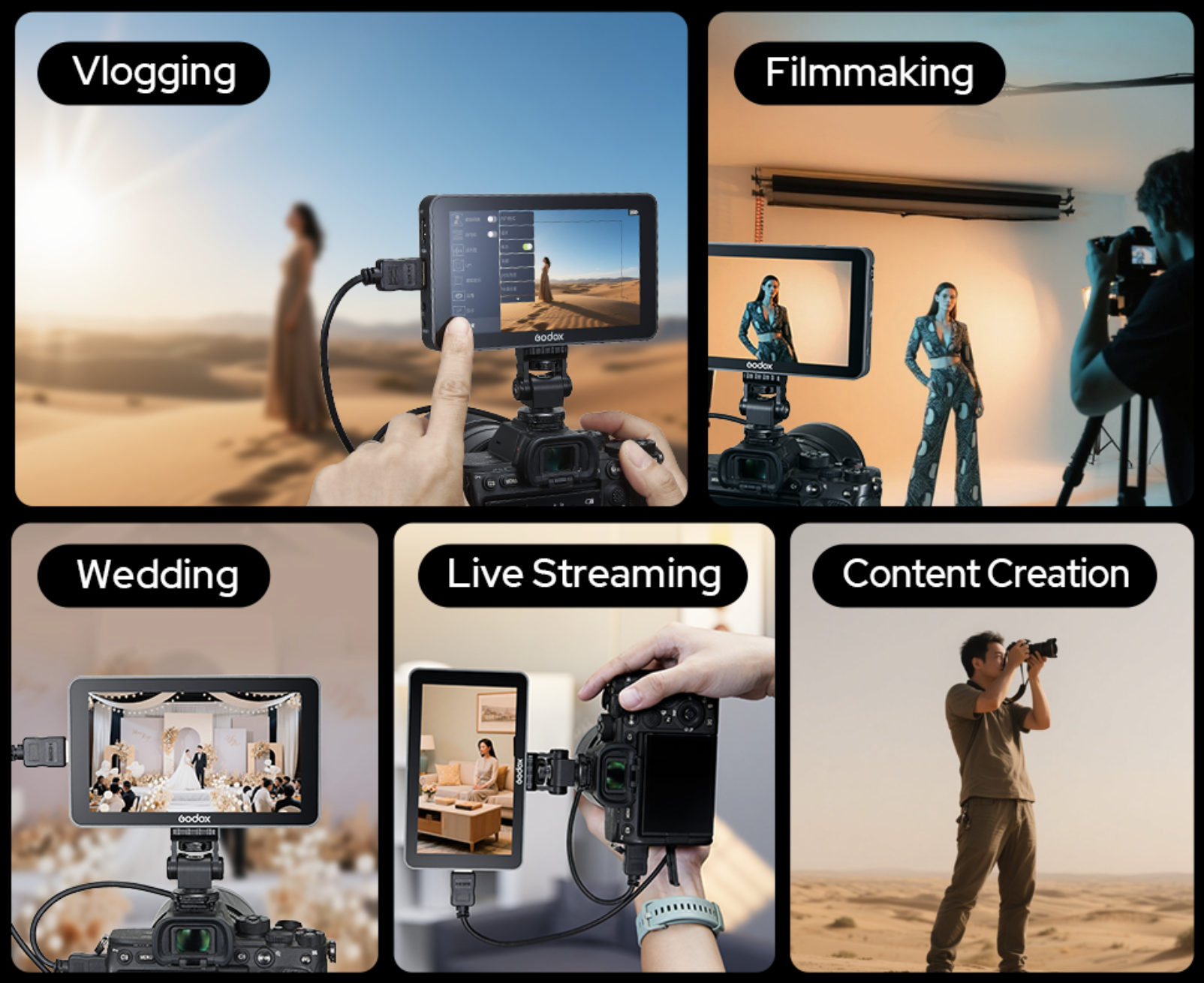
Considering the budget (price point) that the Godox GM6S Pro fits into, we could just offer a blanket recommendation to anyone who is serious about video. The value is there, indeed. However, it’s much more than just value. Why would you want to own an on-camera monitor, let alone this one?
First and foremost, we should recognize that this is an accessory which certainly adds to the size and complexity of your gear/kit just a little bit. It’s possible to keep things very simple with just one or two cables, but you can also add even more cables for audio (headphones), camera control, and additional HDMI monitors. This, combined with the potential to use NP-F style (7.2V) batteries and any other mounting brackets, could equal a whole section of your camera bag being fully occupied.
That is to say, the GM6S Pro is not for everyday, casual video making where a phone or compact camera is already going to be your optimal choice anyways.
Once you start using a more professional camera such as a full-frame mirrorless rig, then we should talk! If you primarily make videos, as opposed to stills, you should probably consider this. If you get paid to make videos, you should definitely own one of these.
The Godox GM6S in particular is our top recommendation since it offers the best value. Professional results, long-term durability, and an affordable price…
Wedding & Event Videography
One of the best businesses to make consistent money as a videographer, in our opinion, is wedding & event video/cinema. In this professional work environment, you could get away with a built-in camera LCD to monitor your video, however, “getting away with” this certainly depends on your creative style.
With that in mind, we usually find that the higher-end clients don’t want you to document their wedding like a vlogger with a cell phone; they want something a little more cinematic, indeed. And, the more production value you want to offer, the more critical video monitoring becomes!
Commercial & Editorial Videography
Compared to various types of event videography, where the lighting conditions are often out of your control, the commercial & commercial industry is very different. You usually have near-total control over the environment, including the lighting.
Does this mean you stop needing a monitoring aide? No, absolutely not. Even though it’s easier to see your camera’s LCD in a controlled environment, there are still many benefits to having a larger monitor. Whenever you have a client who’s paying you to deliver perfection, you owe it to yourself to have the additional tools such as Waveforms, Focus Assist, Zebra Stripes, etc.
Content Creator (Influencers, Streamers, Vloggers)
Another area of professional work that can benefit from having an external monitor is the many forms of content creation that are popular today. Especially if you work solo; you want to be able to see the image of yourself. Some cameras don’t even have a fully articulated LCD, and even the ones that do are impossible to really see when the selfie-facing camera is far away from you.
Being able to take a video feed from a camera with an HDMI cable, turn it around, and/or bring it closer to you, is a huge advantage.
One pro tip we can give for people who do a lot of live streaming is this: If you have the habit of always checking your own face instead of looking directly at a camera, …just put this video monitor directly ABOVE your camera lens! This way, every time you glance at your own self, your audience won’t even notice, it will appear as if you’re still looking right at them. Whether you’re doing Zoom coaching calls or you’re a gaming streamer, looking your audience directly in their eyes is an important way to connect with them.
Movie / Cinema Makers
Last but certainly not least, if you’re an aspiring Indie / short film maker, having one (or two) of these monitors is a must. You’re probably going to be doing a little bit of everything; on-location work, studio work, and maybe even interview/documentary work where looking into the camera is used.
Having an enlarged, shaded, clear view of what you’re recording is a must. Whether it’s just you behind the “A camera” or “B camera”, or there is a director who also needs to see both cameras at once while staying out of the way of camera operators, …it’s absolutely essential to have this external monitor option.
For example, if your A and B cameras are at significantly different angles, a director probably shouldn’t be walking back and forth between cameras incessantly. So, buy some extra-long HDMI cables, and run them from your two cameras to a pair of GM6S Pros at a single director’s viewing position.
Godox GM6S Pro Review | Pros & Cons
Now that we’ve discussed how the GM6S Pro works and who ought to be investing in one or two of these monitors, let’s briefly cover the detailed pros and cons about the device itself…
Pros
The new GM6S “Pro” series is impressively bright, at 2000 nits; a beautiful improvement over the others with just 1000-1200 nits. That brightness, plus the color range, dynamic range, and overall fidelity (accuracy) makes this a gorgeous display. If you do a lot of work outside in full sun, then it becomes especially true that we recommend this latest upgrade to the GM6S!
The potential customizations are another huge bonus, but the main, final advantage is the abundant features to assist you in monitoring. The touchscreen interface, with its possible camera controls, completes the user experience.
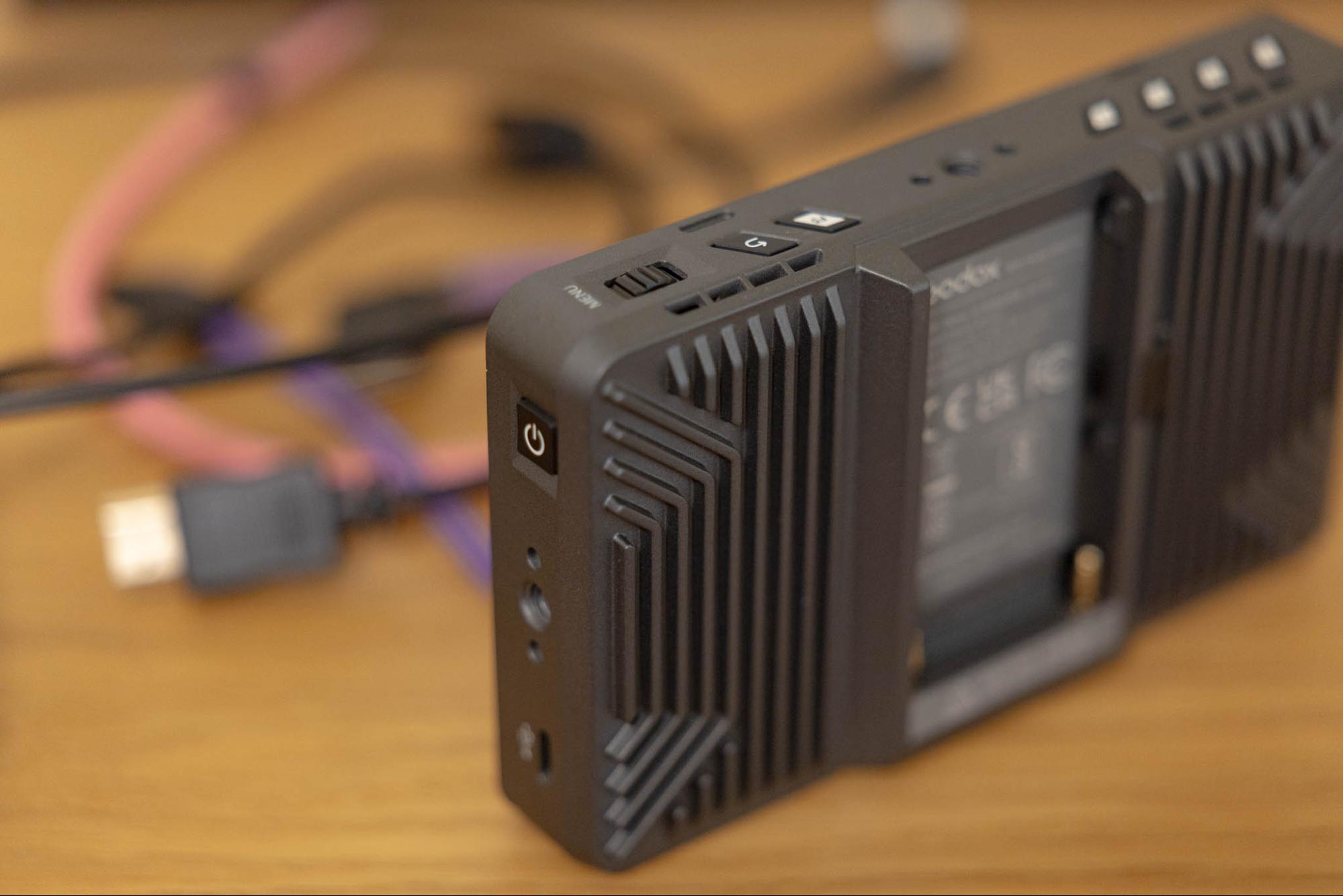
Oh, and thanks to the sleek aluminum body, the GM6S Pro is totally silent, yet impressively heat-resistant.
Cons
There aren’t many drawbacks to mention regarding the Godox GM6S Pro. Actually, most of our “complaints” only relate to the accessories that you might need to add to your shopping cart:
For power, you do have three options, which is fantastic: NP-F style batteries, USB-PD, and DC in. (There’s also a DC out port for carrying power to additional devices.) Unfortunately, all of these power options involve aftermarket accessories; you won’t be operational without one. Thankfully, every videographer probably already has lots of USB-PD power options, and maybe even a NP-F battery to spare.
Other than that, there’s a clarification to be made about the resolution: Like most monitors, the GM6S Pro “works with” 4K video, meaning it can accept the input and provide the output for DCI and UHD 4K video feeds, even up to 60p! However, the GM6S Pro display itself has a 1920x1080p native resolution. Again, this is ubiquitous among 4K on-camera monitors/displays.
Godox GM6S Pro Review | Conclusion

Taking your cinematic video-making seriously does involve a steep learning curve or two. The whole world of audio can take a lifetime to master, and the same goes for lighting. Video monitoring, however, is a rather straightforward upgrade that is within reach of most aspiring cinematographers.
With that in mind, the Godox GM6S is an optimal balance in terms of portability, affordability, and performance. You can make a modest investment and take a significant leap toward creating the highest quality video output from your cameras and lenses!
All in all, I do wish that the GM6S Pro also included just a little bit more in terms of aftermarket accessories; I could use a battery, a charger, and/or a USB-C cable to really complete the kit. These aren’t drawbacks of the GM6S Pro itself, though; the device performs beautifully of course.
The Godox GM6S Pro is a professional tool, with all of its monitoring capabilities and the camera control possibilities. If you’re a professional wedding videographer, or a content creator who is doing live streams or vlogging, it’s perfect for you. If you’re an aspiring filmmaker on a path to create a masterpiece, this is a great. You can pick up a Godox GM6S Pro here.