
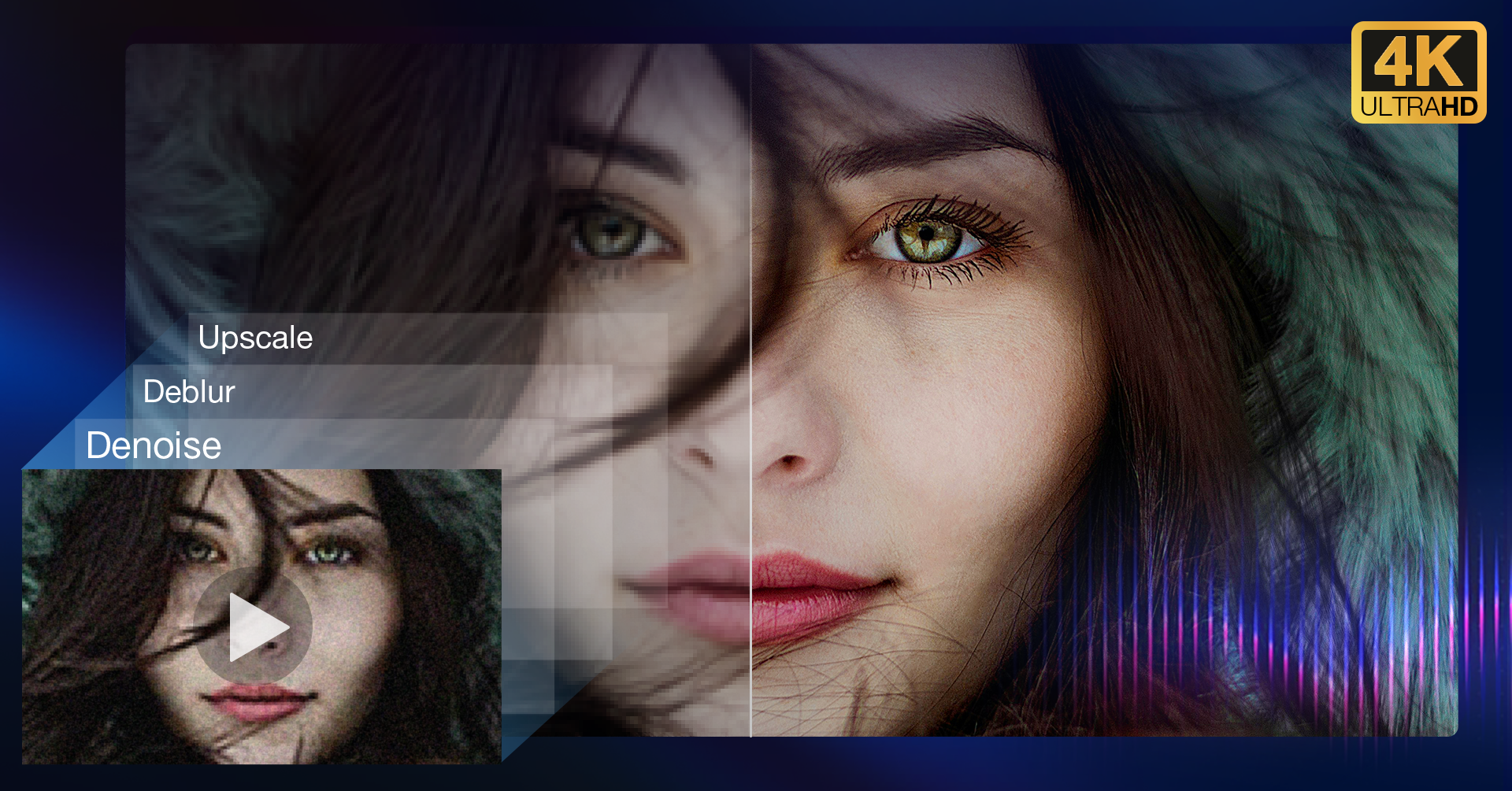
With 2026 underway, creators looking to bring new life to their old, noisy, or low-resolution videos should take note of a compelling promotion from Aiarty. The company’s AI Video Enhancer, a desktop application designed to upscale, denoise, and restore footage, is now available at its lowest price ever as part of a New Year special. Take 36% off a Lifetime License, with an additional $5 discount when using the coupon code “NYSPECIAL” at checkout.
For those not yet familiar with Aiarty’s AI Video Enhancer, let’s take a closer look.
What Aiarty Actually Does

If you’ve never used AI-powered video enhancement software, here’s the short version: you feed it rough footage, and it uses machine learning to clean it up. We’re talking upscaling old 720p clips to 4K, reducing noise from low-light shots, sharpening soft focus, and smoothing out choppy frame rates.
The appeal here is that you don’t need to be a colorist or spend hours tweaking settings. Aiarty handles most of this automatically; pick a source file, choose your enhancement options, and let the AI do its thing. For photographers who’ve started offering video services (or wish they’d captured better behind-the-scenes content years ago), it’s a practical way to salvage footage that would otherwise collect digital dust.
Features that Matter
Here’s a quick take on the most useful features found in Aiarty’s AI Video Enhancer.
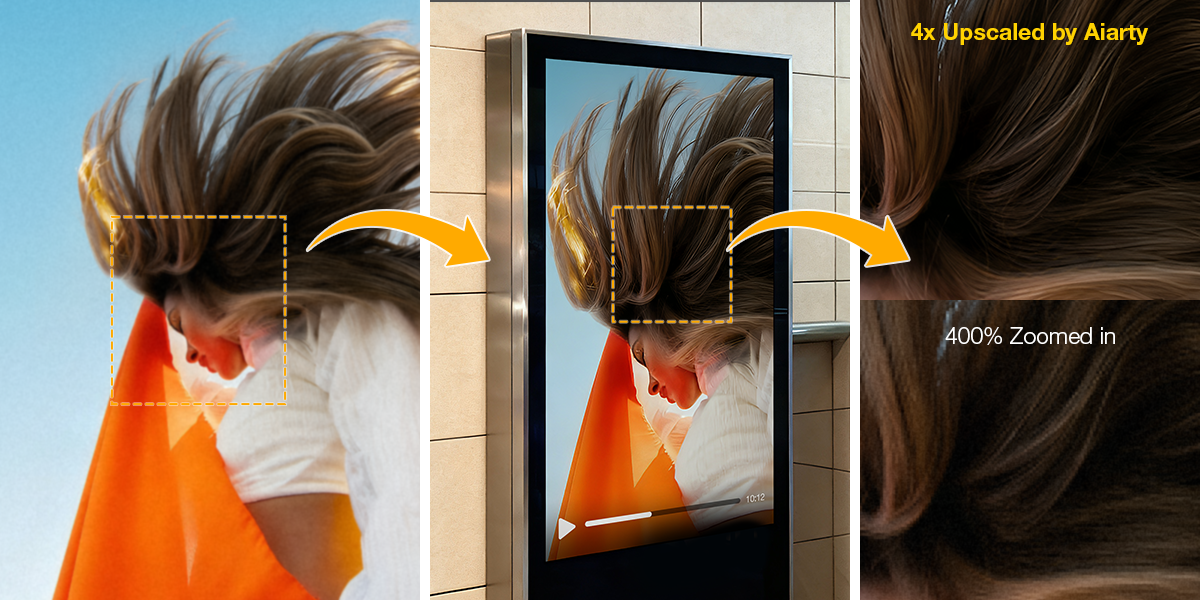
Upscaling to 4K is the headline feature. If you’ve got old SD or 720p footage, perhaps from an early DSLR that shot mediocre video, Aiarty can bump it up to 4K resolution. It’s not magic; you’re not going to turn a 2009 flip camera into cinema. But for repurposing content on YouTube or displaying on modern TVs, the results are noticeably better than just stretching the pixels.
Noise reduction and deblurring tackle two of the most common problems in real-world video: grain from high ISO settings and motion blur from handheld shooting. What sets AI-powered denoise apart from basic filters is that it tries to preserve actual detail, including edge sharpness, skin texture, that kind of thing, instead of just smearing everything into oblivion.
Frame interpolation is particularly useful if you’re working with older footage shot at 24 or 30fps and want smoother playback or slow-motion effects. The AI generates intermediate frames to get you to 60 or even 120fps. It’s not perfect (fast motion can still produce artifacts), but for talking-head content or relatively static shots, it works surprisingly well.
Audio cleanup is a nice bonus. It won’t replace a proper DAW, but if you’ve got wind noise, room echo, or background chatter ruining an otherwise usable clip, the built-in tools can clean things up enough to make the audio passable.
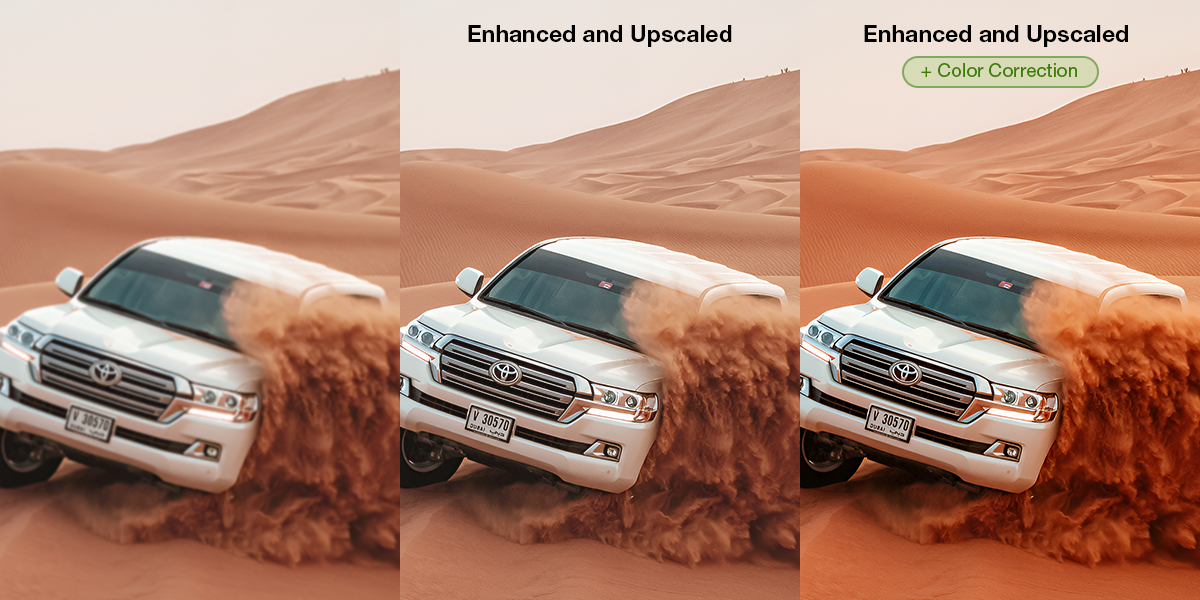
There’s also color correction for quick exposure and white balance fixes, SDR to HDR conversion if you’re delivering to HDR displays, and batch processing for when you’ve got dozens of clips that all need the same treatment.
The Privacy and Speed Angle
One thing worth mentioning: Aiarty processes everything locally on your machine. Your footage never gets uploaded to cloud servers. For anyone working with client footage or just generally protective of their files, that’s a meaningful detail.
If you’ve got a decent GPU, the software takes advantage of it. Aiarty claims up to 3x faster processing compared to CPU-only tools. In practice, this means you’re not waiting around forever for a 10-minute clip to render.
Limited-Time Deal: Lifetime License with No Subscriptions
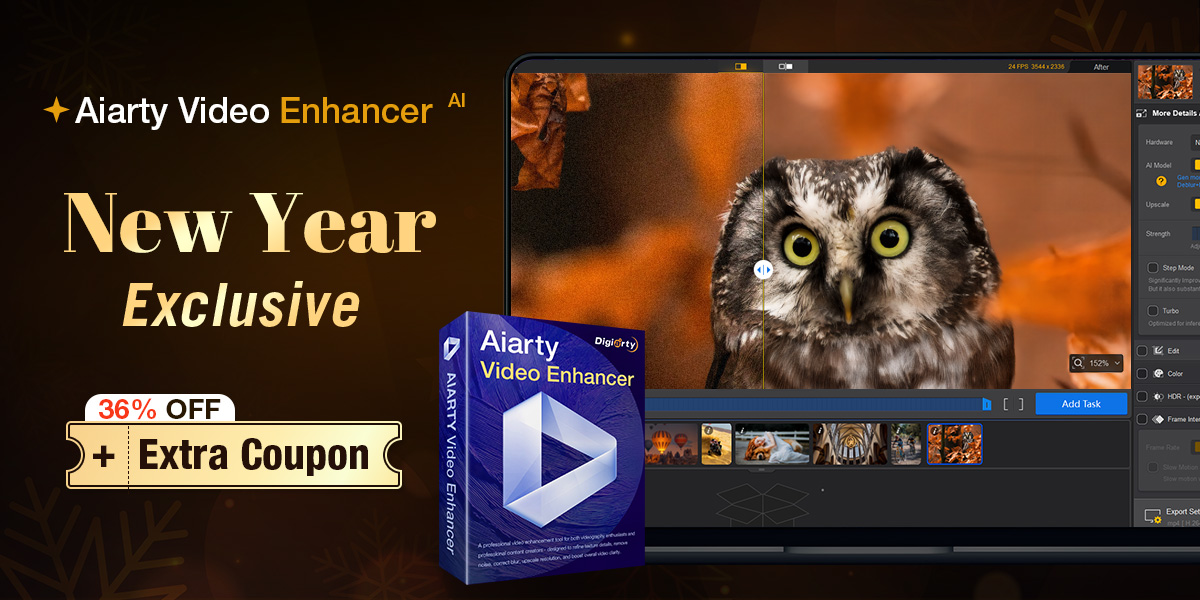
As we mentioned up top, Aiarty is offering up to 36% off its Lifetime License, with an additional $5 discount when using the coupon code “NYSPECIAL” at checkout. This drops the price to its all-time low.
The Lifetime License includes the following:
- Full access to all features
- Unlimited free updates
- Activation on up to 3 devices (Mac or Windows)
- One-time payment with no recurring charges
To claim the offer:
- Visit the New Year Deal page
- Click “Buy Now”
- Enter “NYSPECIAL” in the coupon field and click Refresh
Final Thoughts
If you regularly work with video, whether that’s client projects, YouTube content, or even personal archives, having a tool like this in your toolkit makes sense. It’s not going to replace proper lighting, good lenses, or shooting at appropriate settings in the first place. But for rescuing footage that’s already been captured, or breathing new life into older content, AI enhancement has gotten genuinely useful.
The no-subscription model is also refreshing. You pay once, you own it, and you’re not locked into another monthly fee. For photographers and videographers already juggling Adobe subscriptions, Lightroom presets, and various other recurring costs, that simplicity has real value.









