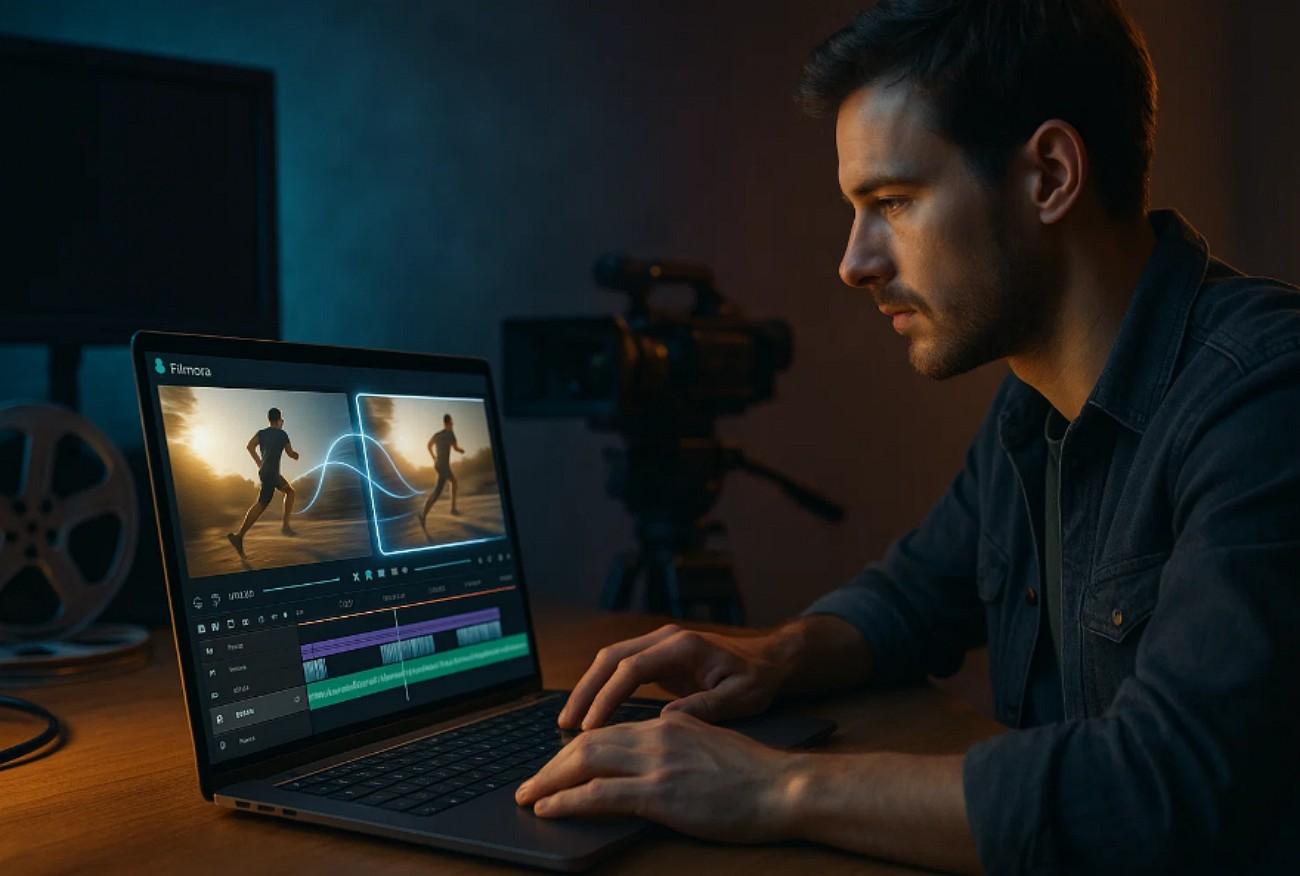
What happens when a moment ends too soon on camera? For editors, that often means jumping through hoops—reshooting, looping footage, or faking slow motion—to create a smoother transition or preserve the emotional beat. Wondershare introduced AI Extend inside Filmora V15, using AI frame generation to extend clips by up to eight seconds without traditional interpolation or looping methods.
AI Extend aims to provide more control over pacing—whether holding a reaction longer, repairing a clipped transition, or creating motion‑matched padding for audio‑driven edits.
How It Works

The AI Extend feature lets creators hold emotion longer and restore flow no reshoots needed. It adds real movement that fits your footage with the camera movement option. With one click, Filmora predicts what happens next or what came before, extending clips forward or backward to continue the story seamlessly. Time becomes flexible, and storytelling feels smoother, clearer, and more intuitive than ever before.
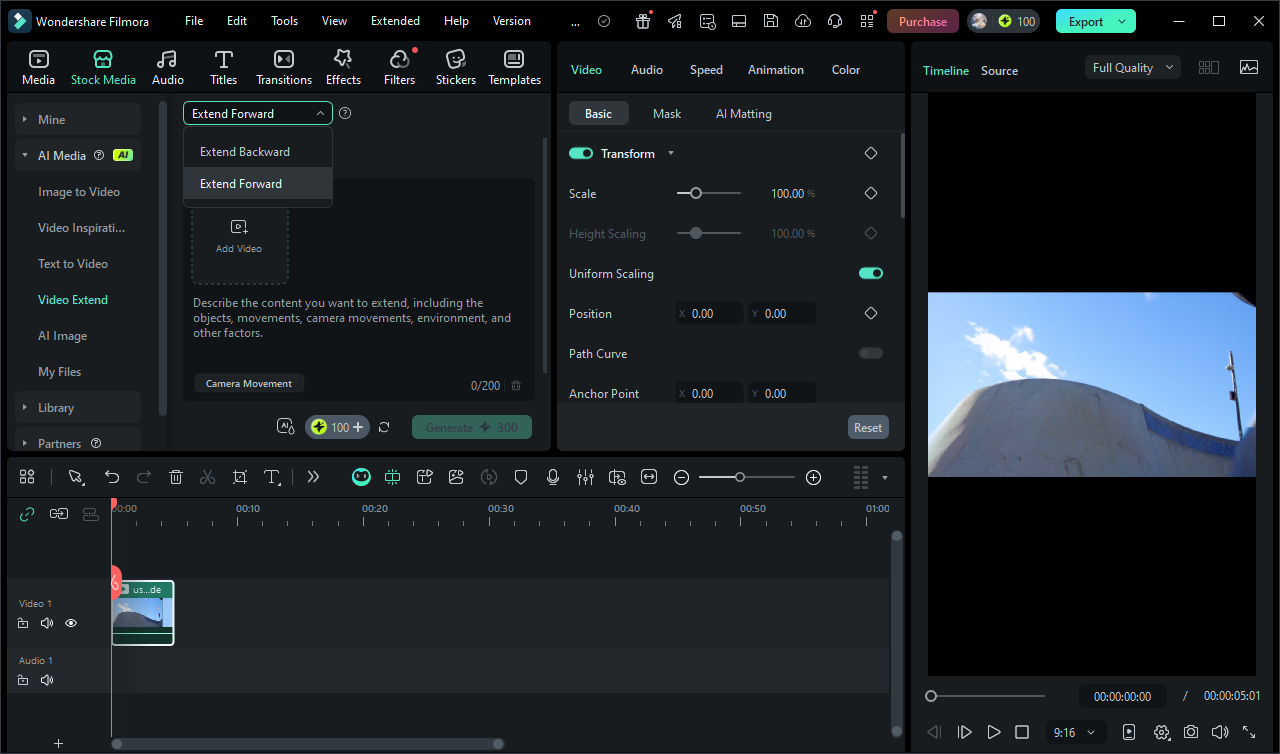
The tool is found under AI Media > Video Extend, letting users choose Extend Forward or Extend Backward, then input a short prompt describing the shot’s continuation. The AI analyzes motion, lighting, and optical direction to synthesize new frames. Optional presets such as Zoom, Pan, or Tilt offer lightweight guidance for virtual camera motion.
For example, a user could write “extend wave goodbye.” Additional prompt examples might include:
- “follow subject as they turn toward camera”
- “extend clip with the same handheld camera motion”
- “continue pouring coffee into cup on table”
- “hold expression after punchline in dialogue”
- “continue cycling forward with steady motion”
- “extend clip to reveal subject stepping into frame”
- “add a small pause before turning to walk away”
Once Generate is selected, the system displays an AIGC Usage Agreement to ensure disclosure and governance around generative media. The result extends 0 to 8 seconds and drops into the timeline, avoiding frozen last frames or visible loops.
Where AI Extend Can Help
This tool won’t replace traditional editing decisions or well‑planned production, but it covers a few repeat‑problem scenarios photographers and creators run into:
- Bridging short clips: If footage ends before motion resolves, AI Extend can create matching directional frames, reducing reliance on slowed‑down playback or duplicated frames.
- Smoothing abrupt cuts: Editors can experiment with short connective segments that maintain scene momentum without optical frame stretching.
- Holding emotion longer: Useful for dialogue‑driven pacing when a moment needs airflow without resorting to a pause‑still or cutaway.
- Padding B‑roll for interviews: In projects where strong audio carries the narrative, AI Extend offers a low‑friction method to sustain motion behind dialogue.
Why Time Is Becoming a Timeline Layer
AI Extend reflects a broader shift in post‑production: time itself is becoming adjustable media rather than a fixed container. Editors aren’t only repairing footage, they’re reshaping continuity in ways that used to take mechanical optical flow tuning or on‑set reshoots. While the synthetic result shouldn’t be viewed as your primary cinematic building block, tools like this expand what “repairing rhythm” looks like for creators managing short, imperfect clips.
For professionals who prioritize precision, the tool works best when used selectively, particularly on clips with uncomplicated motion direction, stable depth, and consistent exposure. It also serves as a testing ground for faster workflow creativity without replacing a team’s technical judgment.
You can experiment with AI Extend now in Wondershare Filmora V15. Pricing and system requirements are available on the company’s site.