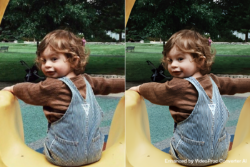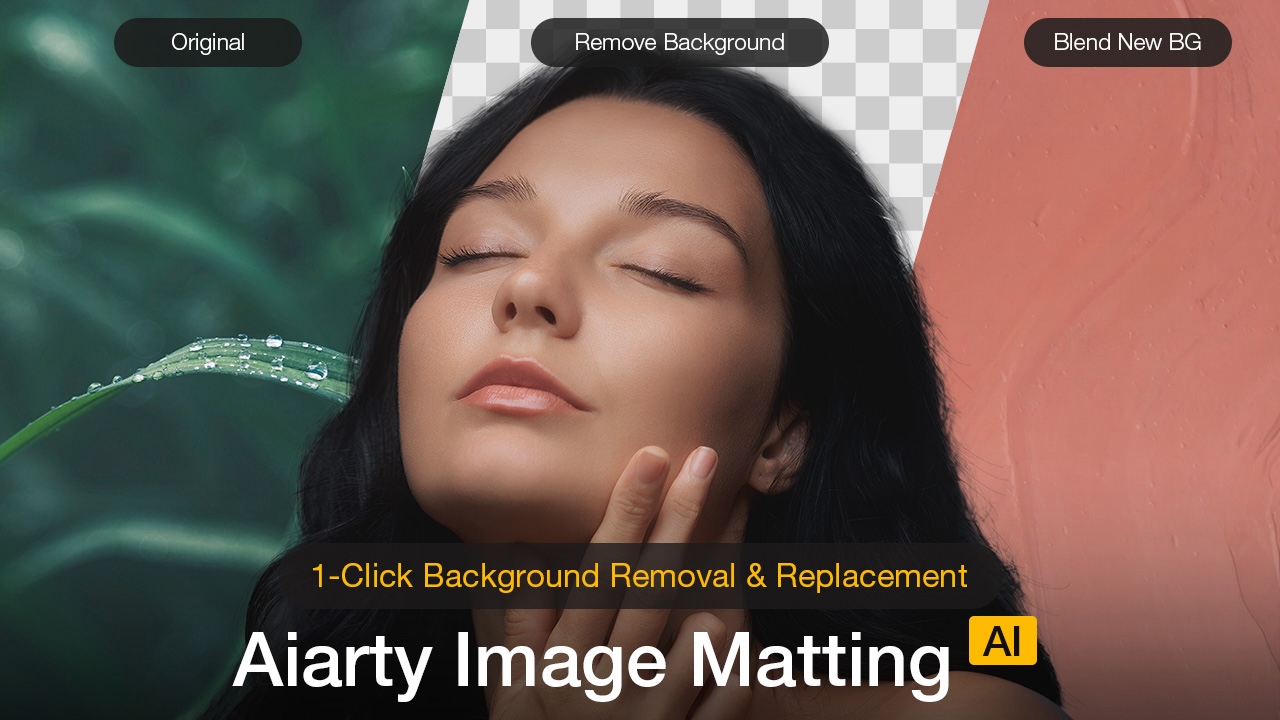
For photographers, designers, and digital creators, background removal can still be one of the most tedious steps in a workflow, especially when dealing with hair, fur, or fine edges. Even with the rise of AI-powered tools, many solutions still fall short when faced with real-world complexity. Hair and fur often get clipped or smeared. Semi-transparent areas like veils, smoke, or motion blur confuse the algorithm. Manual masking can fill in the gaps, but it’s time-consuming and rarely consistent, especially in batch workflows. Aiarty’s Image Matting software aims to change that, and they’re running a pretty solid deal right now on the lifetime license at the lowest price of the year. As part of a limited-time Christmas promotion, users can grab a permanent license for just $60 (originally $109), plus get an additional $5 off by entering the code XMASSAVE at checkout. Click here to access the holiday deal.
A Smarter, More Seamless Cutout Tool
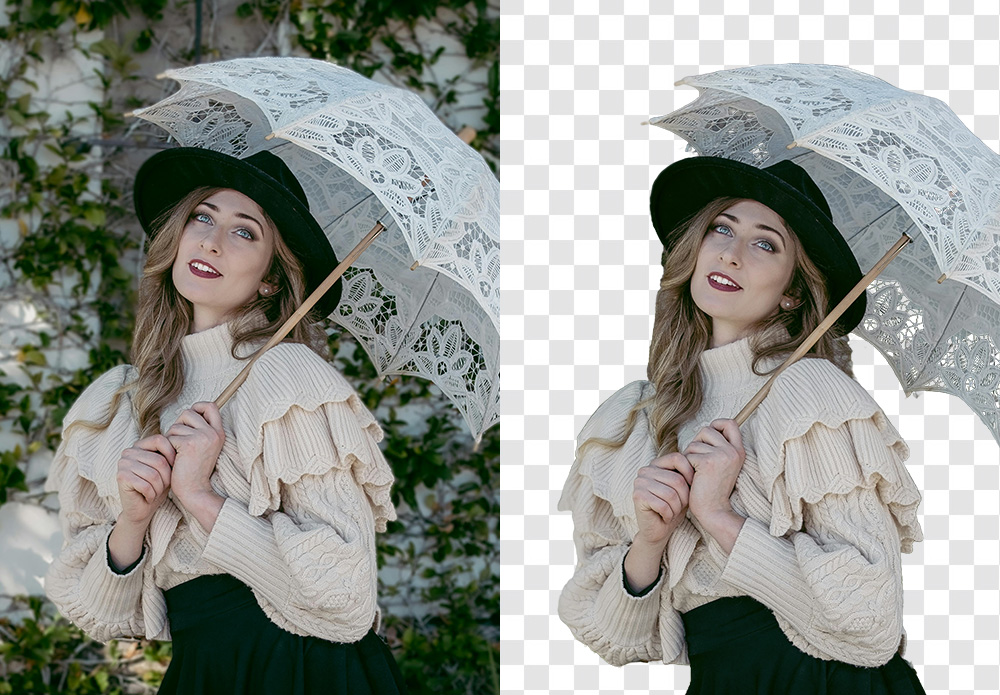
Unlike the auto-select tools you’re probably already using, Aiarty is purpose-built for tough extractions. It’s not trying to be an all-in-one editor; it just does one thing really well: pulling subjects cleanly from backgrounds, even when conditions aren’t ideal. Whether you’re editing portraits, e-commerce assets, or creative composites, it’s built to handle a variety of needs:
- Flyaway hair and fur
- Semi-transparent edges (like veils, glass, or smoke)
- Low-contrast or backlit subjects
- Batch processing at scale
The software runs natively on Windows 10 (1809+) and macOS Catalina (10.15+) or later, with all processing done locally. There’s no cloud upload, no waiting, and no privacy concerns.
Key Features at a Glance

Designed with real-world editing challenges in mind, like those mentioned above, Aiarty Image Matting includes a number of features that allow for quick results and fine-tuned adjustments. Here’s a quick overview:
- One-Click AI Cutouts: Fast, studio-grade extractions with no manual masking.
- Multi-Subject Detection: Accurately identifies people, pets, products, and more.
- Edge Detail Preservation: Maintains natural textures in hair, fur, and translucent areas.
- Custom Background Replacement: Easily swap in solid colors, custom scenes, or transparent PNGs.
- Refinement Tools: Manual brush options for edge tweaks, transparency control, and pixel-level adjustments.
- Batch Processing: Ideal for high-volume workflows like headshots, catalogs, or social media posts.
- High-Res Export: Supports up to 4K output while retaining sharp, clean edges.
- 100% Offline: No internet required; everything runs on your machine.
Who It’s For
This isn’t just a tool for full-time retouchers. Whether you’re working solo or as part of a production team, you can use Aiarty Image Matting to cover a wide range of creative workflows. If you’re a photographer dealing with portraits, weddings, or fashion work, this can save you a ridiculous amount of time. Content creators who need clean thumbnails or graphics without opening Photoshop every time will appreciate the speed. E-commerce sellers can crank out product shots with clean backgrounds for Amazon or Shopify. Designers working on composites, posters, or animations can isolate subjects quickly and move on.
Limited-Time Holiday Offer
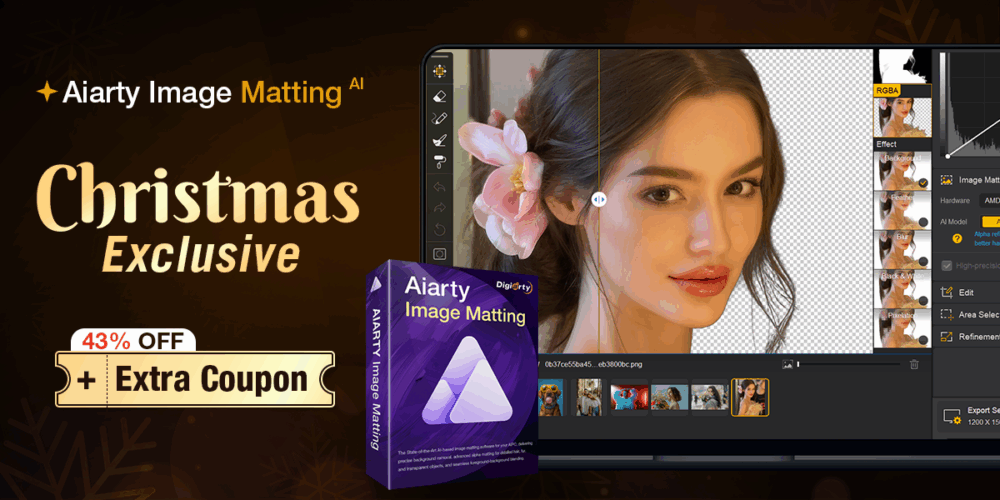
Aiarty’s Christmas promotion runs for a short time, offering the Lifetime License, which includes free updates forever and installation on up to three devices at just $60, down from the regular $109. Add the coupon code XMASSAVE at checkout for an extra $5 off. Again, there are no subscriptions and no hidden fees.