Landscape Photography Presets Released by SLR Lounge and The Photo Argus

Alice Houstons

landscape photography presets 11 1

SLR Lounge and The Photo Argus have teamed up to create a set of Lightroom Presets for landscape photography.  The presets are sold as a bundle of 3 packs: The Vibrant Presets, The Stylization Presets, and the Advanced Brushes.  Combined, they create a complete workflow for landscape photographers, from basic color correction, to creative stylization, to even local adjustments. The pack contains over 40 Presets and 20 Brushes.landscape lightroom presets

Launch Discount for SLR Lounge

As a thank you for being a reader of SLR Lounge, we have a special discount for you. Take an additional $20 off the already discounted launch special for a final price of $39 (Regularly $107).

Before and After Gallery

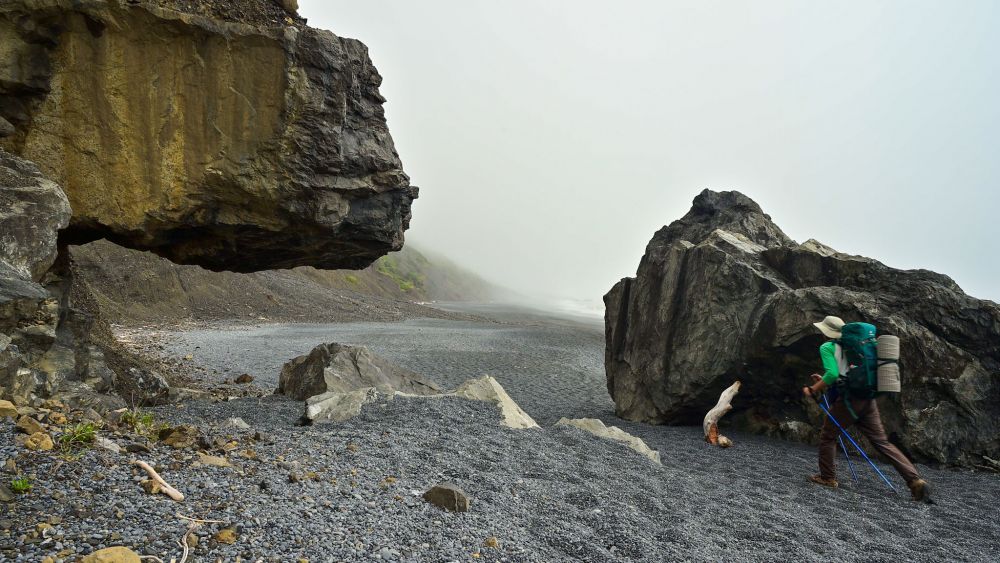
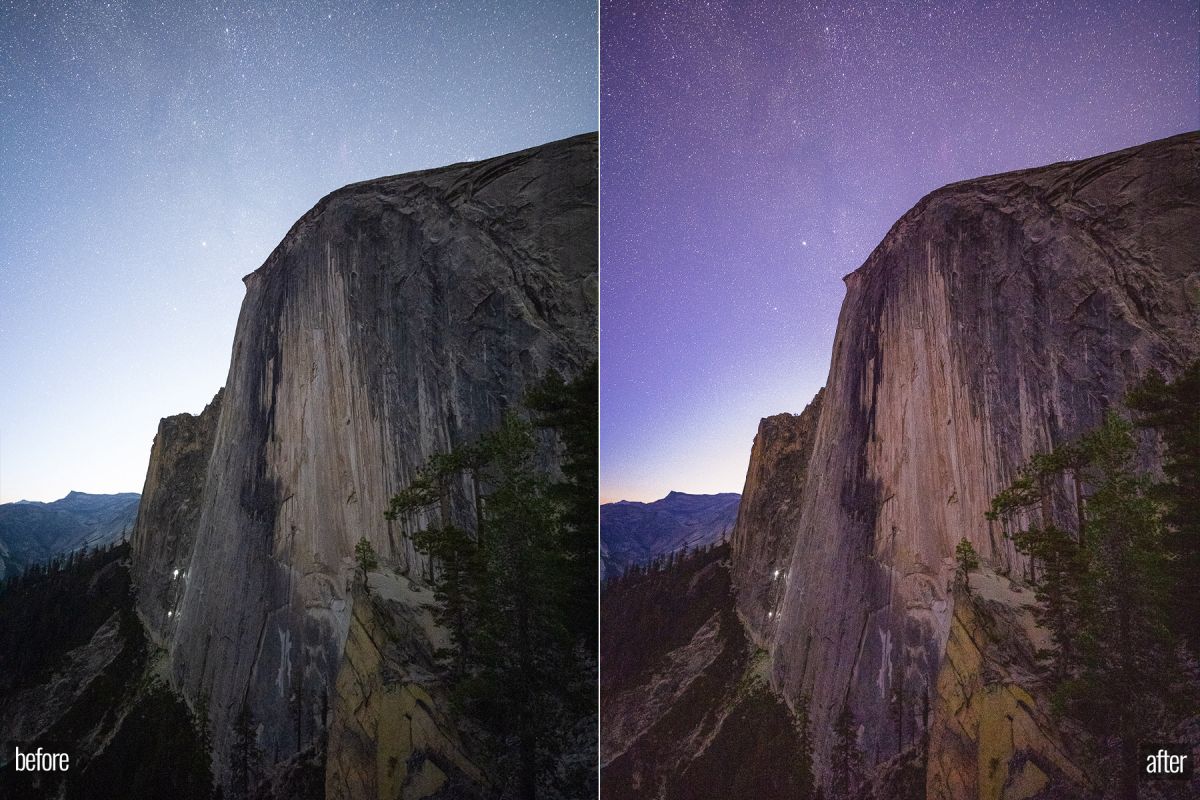
See the versatility of the presets in the images below.  Each of these images are post processed with just a single click of the presets and adjustments to white balance and exposure. 

(Click on each image to enlarge)


[vcg_button text=”More Information” alignment=”center” shape=”square” background_color=”#4dbcd7″ link=”https://www.thephotoargus.com/lightroom-presets-landscape-photography/” width=”99%”]


What Does Each Pack do?

Let’s review what each pack does and show you why this represents the ultimate workflow for landscape photographers.

Pack 1 – Vibrant Landscape Presets

$39 (Regular Price) – Included in Bundle

The first pack is the Vibrant Presets Pack, 8 scene-based presets and 17 quick fix presets designed to create color correct, vibrant images that make your images “pop.” Most images will be 100% done after this step.  vibrant graphic 1

[vcg_button text=”More Information” alignment=”center” shape=”square” background_color=”#4dbcd7″ link=”https://www.thephotoargus.com/lightroom-presets-landscape-photography/” width=”99%”]


Pack 2 – The Stylization Presets Pack

$39 (Regular Price) Included in Bundle

The second pack includes 15 stylization presets. Use these to play around, experiment, and discover beautiful tones for landscape images. Switch from “boho” to “bright and airy” to “dreamy magenta” and more in a single click. Below are some of our favorite styles.

magentascapes
coffee scapes
tealscapes
brightscapes
greenscapes
bluescapes
[vcg_button text=”More Information” alignment=”center” shape=”square” background_color=”#4dbcd7″ link=”https://www.thephotoargus.com/lightroom-presets-landscape-photography/” width=”99%”]


Brushes and Local Adjustments

$29 (Regular Price) Included in Bundle

The last pack is our advanced brushes, 20 local adjustments that help you polish and perfect your landscape images, whether you’re bringing back detail in skies or creating drama with dodging and burning.

brushes

See the GIF example below of the “Darken (Burn) Recover Sky” Brush below.

sky burn  

[vcg_button text=”More Information” alignment=”center” shape=”square” background_color=”#4dbcd7″ link=”https://www.thephotoargus.com/lightroom-presets-landscape-photography/” width=”99%”]

More Info About the Presets and The Photo Argus

saville profile These presets were designed by Matthew Saville, an award winning photographer and the senior editor for both SLR Lounge and The Photo Argus.

After 15+ years photographing landscapes and 10+ years creating Lightroom presets, Matt has designed the ultimate landscape photography preset bundle that gives you all of the tools you need in one place.

Alice Houstons

Alice Houstons is a photographer and staff writer at SLR Lounge with over a decade of experience behind the lens. Based in Orange County, California, she shoots weddings with Lin & Jirsa Photography and specializes in family and newborn photography with Line and Roots, where she has photographed over 100 family sessions and 100 newborn sessions. Her writing spans photography education, gear guides, business resources, and industry news.

More articles by Alice Houstons →

RELATED POSTS

raw vs dng

RAW vs. DNG – A Practical Overview of the Differences

April 25, 2026

In photography and photo editing, the choice of file format is an...

Night landscape of sand dunes with starry sky, showing before and after photo editing comparison.

DxO PureRaw 6 Review | The Best Raw Data From Your Image Files

April 08, 2026

Did you know that when you see a “raw” image, you’re usually looking at...

VideoProc Aims to Simplify Your Holiday Videos With AI-Powered Tools (+ Easter Offer)

April 01, 2026

Digiarty’s latest VideoProc Converter AI update serves as a practical companion for capturing...

Aiarty Image Matting: Faster, Smarter Background Removal for Your Photo Editing Workflow (Exclusive Offer)

March 25, 2026

Removing a background from an image shouldn’t take hours or require advanced Photoshop skills....